Why Are iPhone Videos MOV Files?
iPhones record video as MOV because of Apple's QuickTime format. Here's why, what it means for compatibility, and how to fix it in seconds.
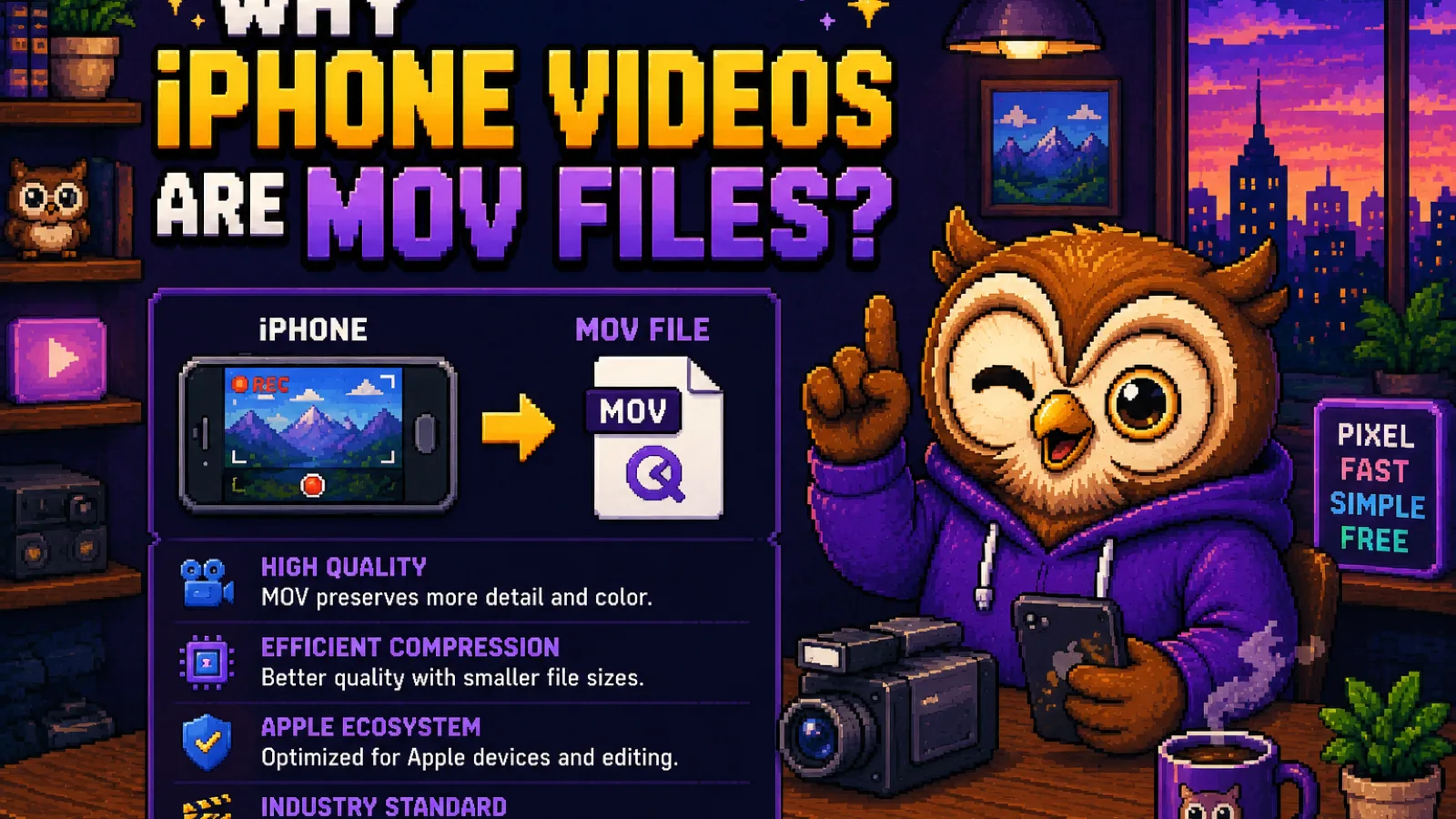
You AirDrop a video from your iPhone, try to upload it somewhere, and the site rejects it or a Windows PC just refuses to open it. Check the file extension and it says .mov, not the .mp4 you expected. This isn't a bug. It's Apple's default video container, and it's been that way since long before the iPhone existed.
MOV is older than the iPhone#
MOV is short for QuickTime File Format, or QuickTime Movie. Apple created it in 1991 for the original QuickTime media player on classic Mac OS, decades before smartphones existed. When Apple needed a video format for the first iPhone camera in 2007, QuickTime's container was already the native format across every Apple device and every piece of Apple software, so it carried straight over. The iPhone didn't adopt MOV for video recording; it inherited it.
That history matters for a technical reason too: MOV is one of the containers that the later MP4 standard was directly modeled on. The two are close relatives under the hood, which is exactly why converting between them is so painless (more on that below).
A container, not the video itself#
A video file isn't one solid piece of data. It's a container that bundles a video stream, an audio stream, and metadata like timestamps and orientation into a single file. The container decides what a device recognizes and knows how to open; the actual video codec inside (usually H.264 or, on newer iPhones, H.265/HEVC) is a separate layer that determines quality and compression.
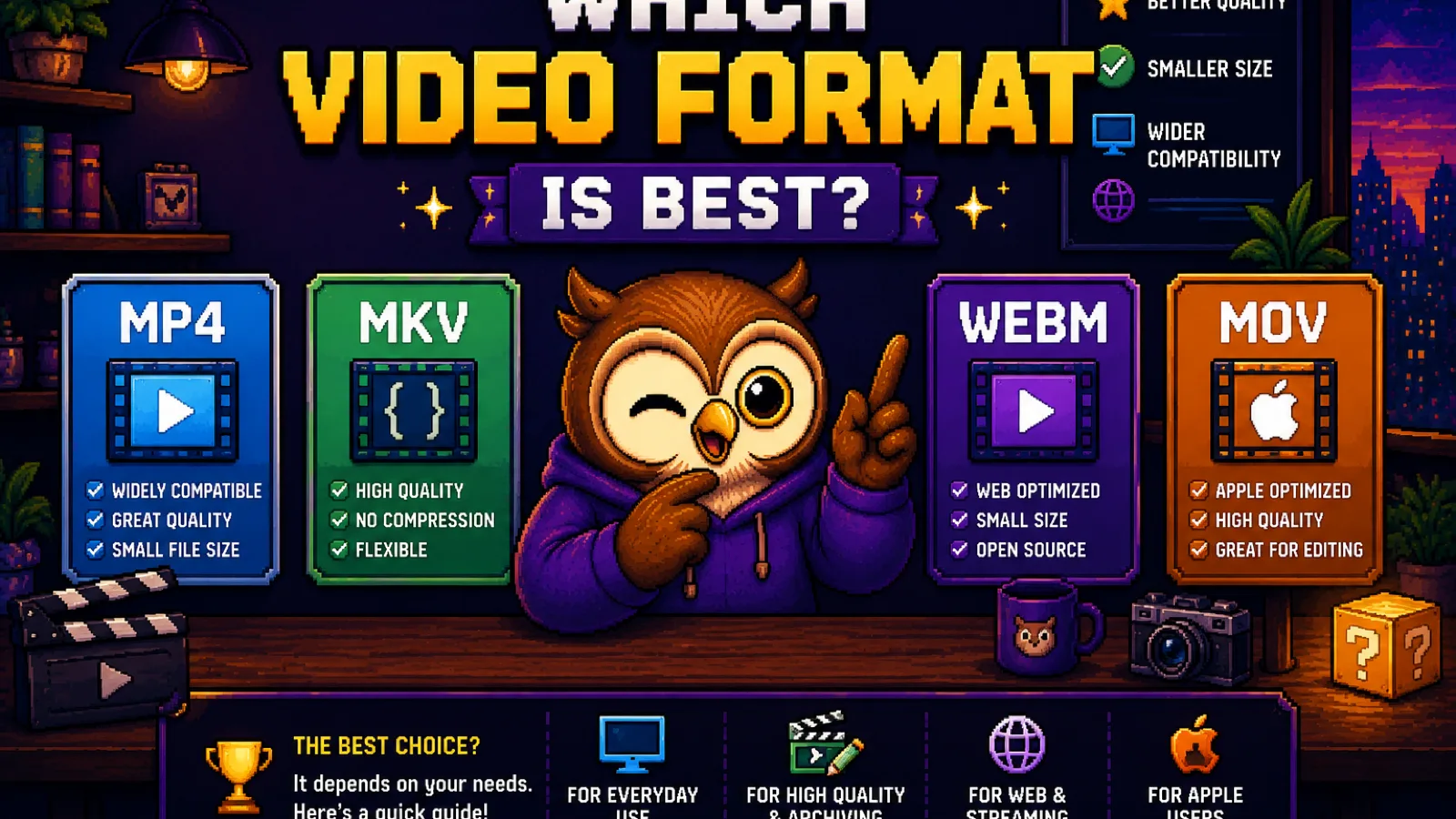
MOV and MP4 typically hold the same codecs. The difference is almost entirely in how the container wraps the file, not in what's inside it. If you want the fuller comparison against WebM and MKV too, the video format guide breaks down all four.
Why MOV causes compatibility problems#
MOV plays flawlessly on Apple hardware: iPhone, Mac, QuickTime Player, iMovie, Final Cut. Outside that world, support gets inconsistent:
- Windows doesn't play MOV natively without QuickTime or a third-party codec pack installed.
- Older Android phones and many budget devices skip MOV support entirely.
- Upload forms and CMSs (some social platforms, some CRMs, some email clients) accept MP4 but reject MOV outright, because MP4 is the format they were built to expect.
- Some video editors and ad platforms require MP4 specifically, regardless of whether the codec inside would otherwise be compatible.
None of this means the video is corrupted or lower quality. It means the file arrived in the one container that isn't universally expected.
The fix takes seconds, not a re-record#
Because MOV and MP4 usually wrap the same H.264/H.265 video, converting between them is a repackaging operation, not a re-encode. The video and audio streams get moved into a new wrapper; nothing gets recompressed or resampled, so there's no visible quality loss. Run the file through MOV to MP4 and it comes out the other side in the same resolution, same bitrate, same audio, just wearing a container almost everything can open.
The tool runs entirely in your browser using WebAssembly, so the video file is never uploaded to a server. That matters for anything personal: no waiting on an upload bar, and no copy of your video sitting on someone else's machine while it converts.
If the clip also needs to lose its audio track, for example turning a phone recording into a silent background loop, Mute Video strips the audio cleanly without touching the video, and works on the resulting MP4 just as well as the original MOV.
Does converting MOV to MP4 lose quality?#
No, in the overwhelming majority of cases the conversion is lossless, because both containers commonly hold the same H.264 or H.265 codec and the process simply repackages the existing video and audio streams into a new wrapper. You should still preview the converted file before deleting the original, since a small share of MOV files use Apple-specific codecs like ProRes that do require re-encoding to play elsewhere.
FAQs#
Why does my iPhone save videos as MOV instead of MP4? The iPhone defaults to MOV because it's Apple's native QuickTime container, the same format Apple has used across Mac and iOS since long before the iPhone existed, and it integrates cleanly with Apple's own editing and playback software.
Can I change my iPhone's camera settings to record MP4 directly?
Not exactly. Under Settings > Camera > Formats, you can choose "Most Compatible," which records H.264 video instead of H.265, but the file will still save with a .mov extension; the setting changes the codec, not the container.
Is a MOV file just an MP4 with a different name? Not quite, though they're close relatives. Renaming the file extension won't convert it, since the container's internal structure differs even when the codec inside is identical; you need an actual conversion, not a rename.
Will MOV files play on Android? It depends on the device and app: some newer Android phones and most modern browsers can play MOV, but plenty of older devices, native gallery apps, and upload forms only recognize MP4, so converting first is the safer bet if you're sending the file somewhere you don't control.
Does converting from MOV to MP4 reduce file size? Usually only slightly, since a straight container conversion doesn't re-encode the video; any size difference mostly comes from container overhead, not compression. To actually shrink a video's file size, you'd need to re-encode it at a lower bitrate instead, which is a different operation from a container swap.
Is it safe to convert a personal video online? Yes, provided the tool runs the conversion locally in your browser rather than uploading the file to a server. ConvertOwl's MOV to MP4 tool works entirely client-side using WebAssembly, so your video never leaves your device.
The short version#
MOV isn't a mistake or a glitch. It's Apple's decades-old QuickTime container, and the iPhone uses it because every piece of Apple software already speaks it fluently. The moment a video needs to travel outside Apple's ecosystem, converting to MP4 fixes compatibility instantly and, since both containers usually hold the same codec, does it without touching quality. Browse more comparisons on the file formats hub, or head straight to MOV to MP4 and convert your clip now: no upload, no account, no wait.
Try the tools
Free, private, and instant. Everything runs in your browser.