
Formats5 min
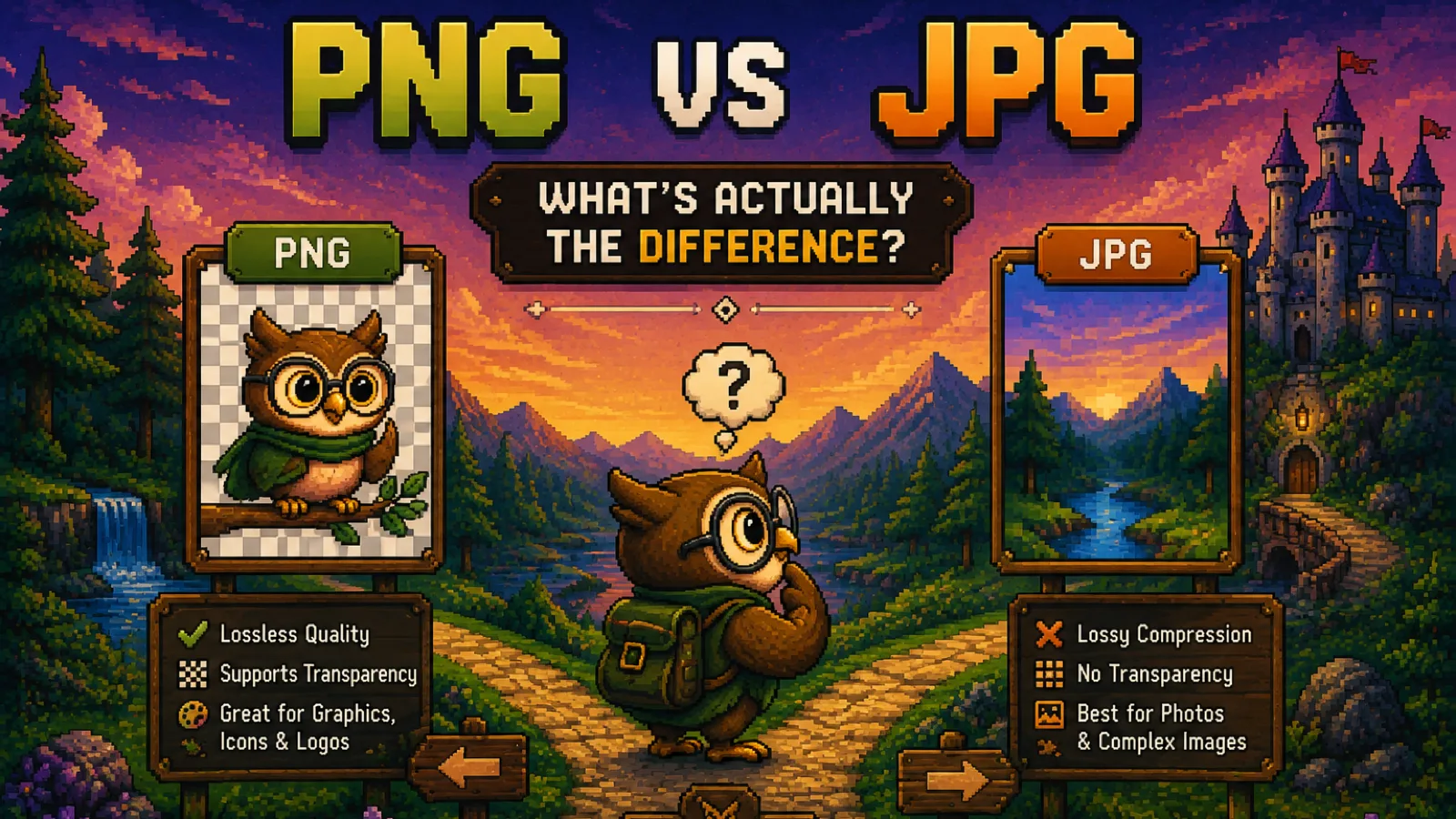
PNG vs JPG: What's Actually the Difference?
PNG vs JPG explained: lossless vs lossy, transparency, file size, and a simple rule for when to use PNG and when JPG is the better pick.
The ConvertOwl Blog
How-to guides, file-format explainers, and notes on the technology that lets your files stay on your device.
PNG vs JPG explained: lossless vs lossy, transparency, file size, and a simple rule for when to use PNG and when JPG is the better pick.
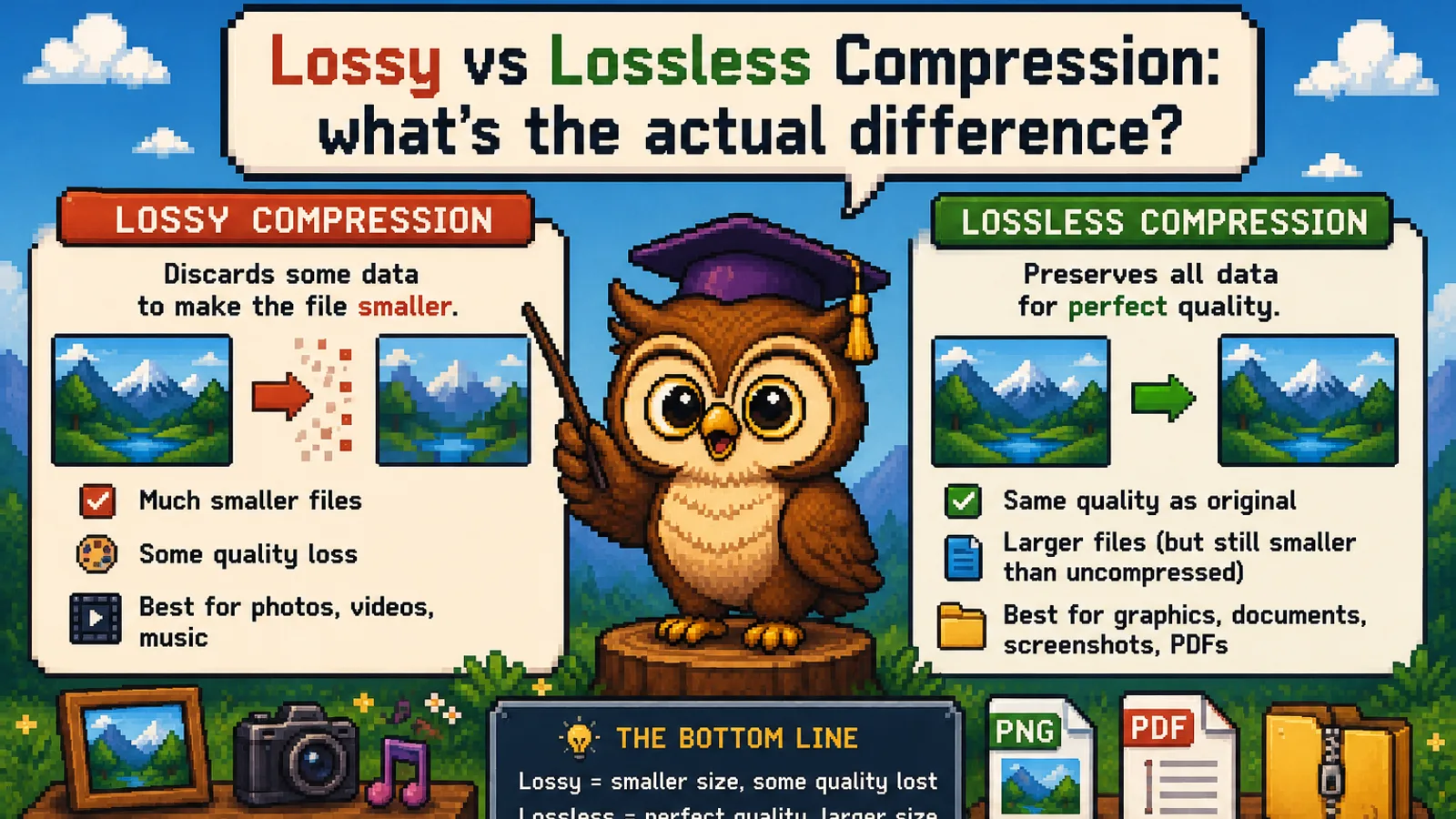
Lossy compression throws data away for smaller files; lossless keeps every bit. Here's how each works, which formats use which, and when to pick each.
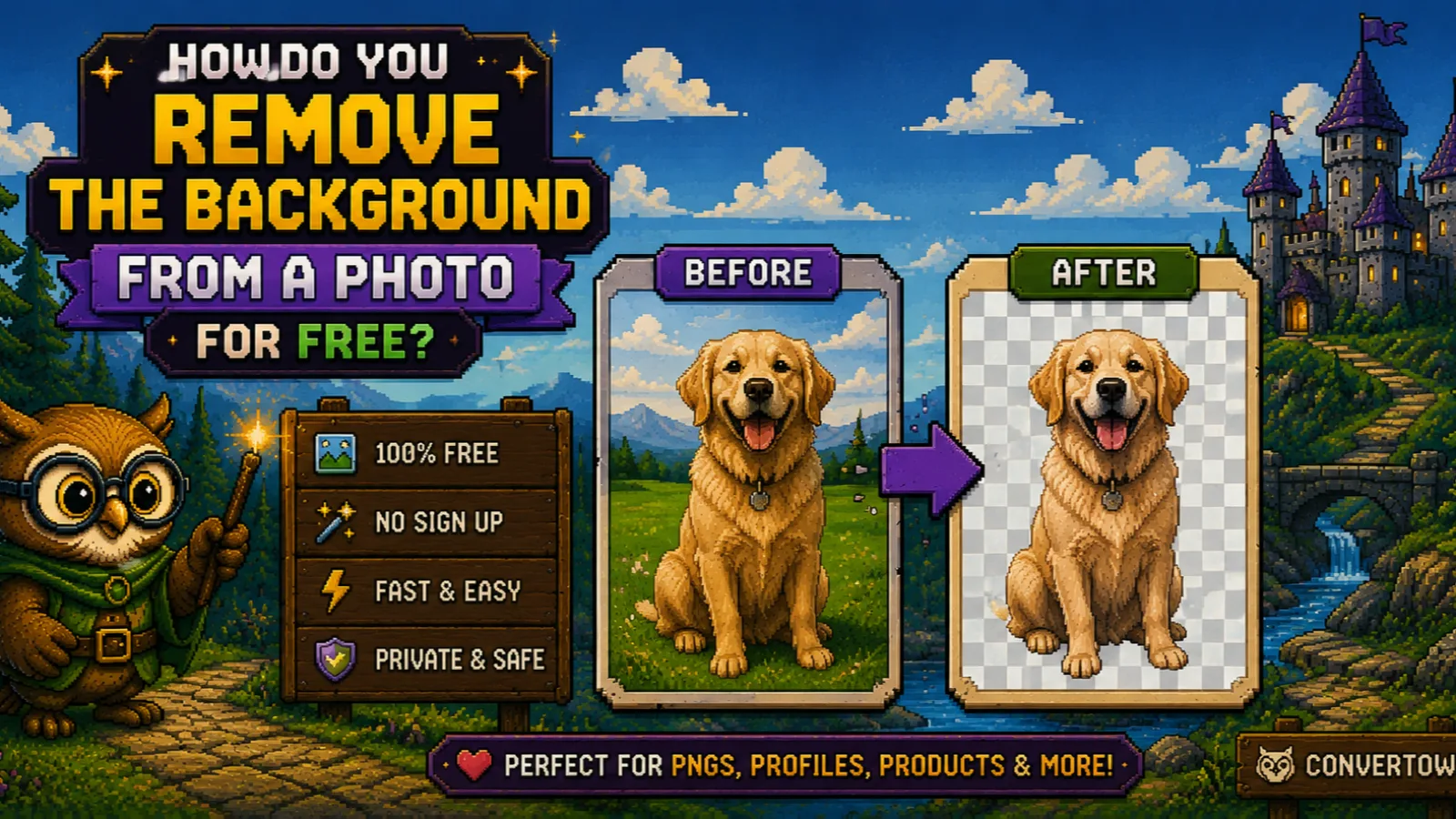
Remove the background from a photo free in your browser and get a transparent PNG. No upload, no signup, no watermark. Plus tips for cleaner cutouts.
Stamp DRAFT or CONFIDENTIAL across a PDF free in your browser, no Adobe and no upload. Step by step, plus what a watermark can and can't do.
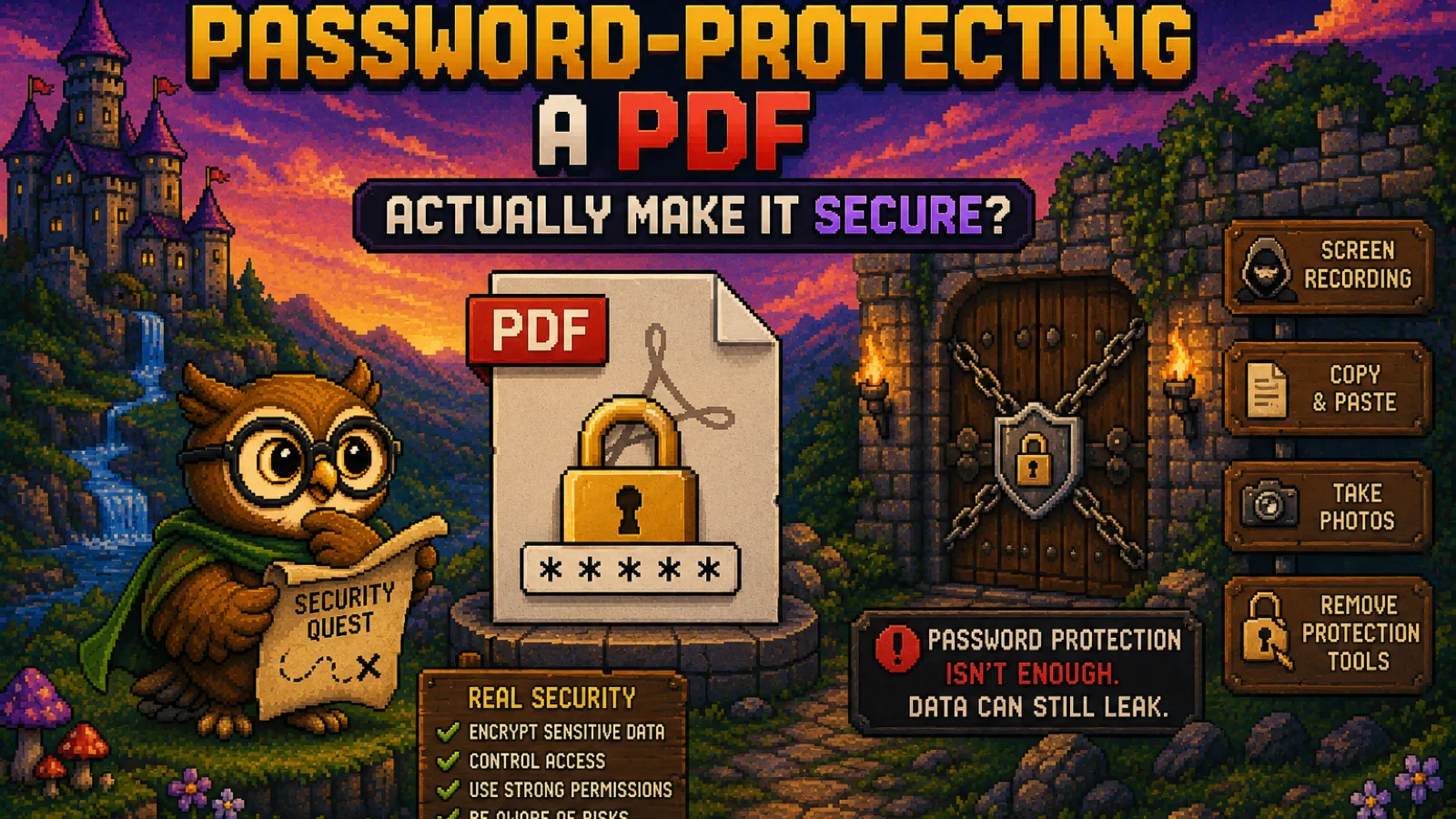
A PDF password can mean real encryption or a flimsy lock, depending on the setting. Learn the difference and how to protect a PDF properly.
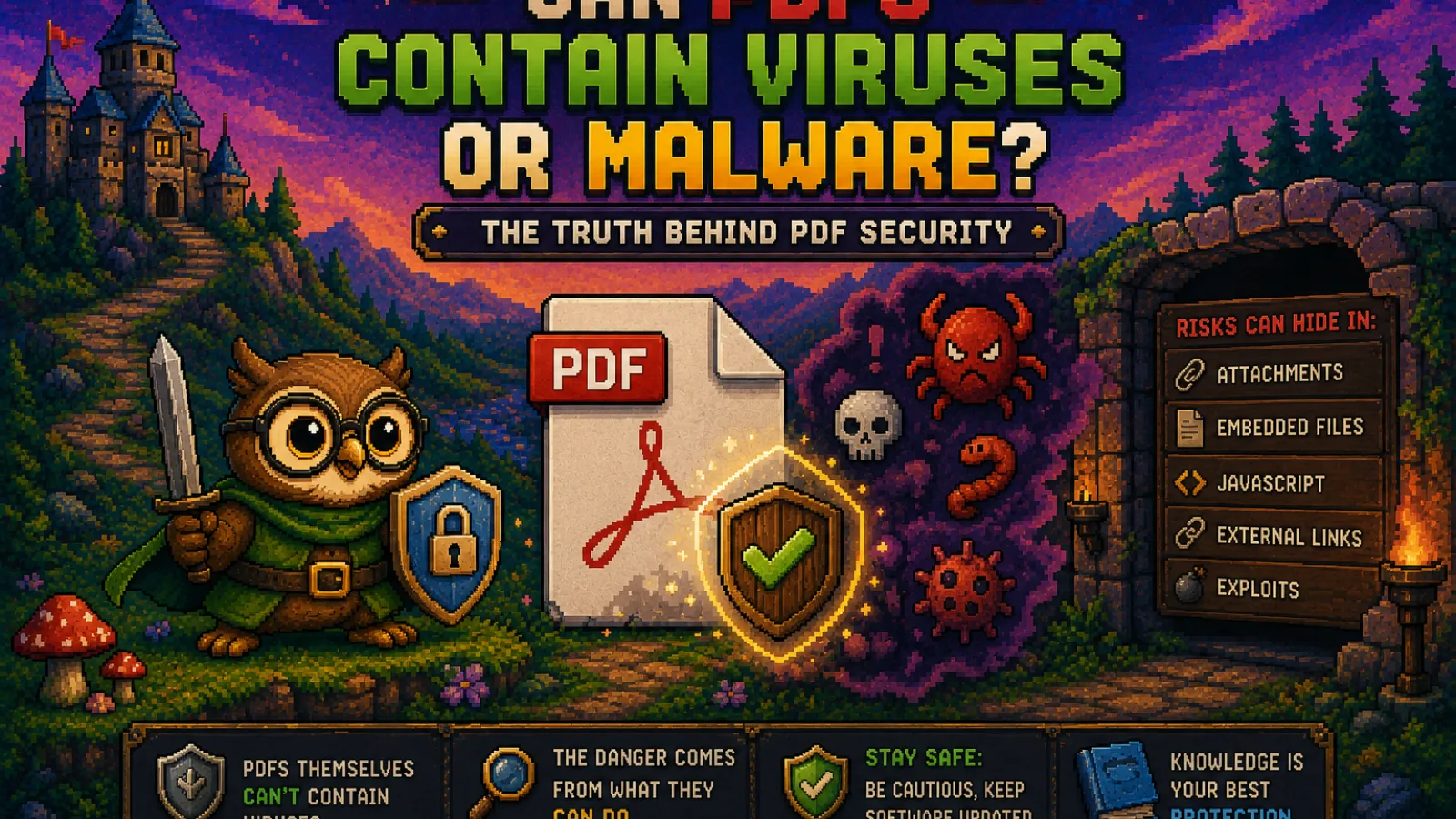
Yes, PDFs can carry malware, but usually not the way people assume. Learn how PDF exploits actually work and how to open one safely.
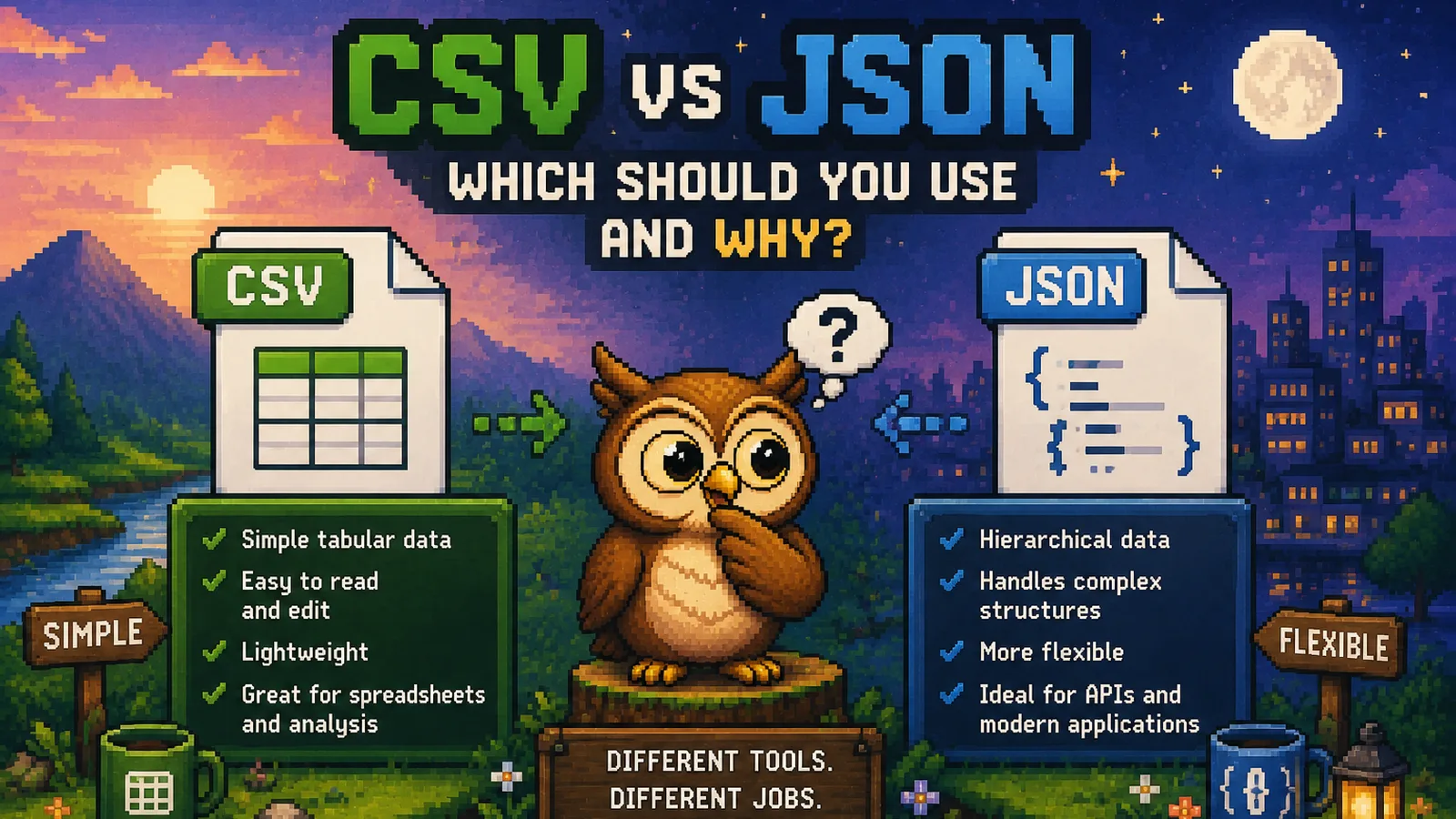
A plain-English comparison of CSV and JSON: structure, readability, and when each format is actually the right choice for your data.
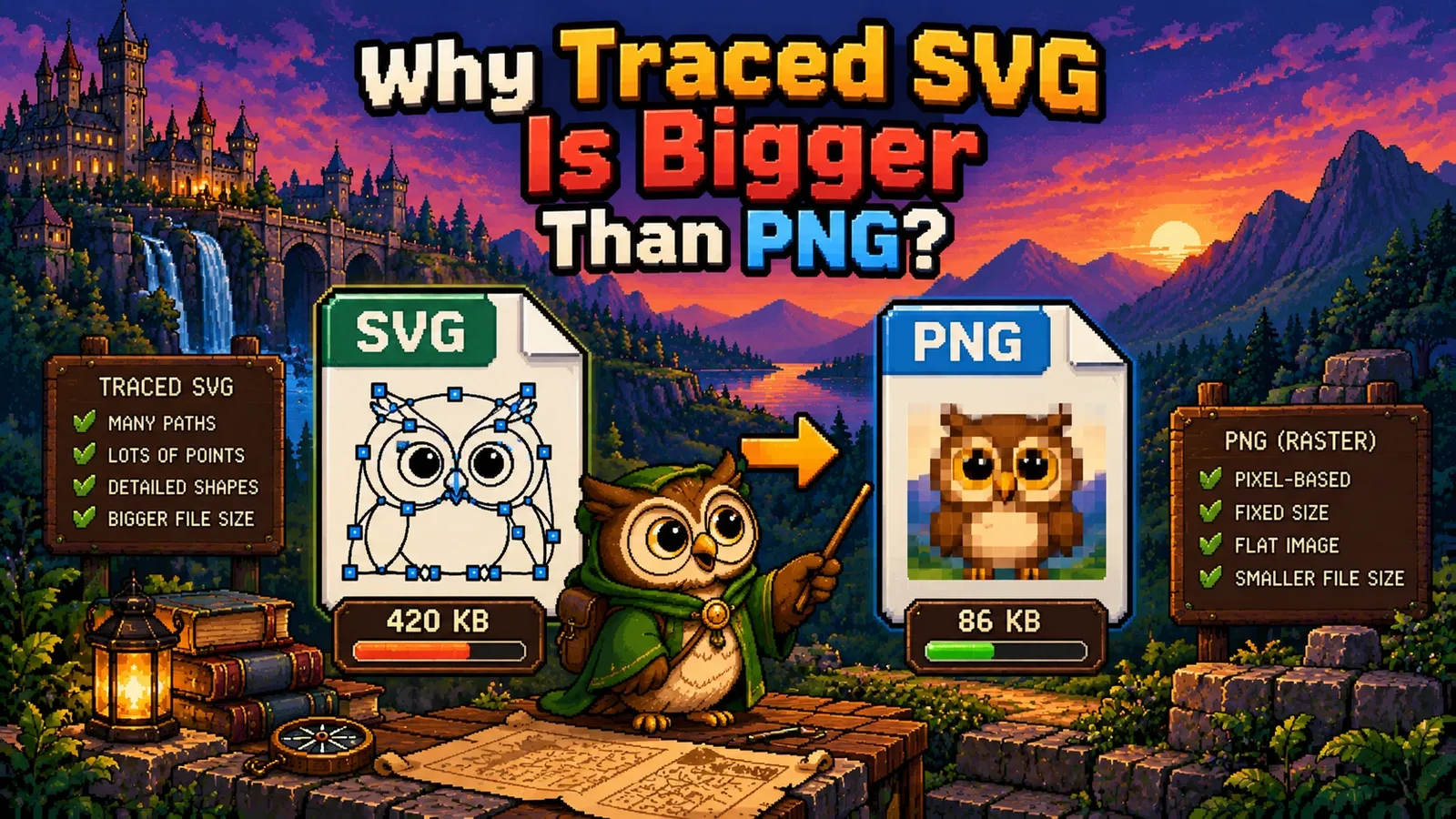
Tracing does not un-rasterize an image. Here is what it actually does, why photos come out ten times larger, and when it genuinely works.
The three things that decide your PNG: how the size is worked out, why the fonts vanish, and what gets stripped out of the file first.
Zipping a folder of photos or videos barely shrinks it. Here's why ZIP finds almost nothing left to squeeze from files that are already compressed.
Shrink JPGs and PNGs while keeping them sharp. Learn what actually causes quality loss, which format to pick, and the settings that are genuinely safe.
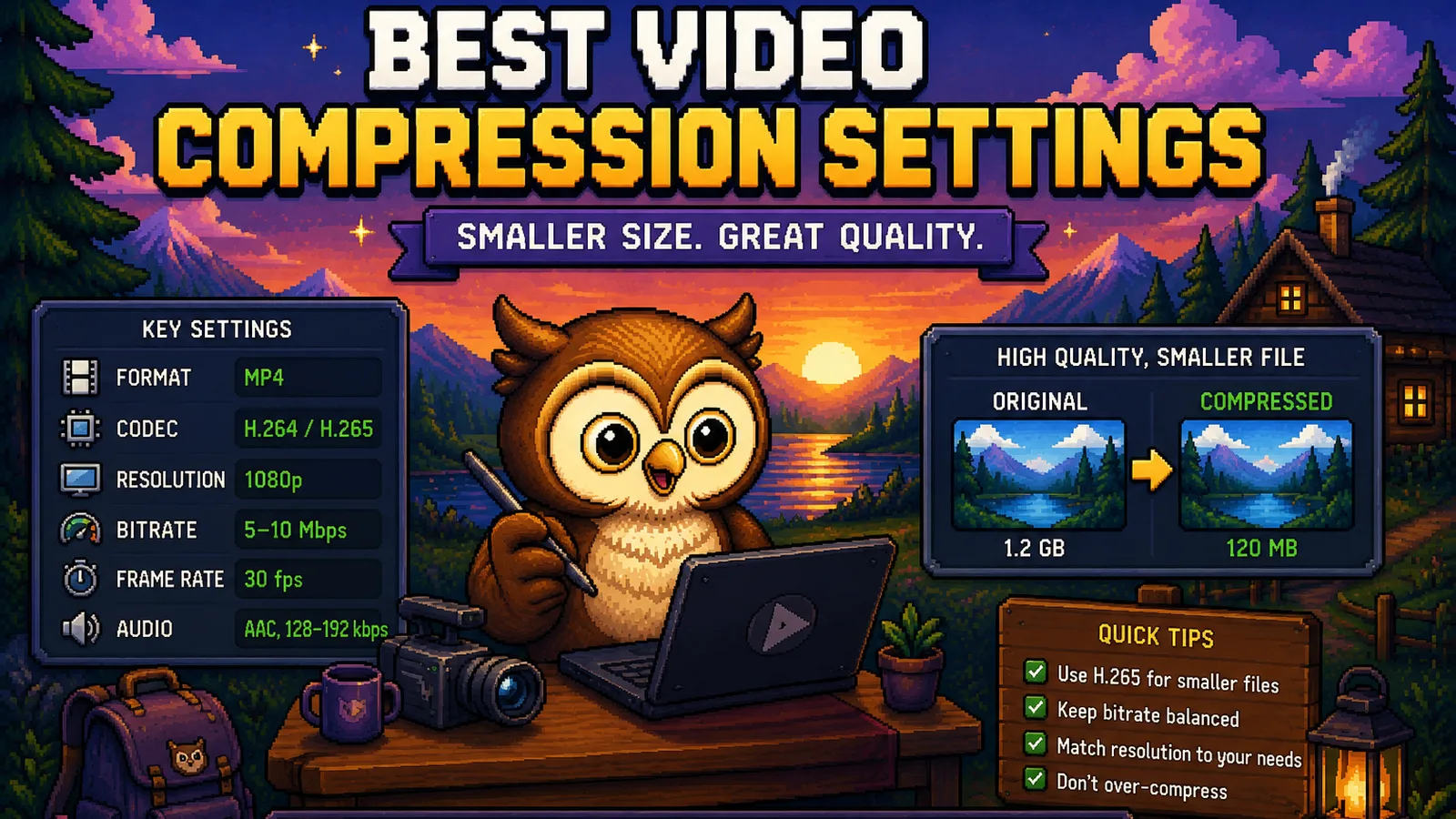
Resolution, bitrate, codec, and frame rate: the settings that actually shrink a video file, what to pick for each, and what to leave alone.
Not every free converter is actually free or actually safe. Here's what to check before you upload a file: privacy, limits, ads, and real cost.
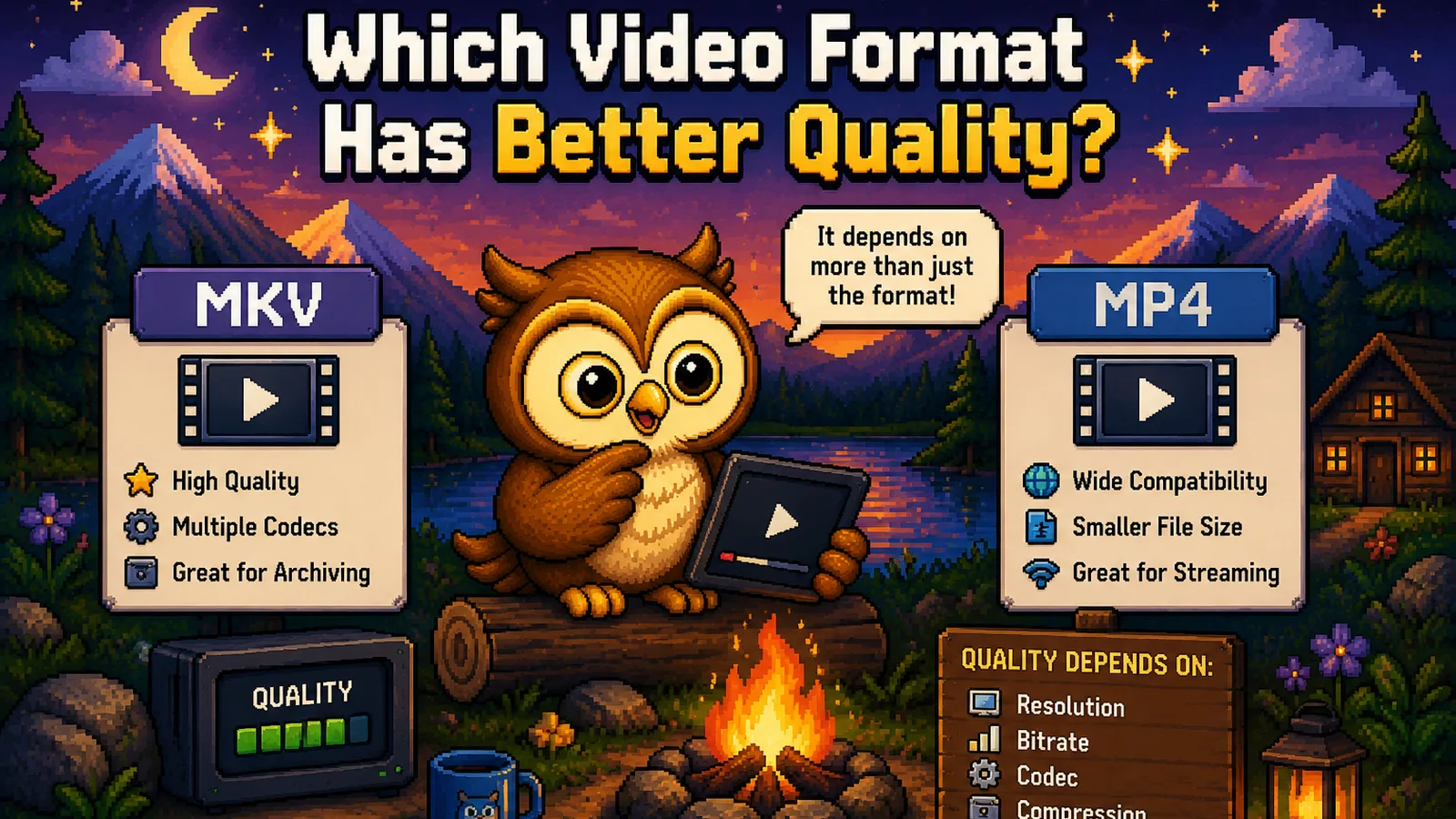
MP4, MOV, WebM, and MKV compared on actual visual quality: codec, bitrate, and resolution, not just compatibility. Here's what really matters.
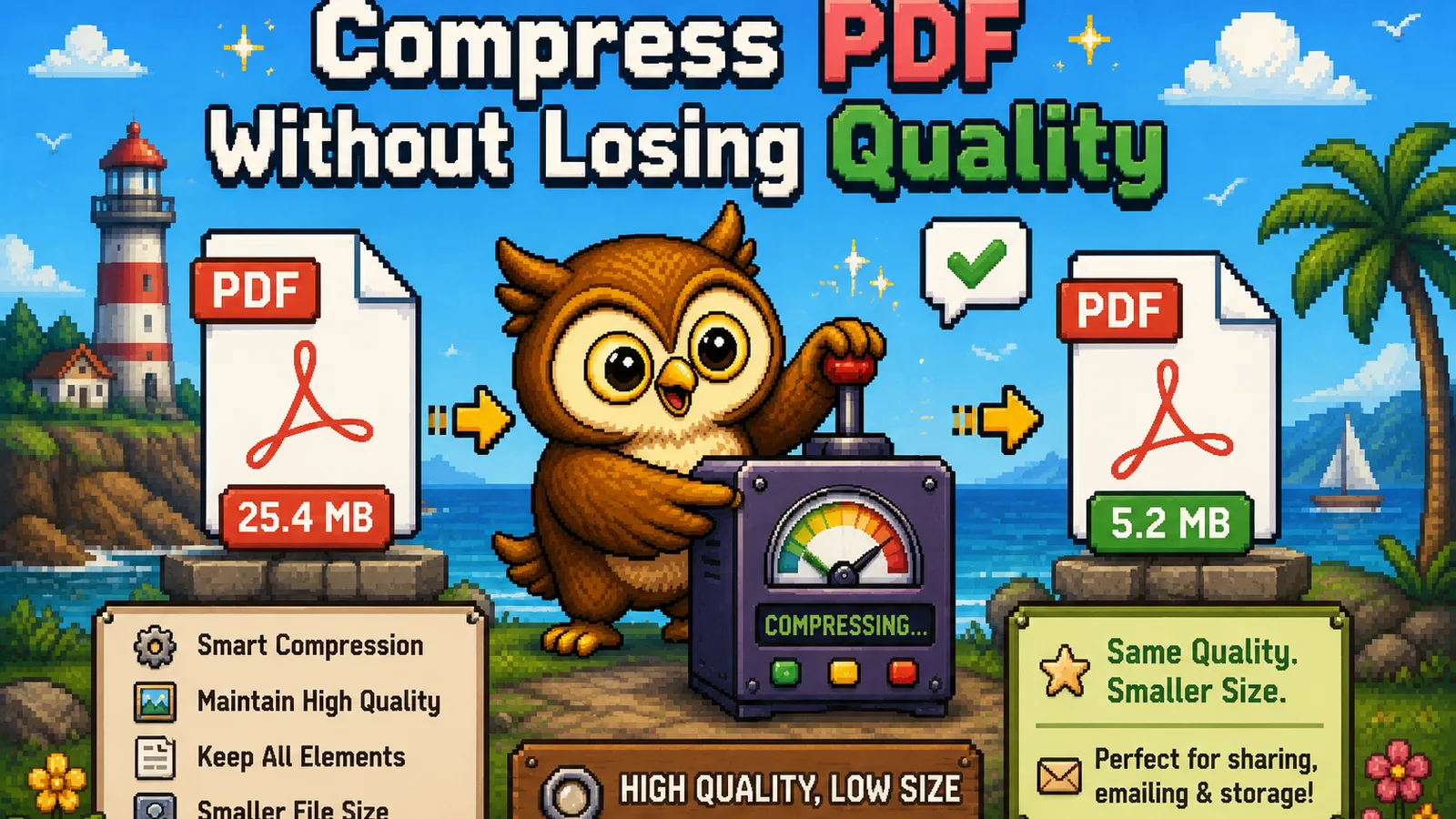
Shrink a PDF's file size while keeping images and text sharp. Learn which settings are actually safe, and which ones quietly wreck a document.
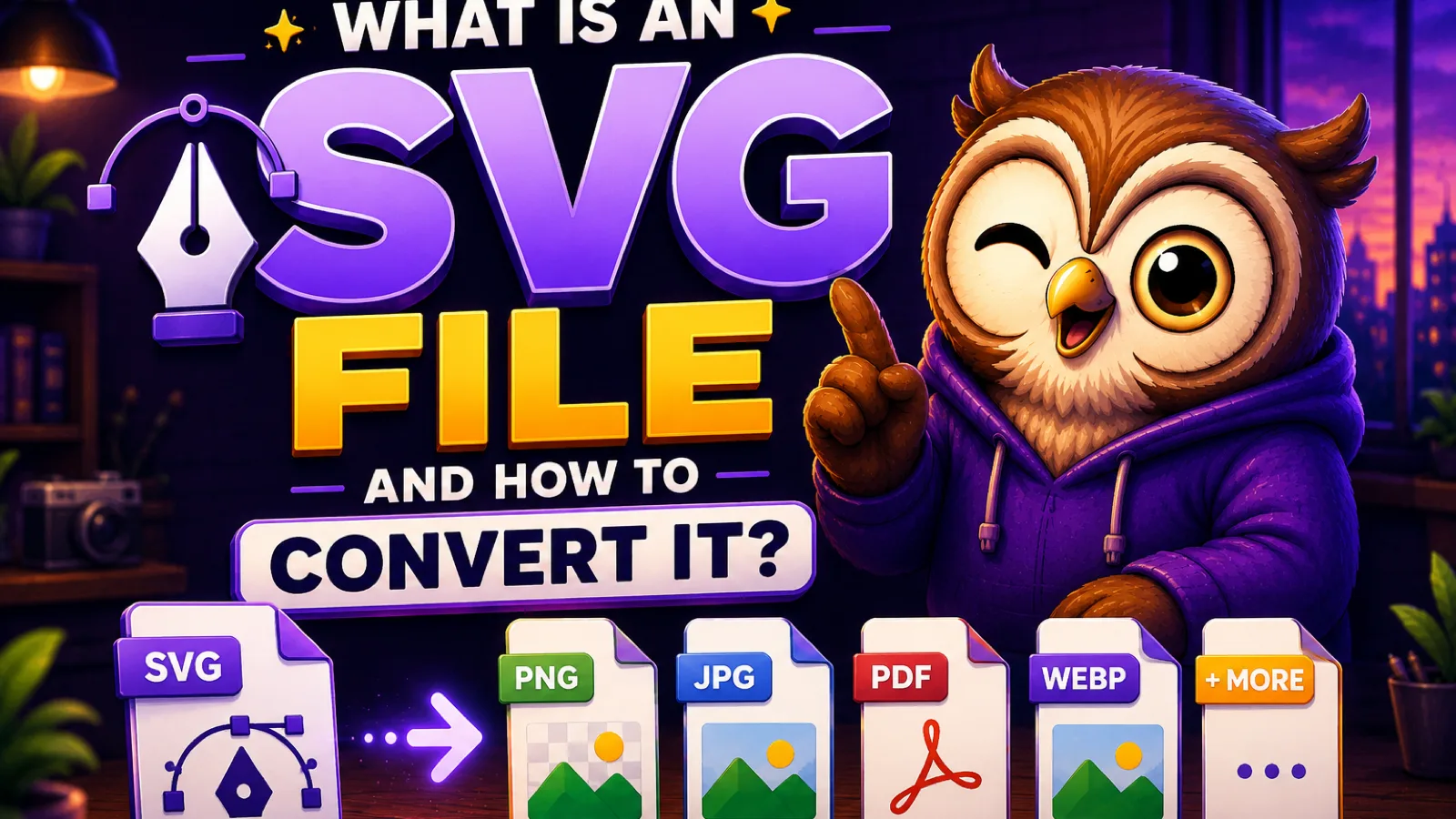
SVG is a scalable vector image built from code, not pixels, which is why logos and icons use it. Here's how it works and how to convert one to PNG.
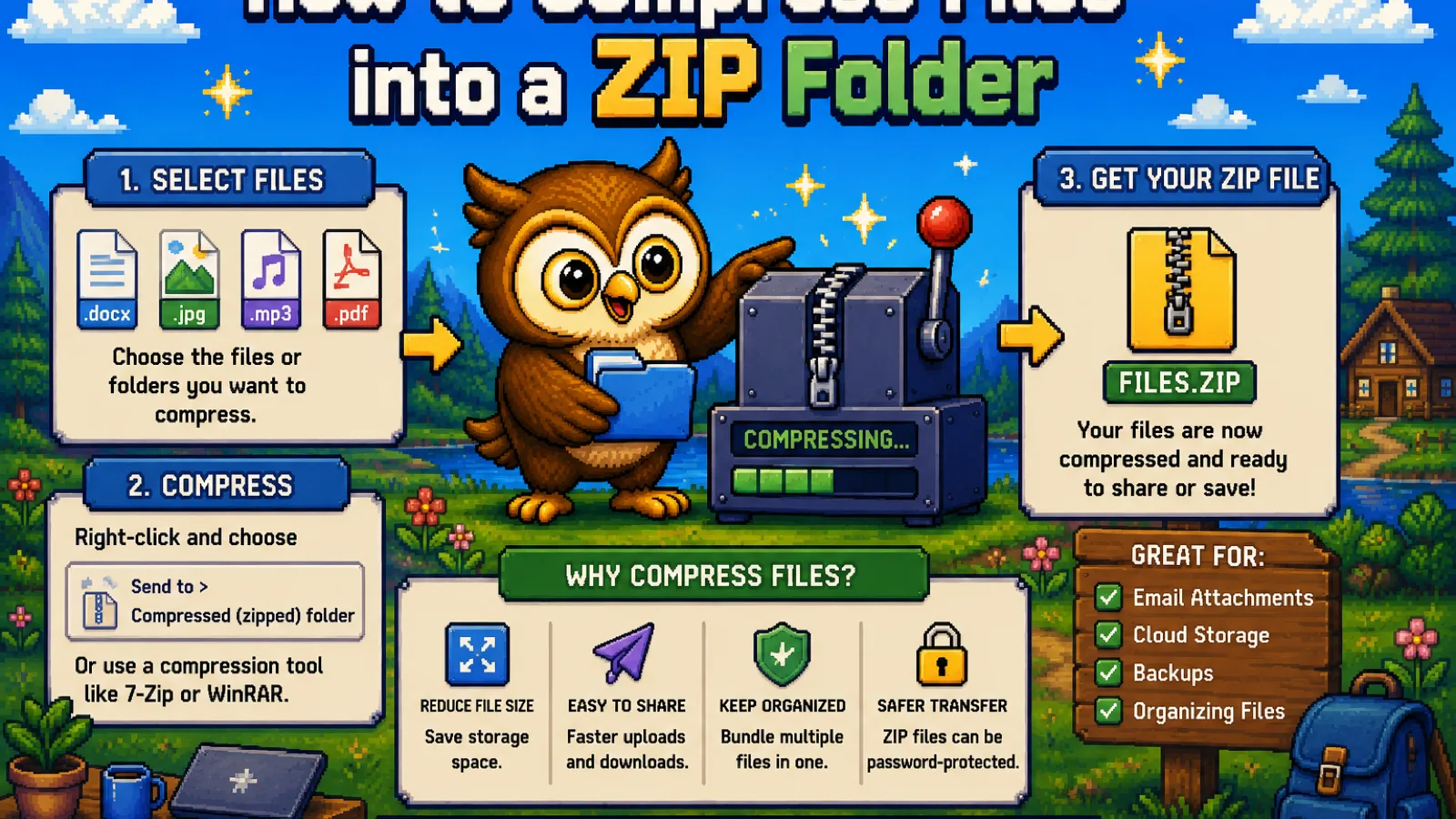
Compress any files into a ZIP folder free, right in your browser. No upload, no signup, and your files never leave your device.
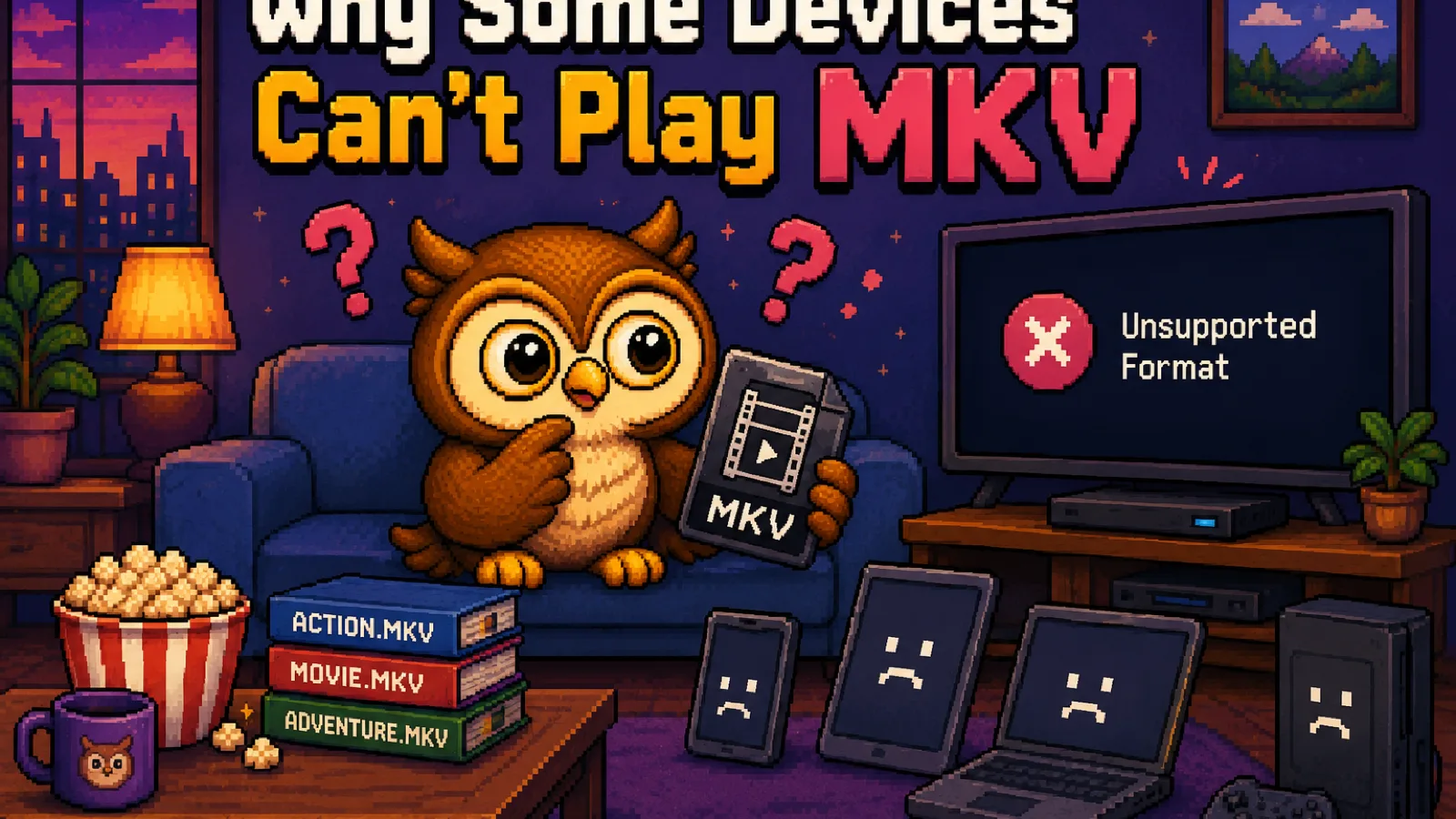
MKV files fail to play on phones, TVs, and some apps because of the container, not the video. Here's why, and how to fix it in seconds.
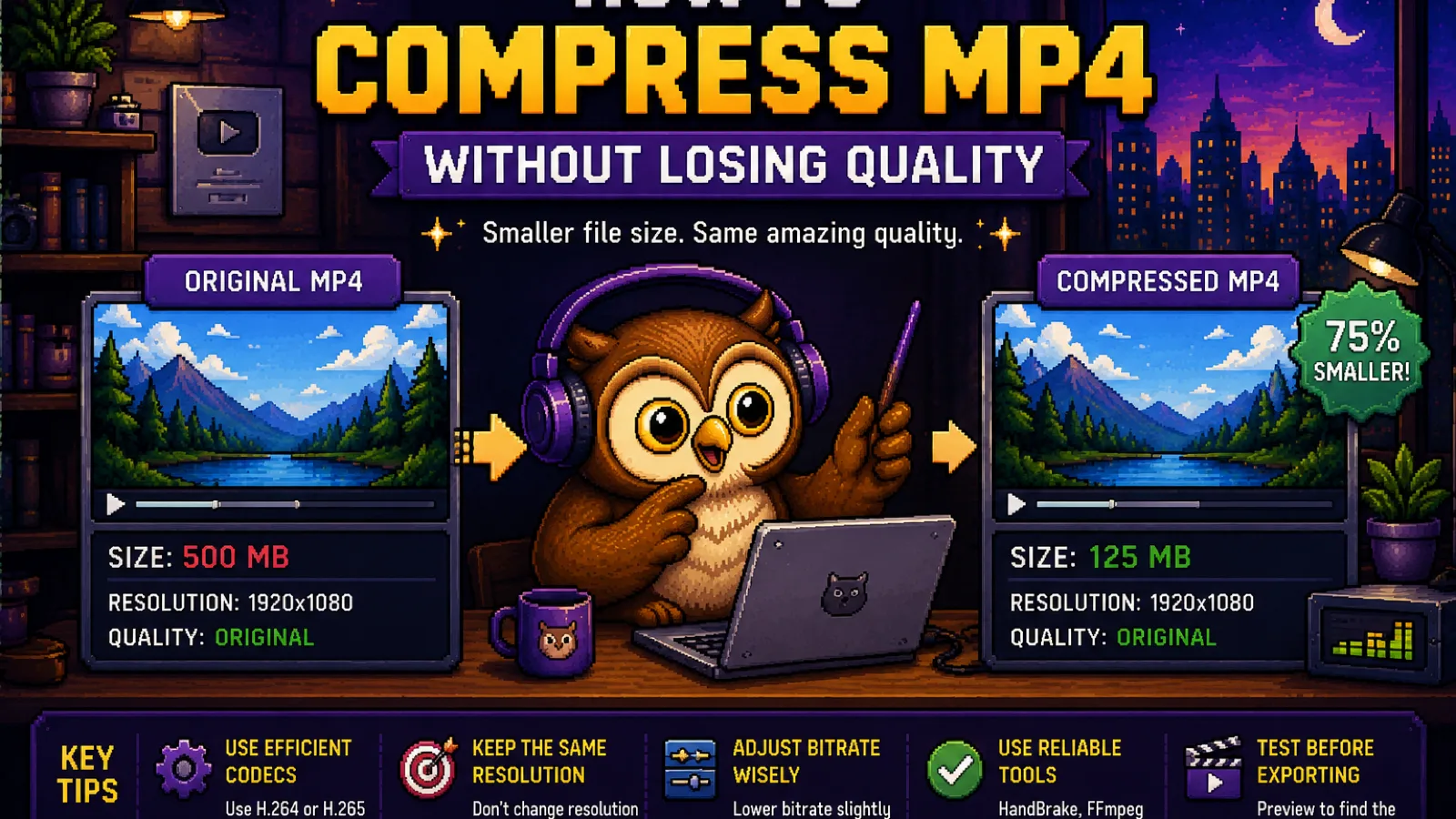
Shrink an MP4 video without wrecking the quality. Learn what actually makes MP4s big and how to compress one free, right in your browser.
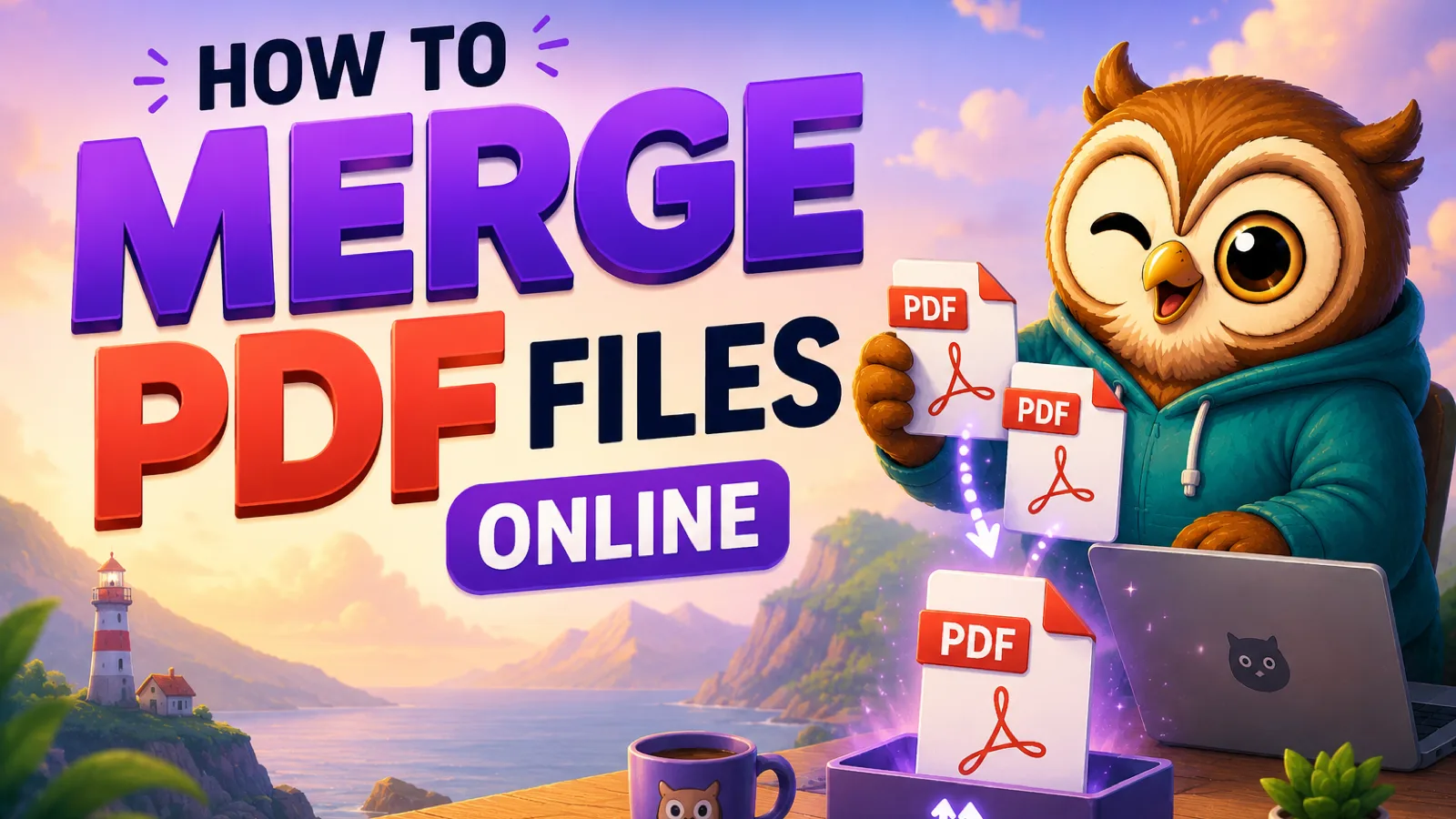
Merge PDF files online in seconds: no signup, no upload, no watermark. Drag your files in, set the order, and download one combined PDF.
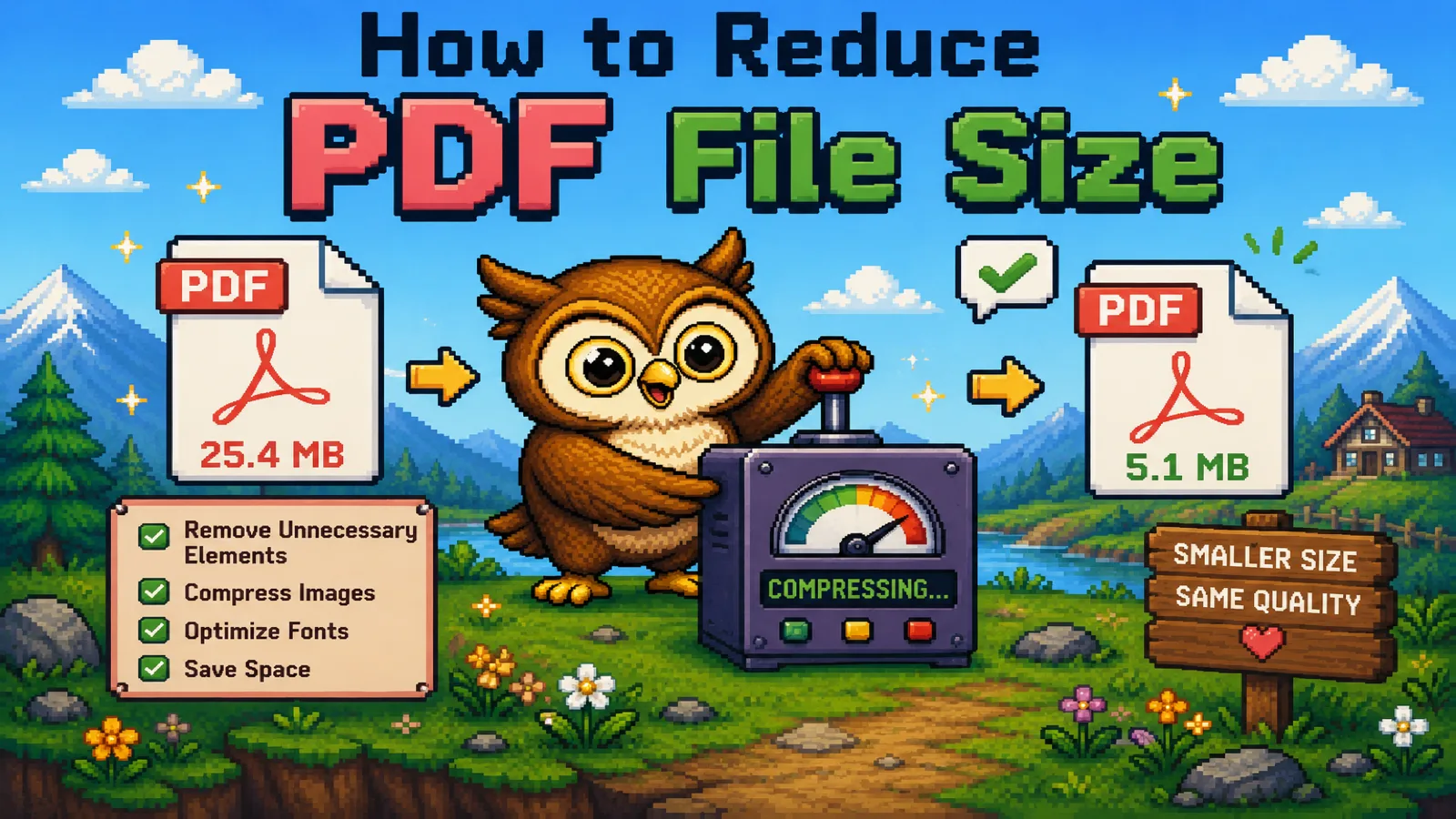
Five real ways to make a PDF smaller: compress images, split pages, rescan smarter, and more. Free, in your browser, no upload required.
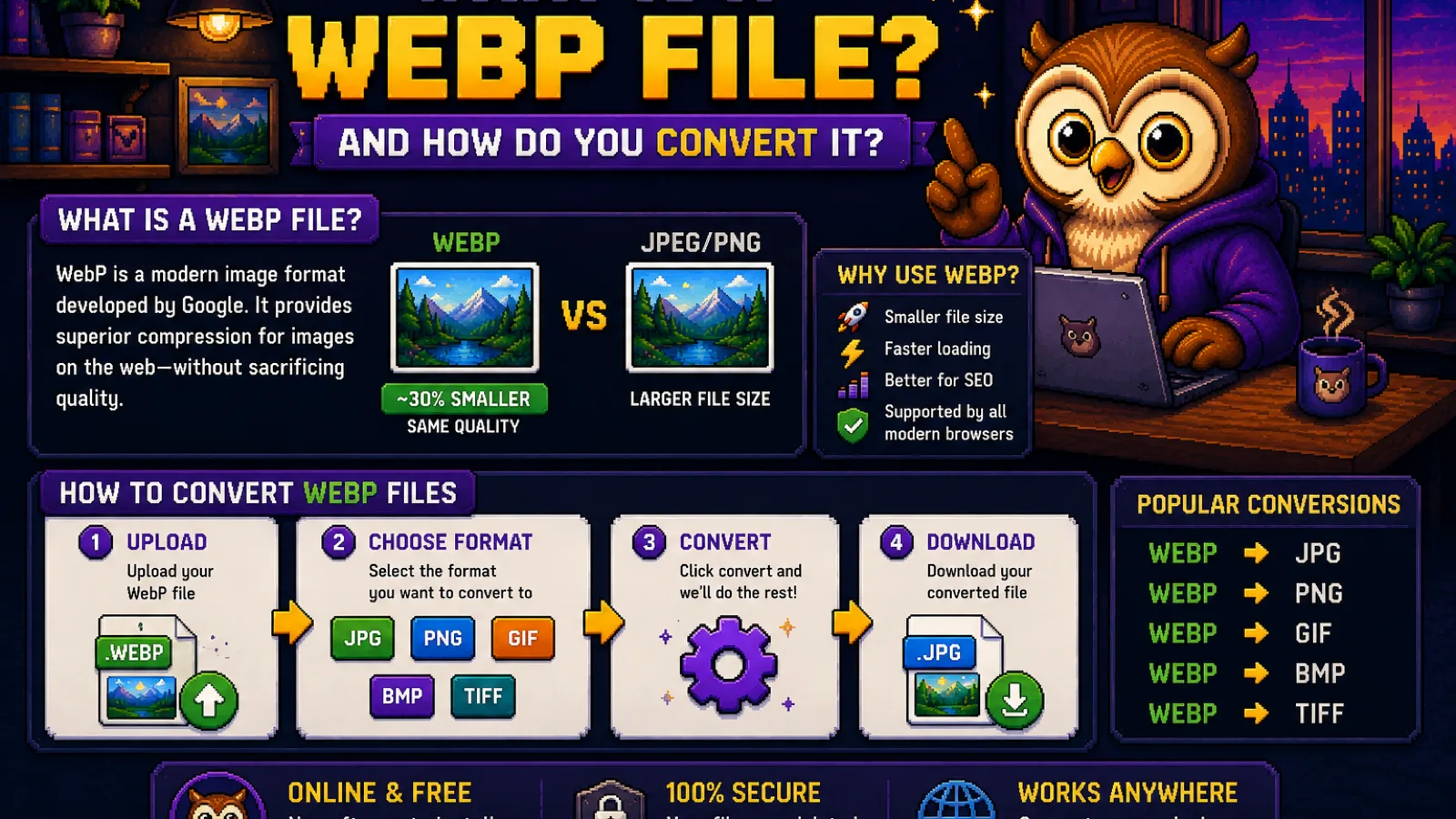
WebP is Google's image format built for the web: smaller files than JPG or PNG, transparency, even animation. Here's how it works and how to open it.
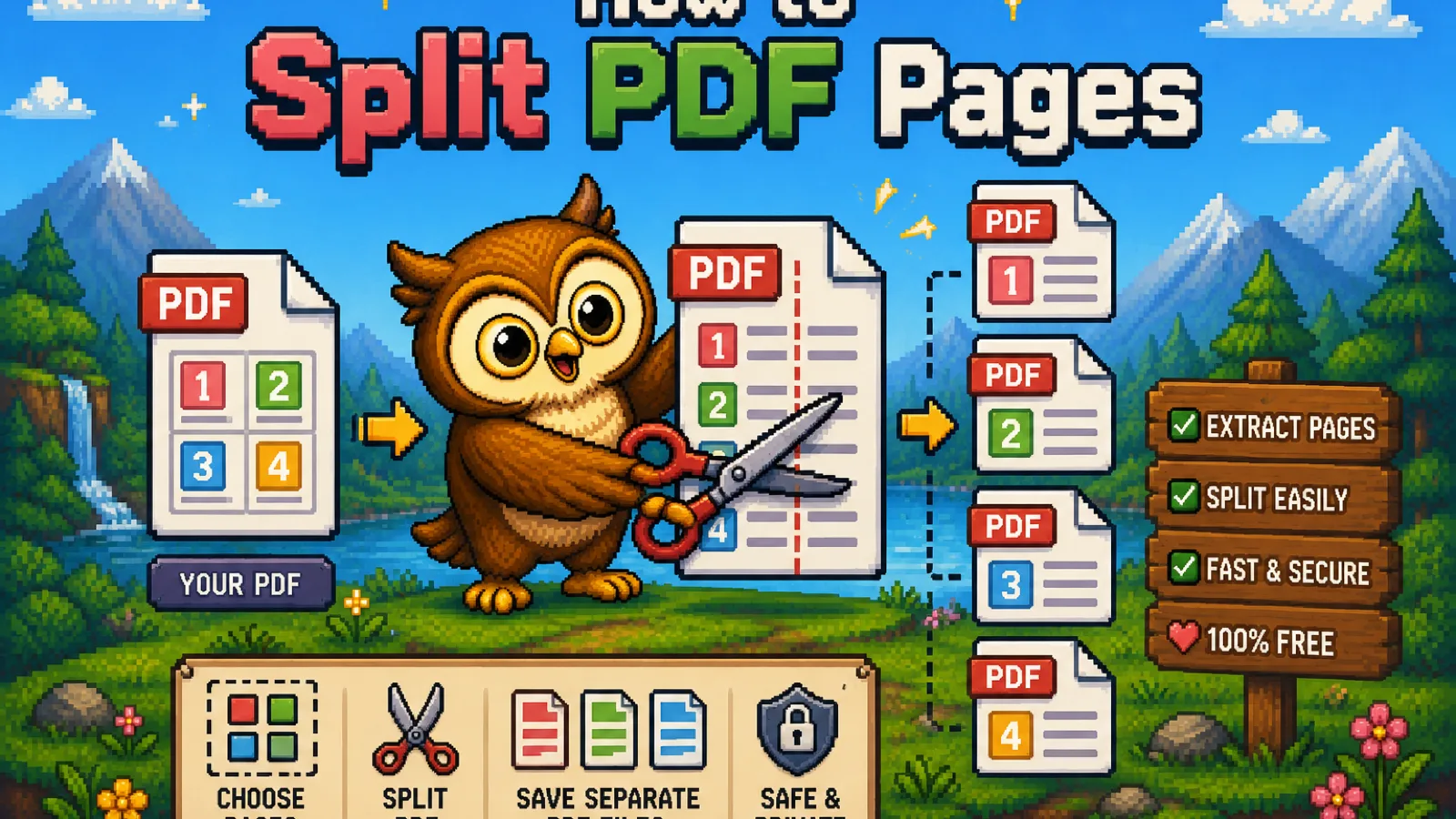
Split a PDF into separate pages or sections free in your browser: no upload, no watermark. Pull out exactly the pages you need in seconds.
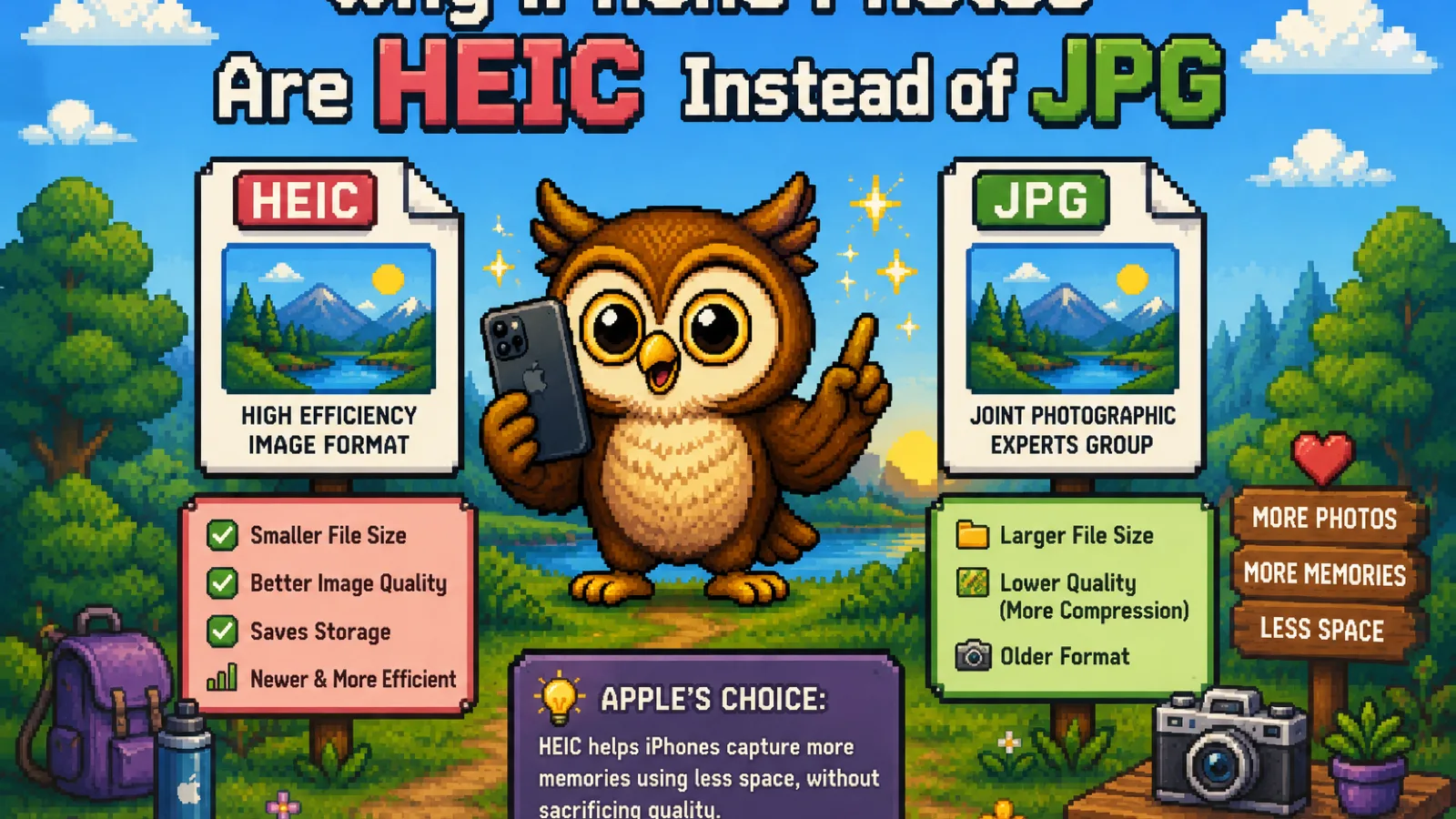
iPhones save photos as HEIC by default to save storage space. Here's why Apple made that switch, what it breaks, and how to fix it.
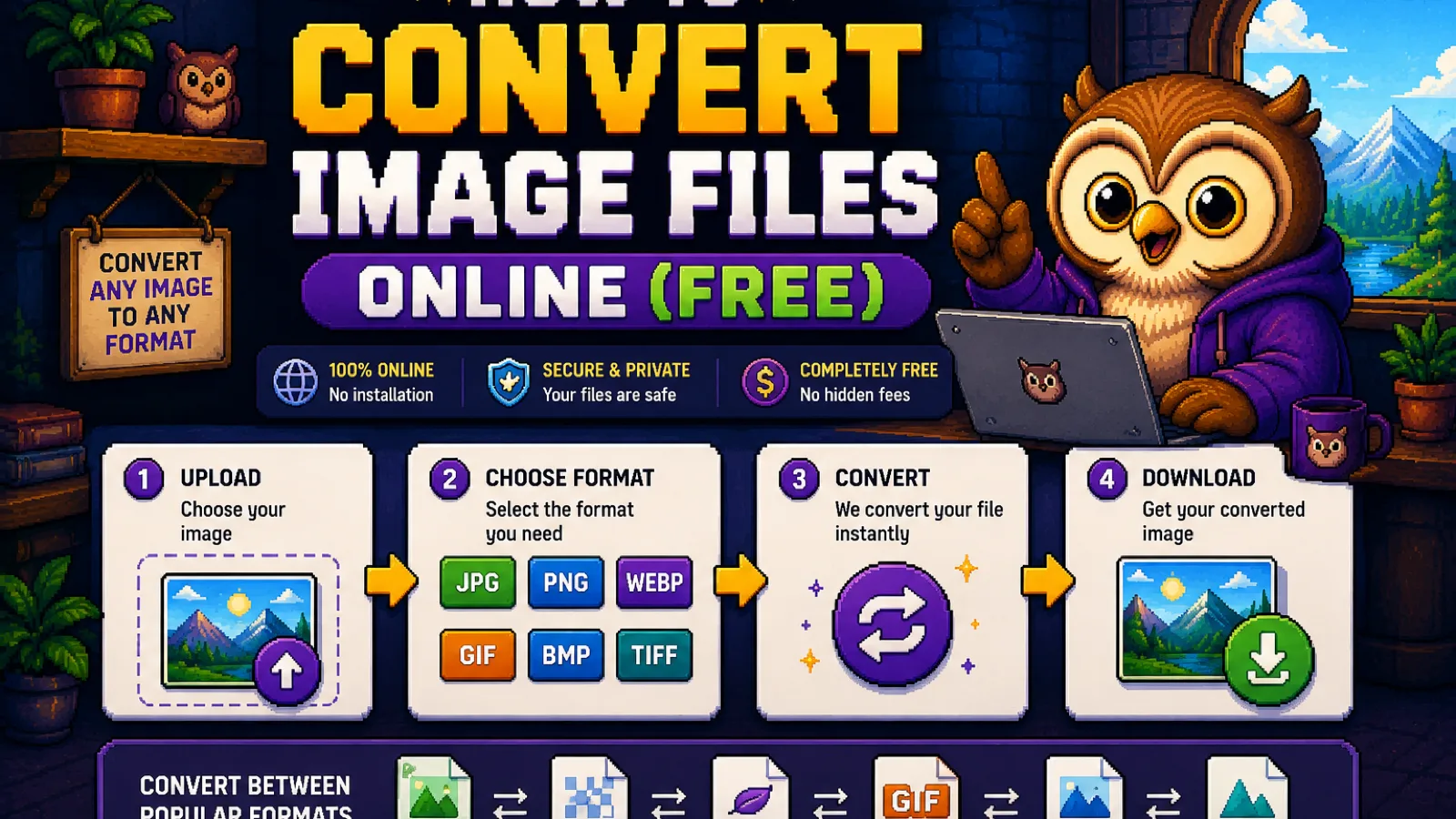
Convert HEIC, WebP, AVIF, or PNG images online for free, right in your browser. No signup, no upload, no watermark. Here's how it works and why it's safe.
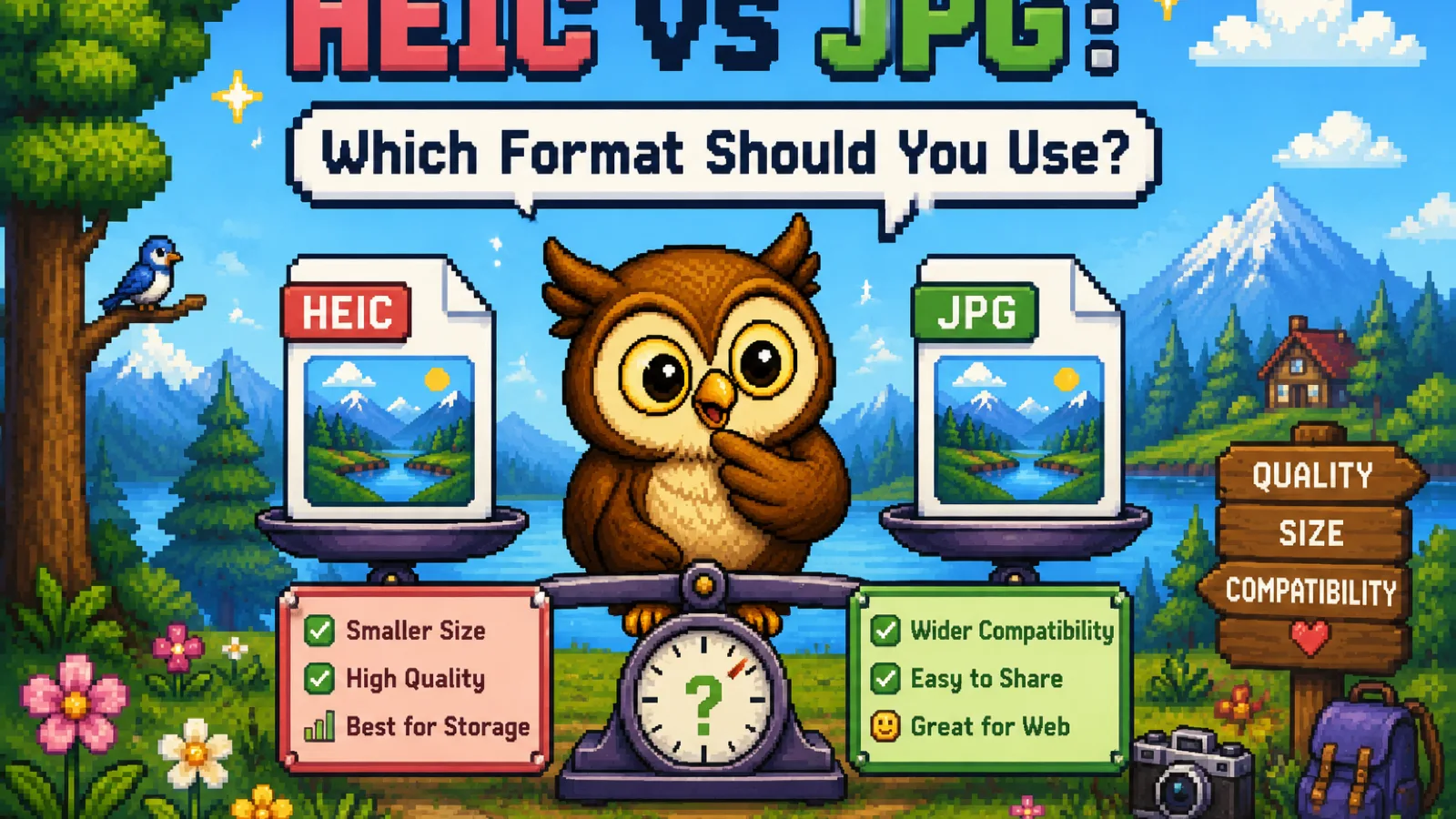
HEIC and JPG compared on quality, file size, and compatibility, so you know when to keep HEIC and when to convert to JPG.
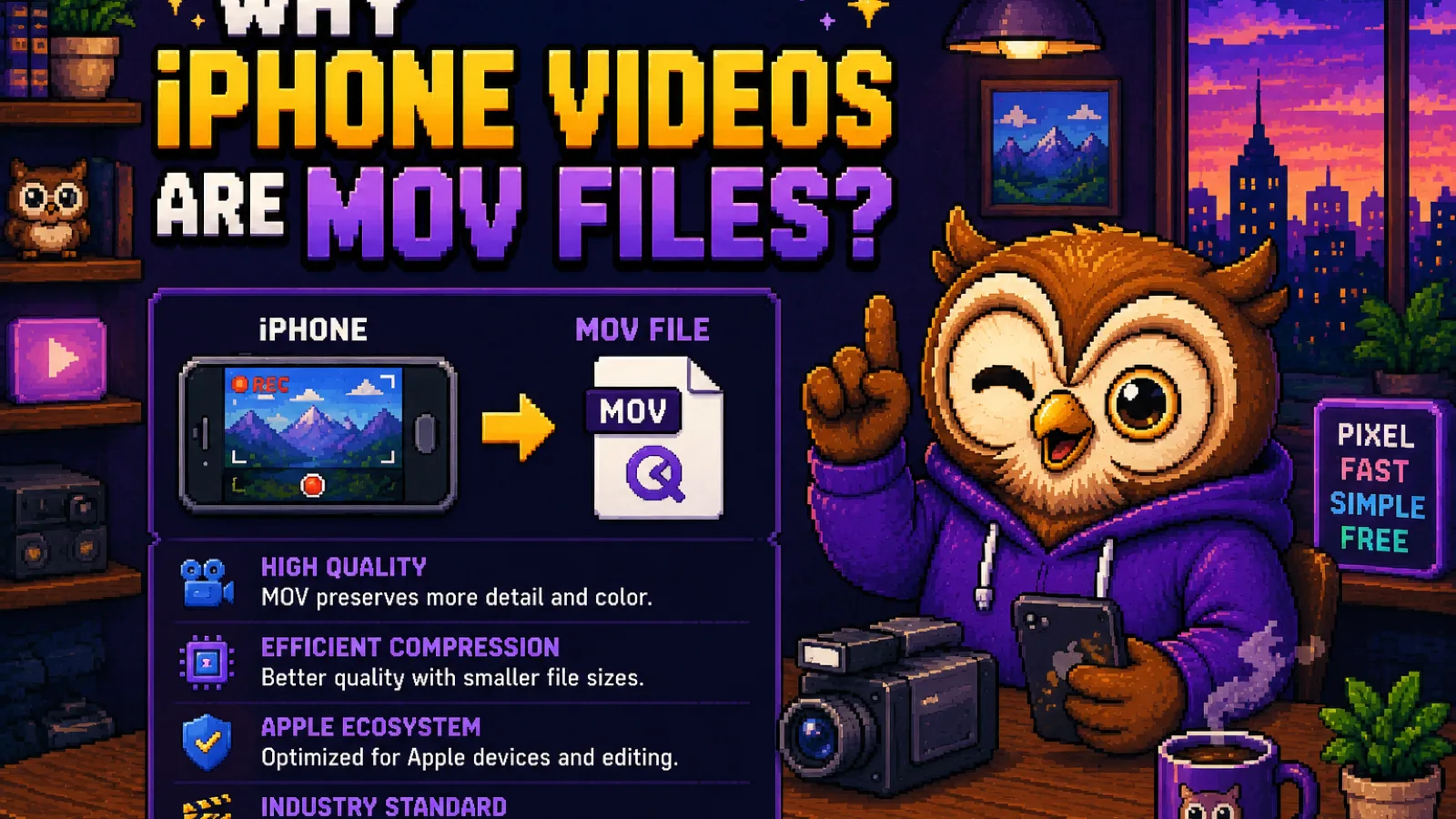
iPhones record video as MOV because of Apple's QuickTime format. Here's why, what it means for compatibility, and how to fix it in seconds.
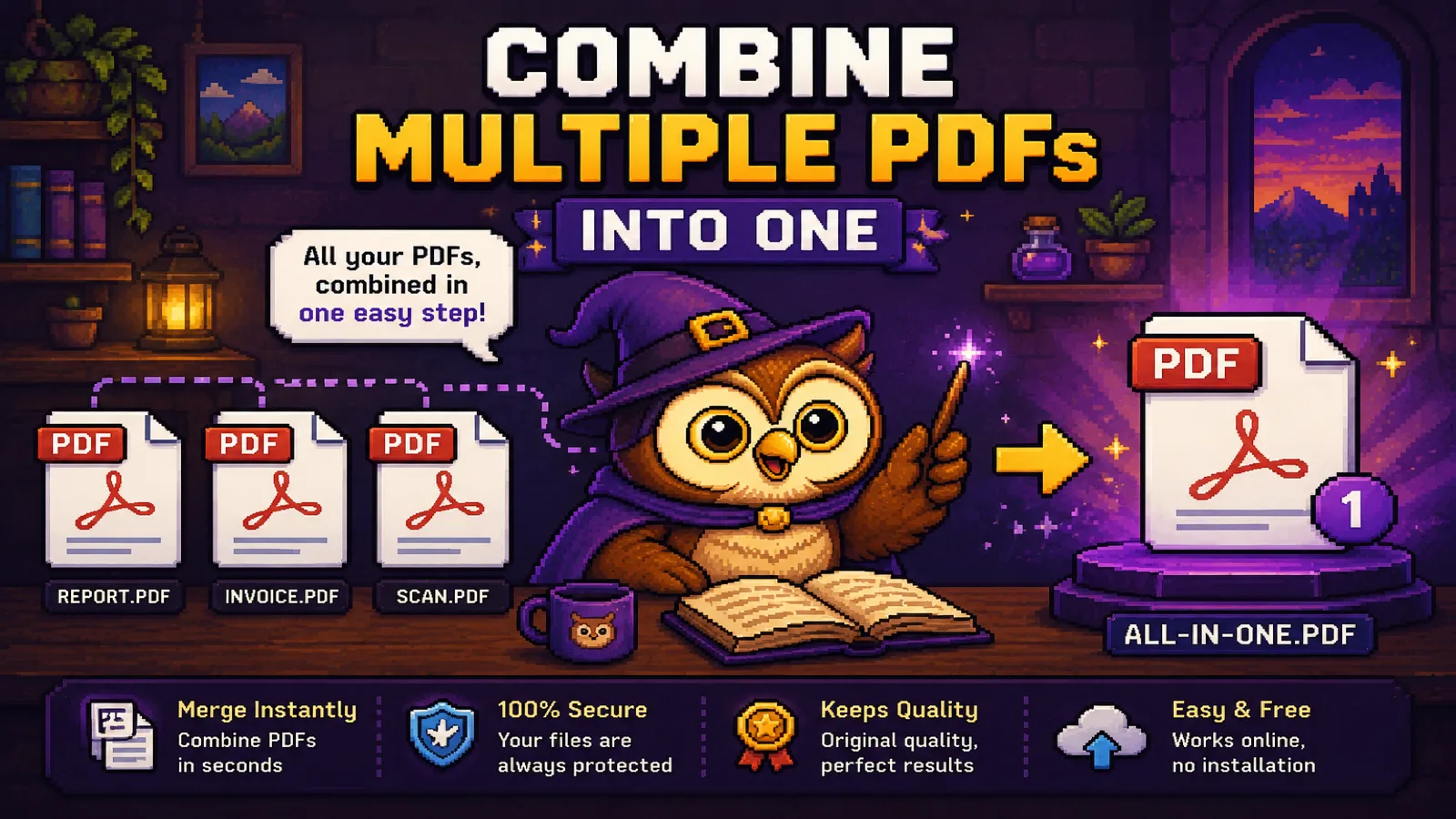
Merge several PDFs into a single file free in your browser: no upload, no watermark. Reorder documents and pages before you download.
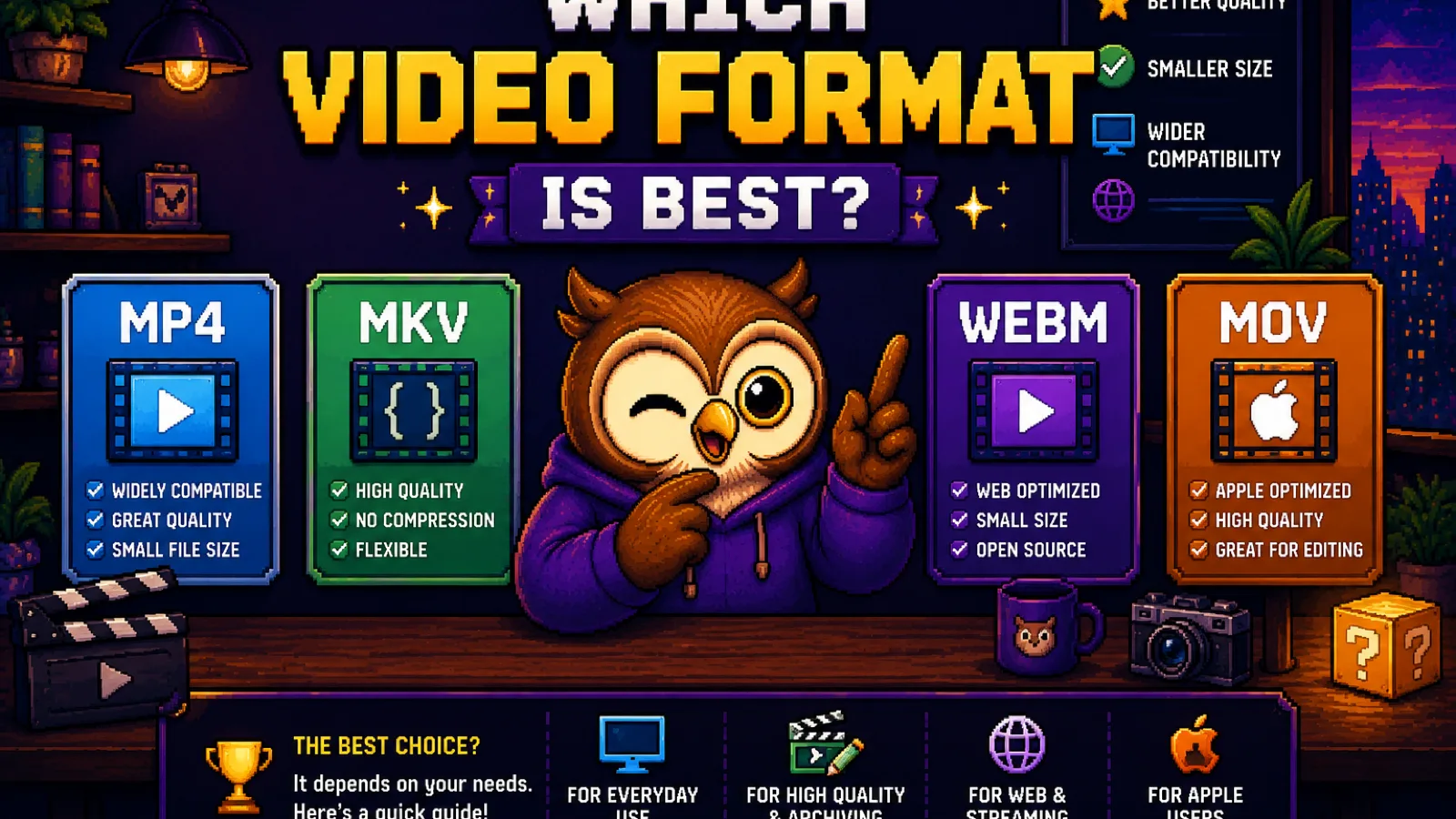
MP4, MOV, WebM, and MKV compared for compatibility, file size, and quality, with a clear answer for which one to actually use.
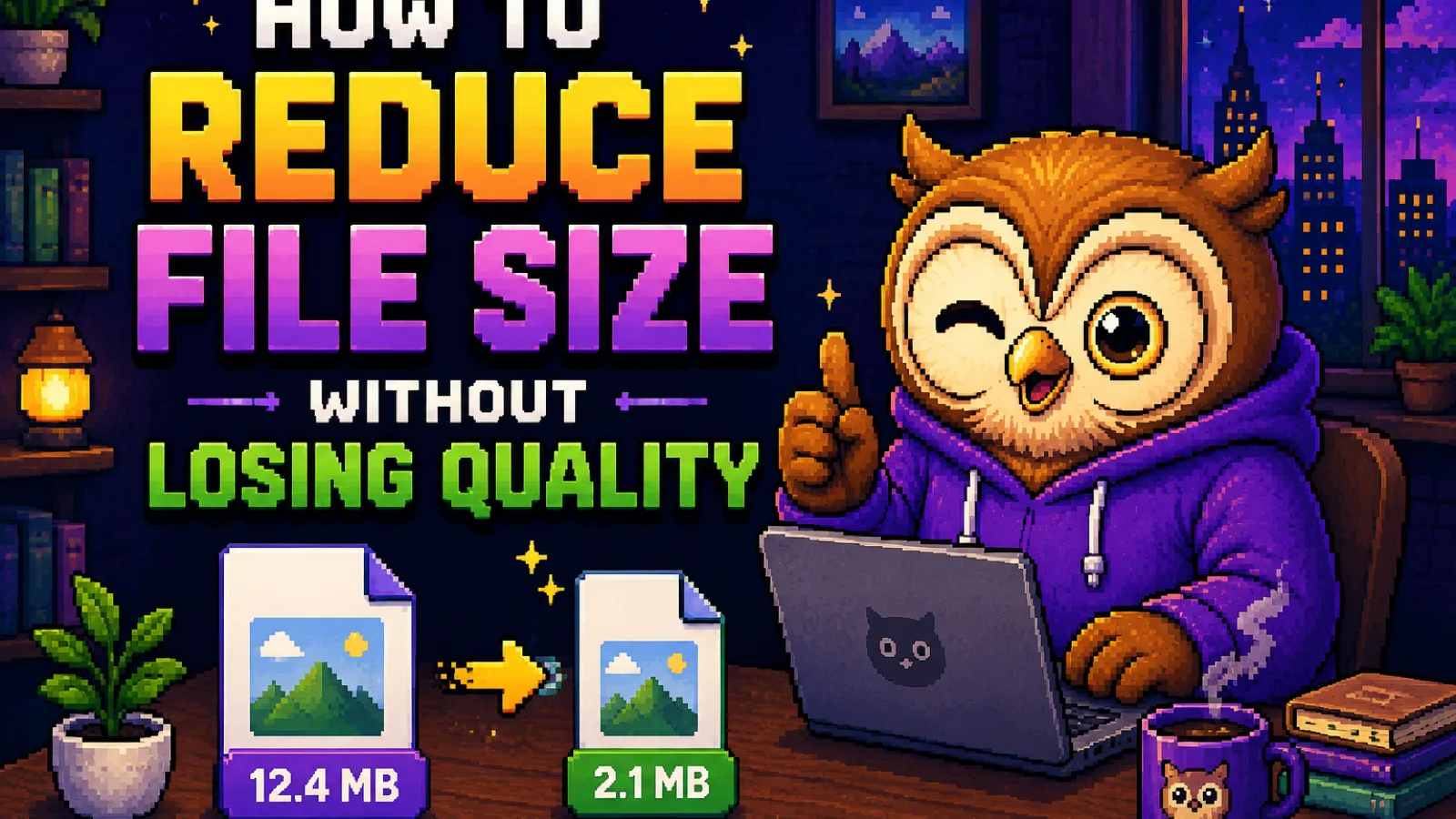
Shrink photos, PDFs, and other files without visible quality loss. What actually makes files big, and the free browser tools to fix it.
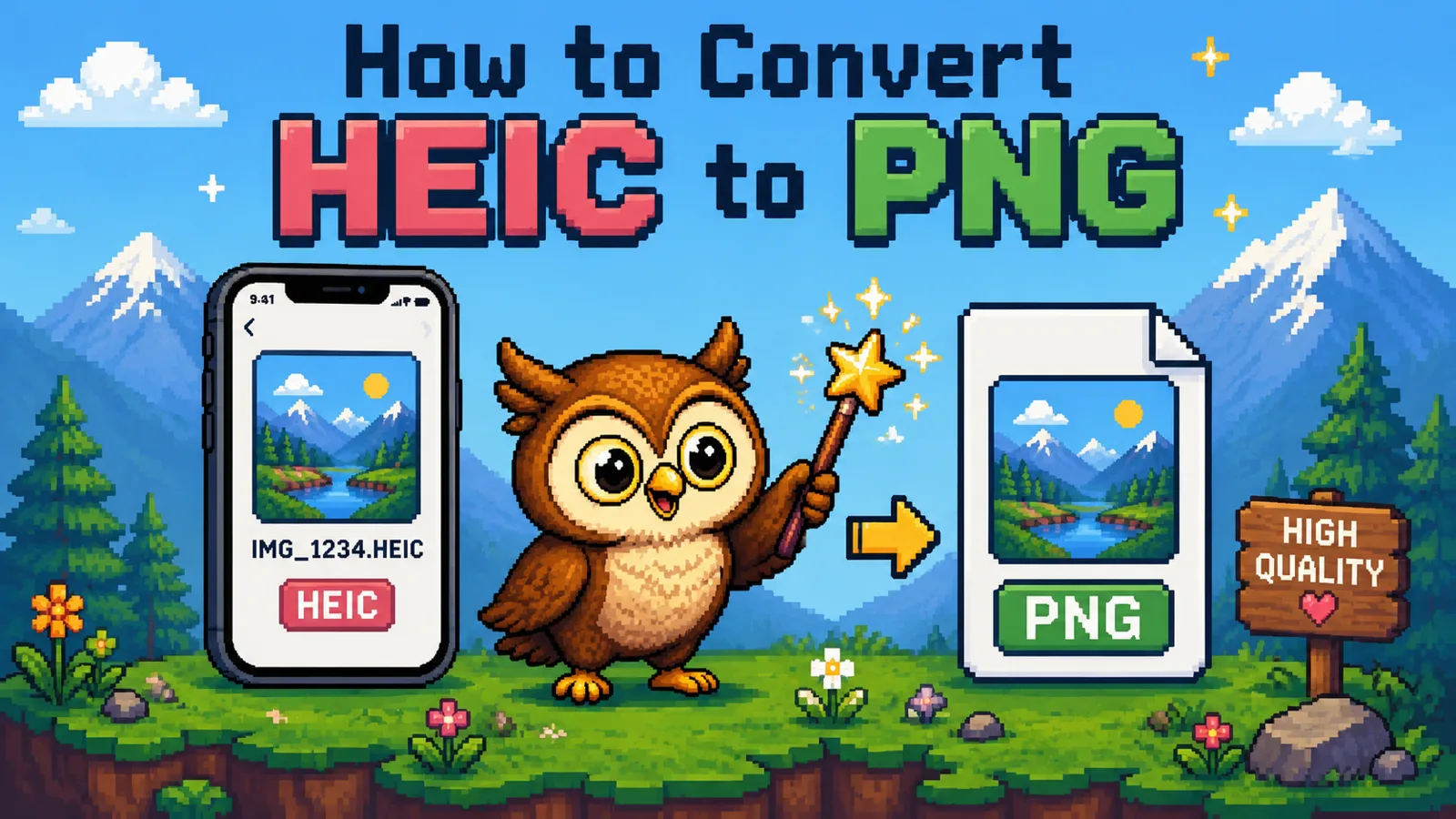
Convert HEIC photos to PNG for free in your browser. Why iPhone photos won't open on Windows or in old apps, and how to fix it in seconds.
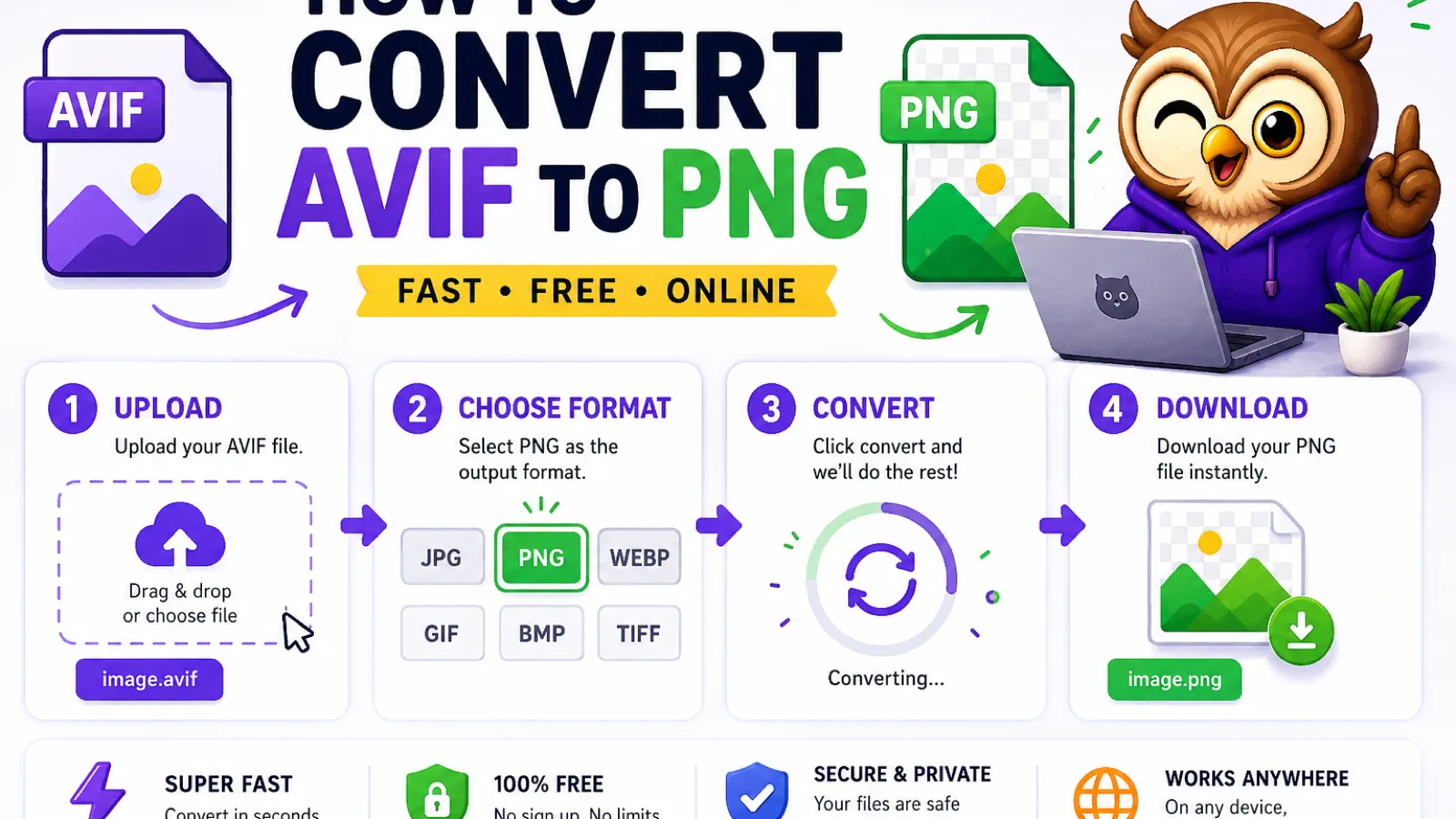
Convert AVIF images to PNG for free in your browser. Why AVIF files won't open everywhere, and how to fix it in a couple of clicks.

MP3, FLAC, and WAV compared for music: file size, sound quality, and which one to actually use for listening, archiving, or editing.
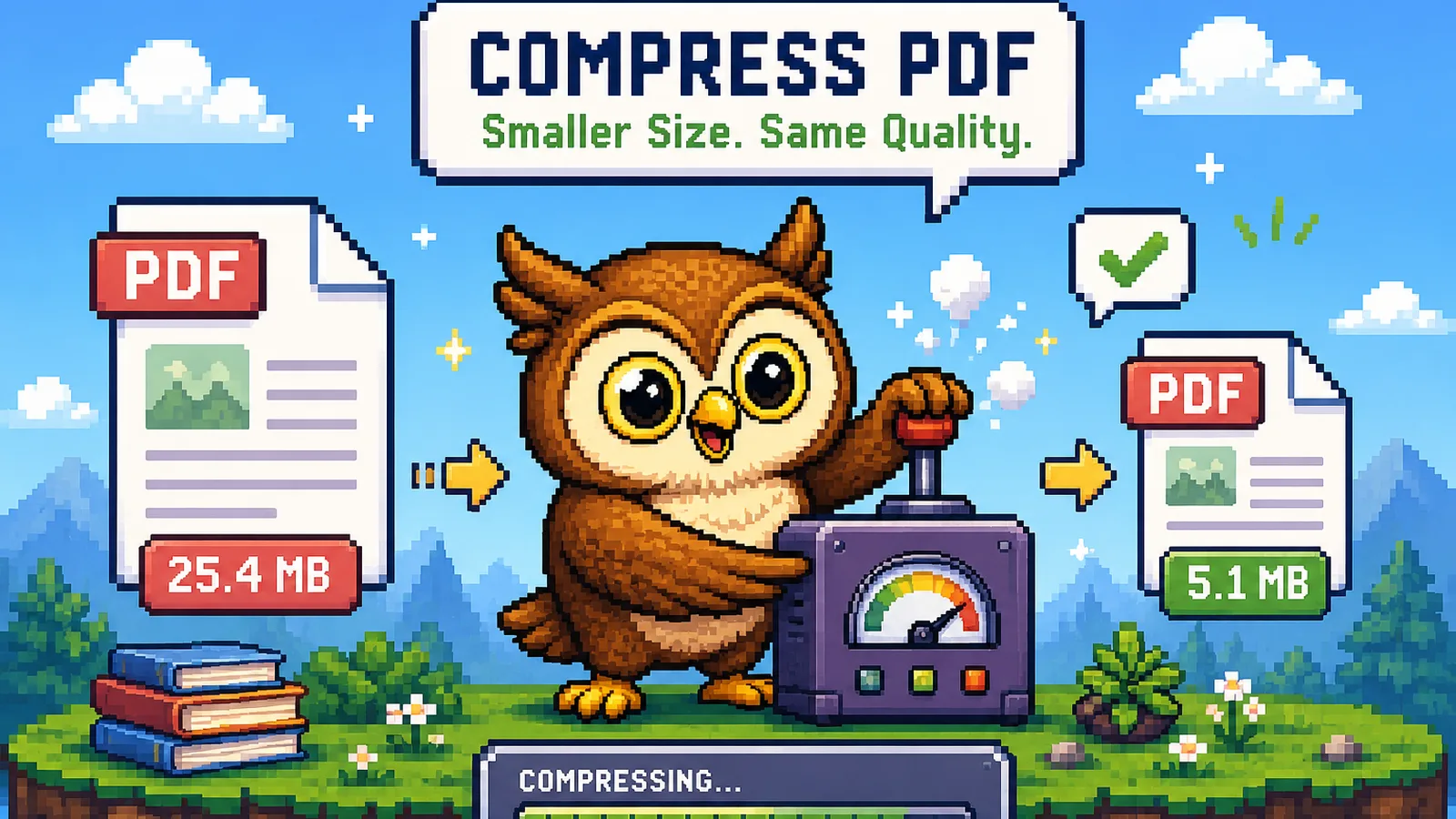
Compress a PDF free in your browser. Learn what makes PDFs big, how much you can save, and how to shrink one with no upload. Your files stay private.
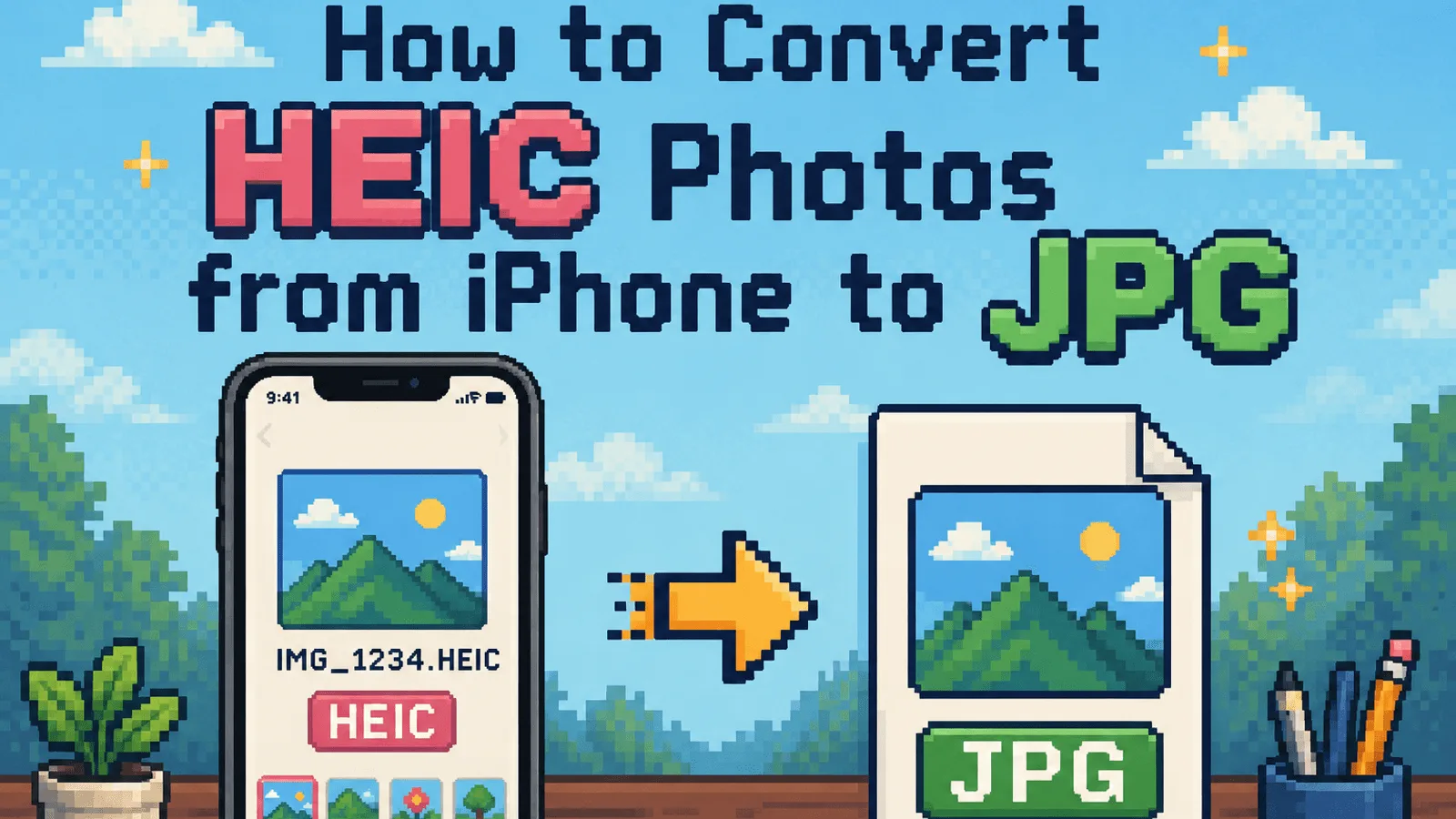
Convert HEIC photos from your iPhone to JPG for free, right in your browser. No upload, no account, and your photos never leave your device.