What Makes the Best Free File Converter?
Not every free converter is actually free or actually safe. Here's what to check before you upload a file: privacy, limits, ads, and real cost.
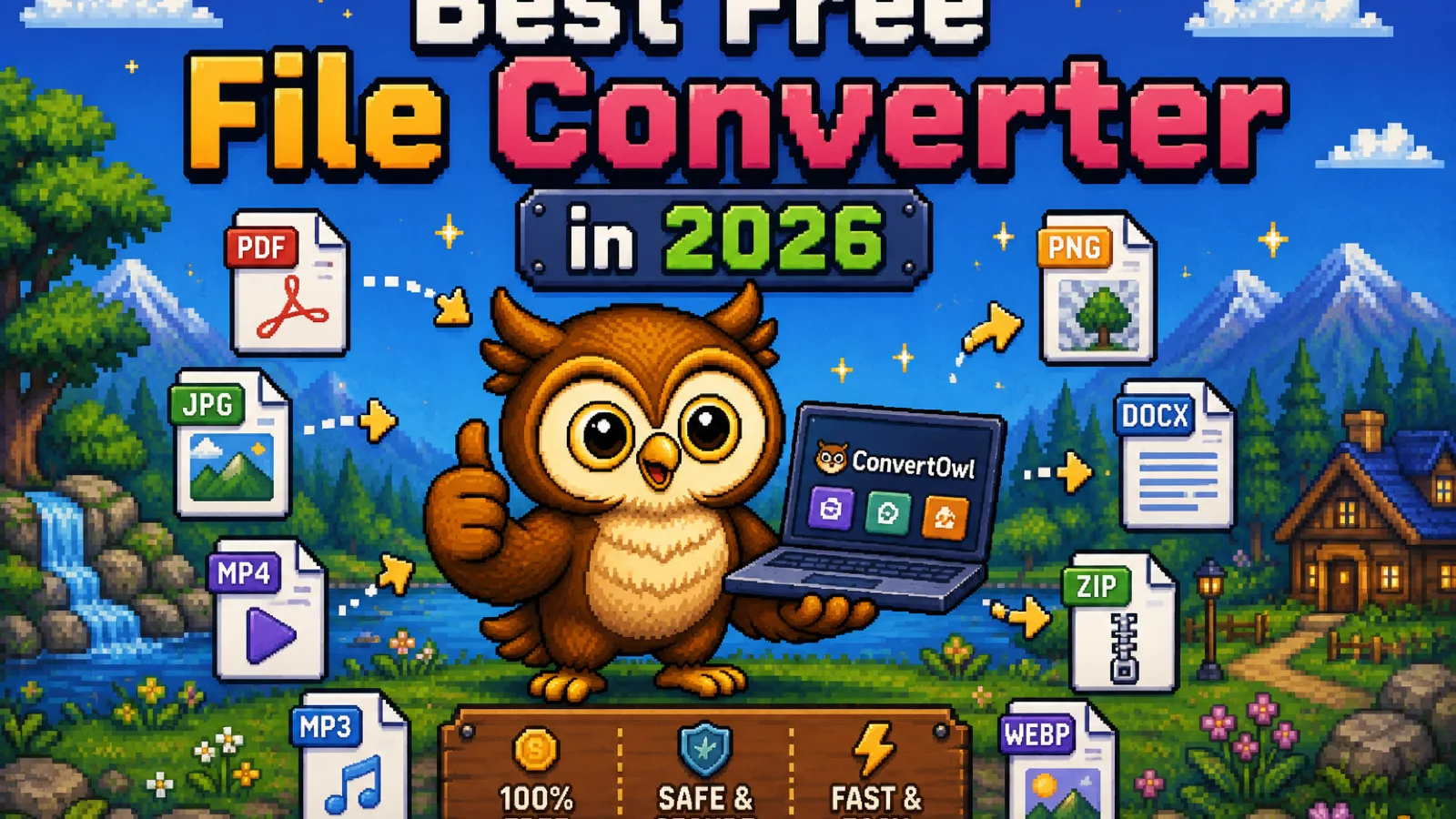
Search "free file converter" and you'll get a dozen sites that all look the same: a big upload box, a progress bar, and a download link a minute later. They aren't the same underneath. Some upload your file to a server you know nothing about; some cap you at 3 files a day unless you pay; some bury the download link under ads for software you didn't ask for. "Free" is the easy part. What actually separates a good converter from a bad one is what happens to your file in between.
Where does your file actually go?#
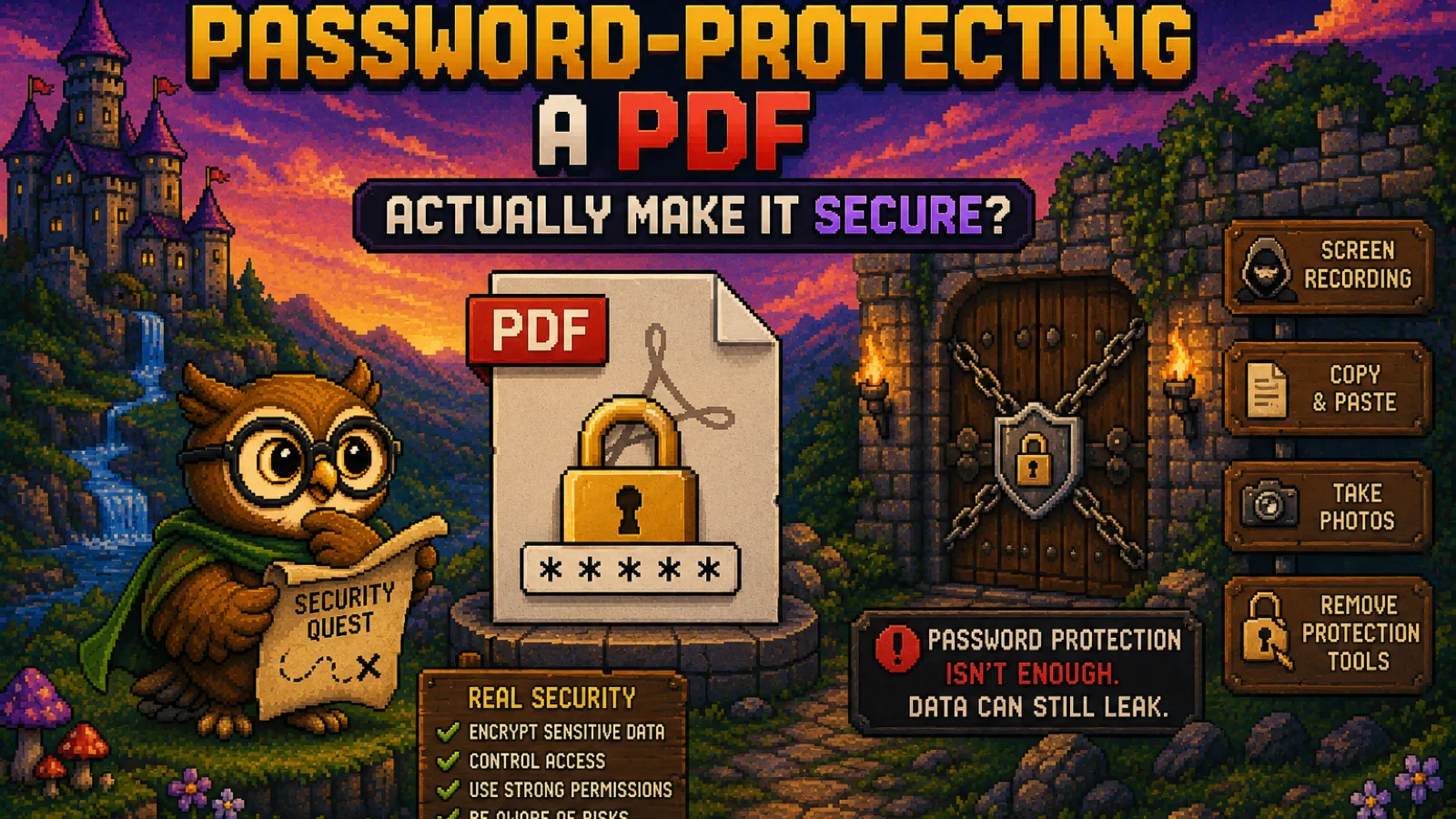
This is the question most people never ask, and it's the one that matters most. Most online converters work the same basic way: you upload your file to their server, their server does the conversion, and you download the result. That means your file, even a photo, a resume, or a signed contract, briefly exists on a computer you don't control, and you're trusting that server to actually delete it afterward rather than log it, scan it, or keep a copy.
The alternative is a converter that runs entirely in your browser, using WebAssembly to do the actual conversion work on your own device instead of a remote server. ConvertOwl works this way: tools like HEIC to JPG, Compress Image, and Merge PDF never send your file anywhere. There's no upload step to wait through, and no version of your file sitting on someone else's storage, because it never left your computer in the first place. If you're converting anything sensitive, financial statements, medical scans, ID photos, this isn't a minor detail; it's the whole decision.
The five things worth checking before you use one#
- Does it say where the file is processed? A converter that runs locally in your browser will usually say so plainly, because it's a genuine advantage worth advertising. If a site is silent on this, assume it uploads to a server.
- Is there a real file size or daily limit? Many "free" converters cap you at a handful of conversions per day, then upsell a paid plan the moment you hit it. Check before you commit to a workflow that depends on the tool.
- What happens after conversion? Some tools store your uploaded and converted files for hours or days "for your convenience," which is really just extra exposure. A tool with nothing to store because it never uploaded anything sidesteps the question entirely.
- How many ads and redirects are between you and your download? A cluttered page full of unrelated download buttons is a common trick to get you to click the wrong one.
- Does it need an account? Free tools that require sign-up before you can convert a single file are usually collecting your email to sell you something later, not protecting you from abuse.
Free doesn't have to mean limited#
There's a common assumption that a truly capable converter has to be paid, and free versions exist only to funnel you toward checkout. That's true for some tools, but not because of any technical necessity. A converter that runs client-side has no per-conversion server cost, no compute bill scaling with usage, so there's no cost pressure forcing artificial limits on file size or daily use. ConvertOwl's tools stay free with no watermark and no forced signup for exactly that reason: converting a file in your own browser costs us nothing extra whether one person does it or a thousand do.
That's also why speed differs so much between tools. A server-based converter has to upload your file, wait in a processing queue, then send the result back down, and all of that takes time proportional to your connection speed and how busy their servers are. A browser-based converter starts working the instant the file is read from disk, since there's no network round trip involved at all.
When you actually need a server-side tool#
Browser-based conversion isn't the right fit for everything. Some formats need heavier processing than a browser can reasonably do, or need to run as part of an automated pipeline rather than a one-off click. For the vast majority of everyday conversions, photos, PDFs, documents, audio, and video, a well-built client-side tool handles it just as well as a server would, just without the privacy trade-off.
FAQs#
Is it actually safe to use a free online file converter? It depends entirely on where the conversion happens: a browser-based converter that never uploads your file is safe by design, while a server-based one requires trusting that provider's privacy practices and data handling.
Why do some free converters limit how many files I can convert? Server-based converters pay for the compute that processes each file, so free tiers cap usage to control that cost, while browser-based tools that run on your own device have no equivalent cost to limit.
Do free file converters keep copies of my files? Server-based converters can, depending on their retention policy, since your file passes through and can be logged on their servers; a converter that processes files locally in your browser has nothing to keep, because your file never leaves your device.
Is a paid file converter always better than a free one? Not necessarily. Paid tools sometimes add batch processing or automation features, but for standard one-off conversions, a well-built free browser-based tool converts files with the same quality and none of the upload wait.
What's the difference between a browser-based and server-based converter? A browser-based converter uses your device's own processing power to convert the file locally, while a server-based converter uploads your file to a remote computer, converts it there, and sends the result back to you.
Do I need to create an account to convert a file for free? No reputable free converter should require an account just to convert one file; a signup requirement before basic use is usually there to collect your email rather than to protect the service from abuse.
The short version#
- The single biggest difference between converters isn't speed or design, it's where your file is processed: locally in your browser, or uploaded to a remote server.
- Free doesn't have to mean limited. Client-side tools have no per-conversion server cost, so there's no technical reason to cap free use.
- Check for upload behavior, file limits, ad clutter, and signup walls before trusting a converter with anything sensitive.
- Try it yourself with HEIC to JPG, Compress Image, or Merge PDF: no upload, no watermark, no account, or browse every technology explainer on the blog.
Try the tools
Free, private, and instant. Everything runs in your browser.