Does Password-Protecting a PDF Actually Make It Secure?
A PDF password can mean real encryption or a flimsy lock, depending on the setting. Learn the difference and how to protect a PDF properly.
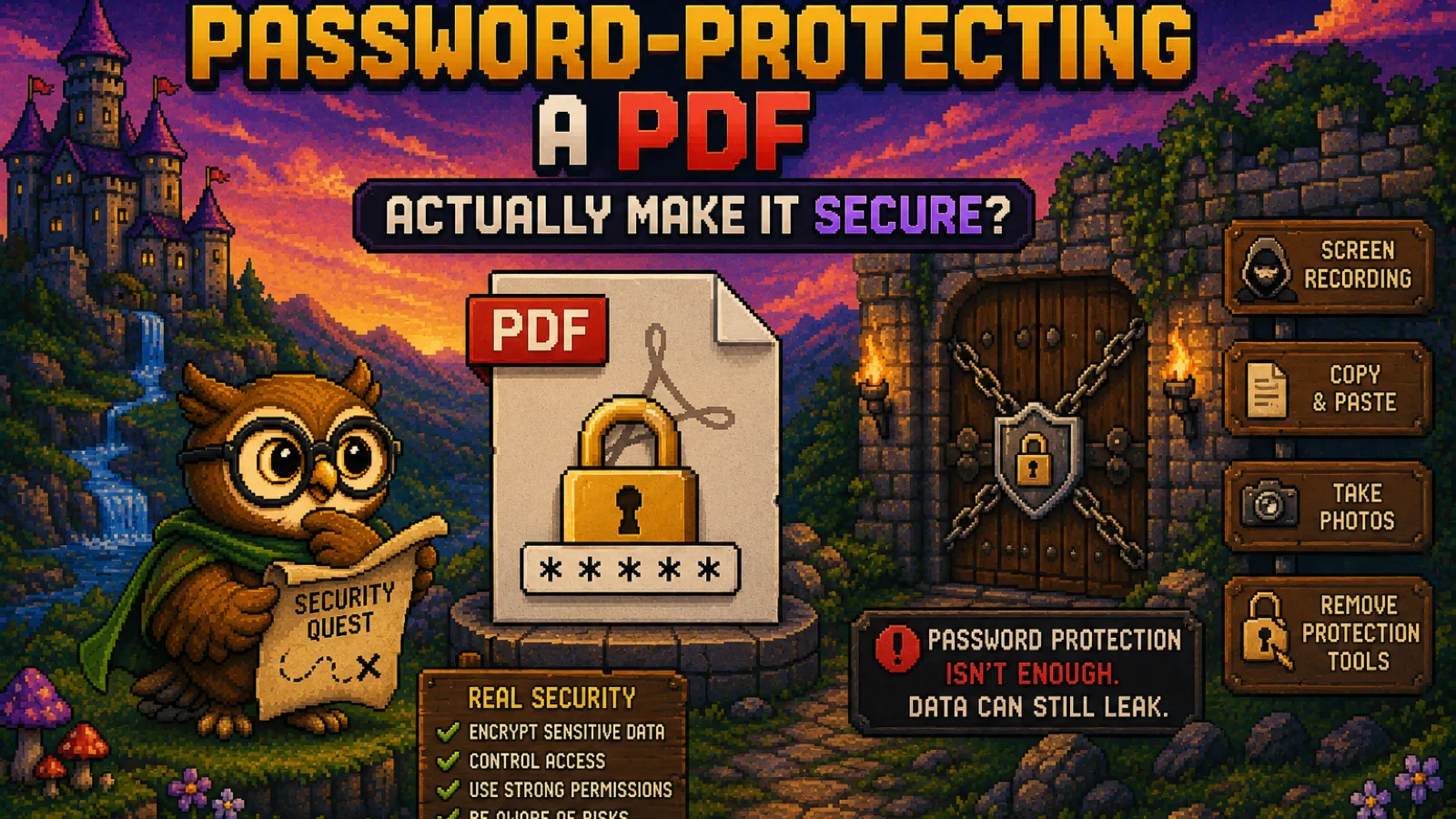
You add a password to a PDF before emailing a contract or a tax form, and it feels done: the file is "protected." Whether that's actually true depends on a distinction almost nobody checks, the difference between an open password that genuinely encrypts the file and a permissions password that just asks the reader nicely not to let you print or copy. One stops anyone without the password from reading the file at all; the other is a setting a slightly more determined person can bypass in seconds.
This guide covers what a PDF password actually does under the hood, which kind you're setting when you use a tool like our Protect PDF, and when password protection is the wrong tool for the job entirely.
The two passwords a PDF can have#
The PDF spec (ISO 32000) allows a file to carry two separate passwords, and they do genuinely different things:
- The user password (open password). Without it, the file's contents are encrypted and unreadable, full stop. Nobody can see a single page without entering the correct password first. This is real encryption, the same category of protection as a password-protected ZIP or an encrypted disk image.
- The owner password (permissions password). This one sets restrictions, like "no printing" or "no copying text", while leaving the document's content fully decrypted and viewable. Any reader you open the file in respects the restriction if it chooses to, but the actual page content isn't hidden behind it at all.
A PDF can have either password, both, or neither. If a tool only ever mentions "restricting" what someone can do with a document, you're setting a permissions password, not encrypting anything. If it asks for a password required to open the file at all, that's the real encryption layer.
Is the encryption itself actually strong?#
When you do set a genuine open password, the strength depends on the encryption algorithm the PDF uses, which varies by how the file was created:
| Encryption method | Effective security | Notes |
|---|---|---|
| RC4 40-bit (old PDF 1.1-era default) | Weak; crackable in minutes | Still technically valid PDF, avoid if you can choose |
| RC4 128-bit | Weak by modern standards | Superseded by AES years ago |
| AES-128 | Strong | Standard in most modern tools |
| AES-256 | Strong | Current best practice, PDF 2.0 default |
If you're setting a password with a modern tool, you're very likely getting AES-128 or AES-256, both of which are computationally infeasible to brute-force with a password of reasonable length. The practical weak point isn't the encryption algorithm, it's the password itself: a short or common password can be guessed long before the encryption is the bottleneck, the same way a bank vault door doesn't matter if the combination is 1234.
What password protection does not do#
A PDF password, even a strong open password, only controls access to the file at rest. It has real limits:
- It doesn't scan for malware. A password-protected PDF can still carry embedded JavaScript or a malicious attachment; encryption and malicious content are unrelated properties of the file.
- It doesn't protect the file once it's legitimately opened. Anyone who has the password can screenshot, retype, or otherwise extract the content, no encryption stops that.
- It doesn't survive the file being resaved. If someone with the open password saves an unprotected copy, the protection is gone from that copy permanently.
- A permissions-only password barely protects anything. Because the content is fully decrypted and viewable, restrictions like "no copying" are enforced by the reader's goodwill, not by cryptography. Plenty of tools exist specifically to strip permissions restrictions in seconds.
When password protection is the right call, and when it isn't#
Password protection with a real open password is a solid choice when the goal is confidentiality in transit or storage: a document that shouldn't be readable if it ends up in the wrong inbox, or a sensitive file sitting in cloud storage. It's the right tool for a signed contract, a medical record, or financial statements you're emailing to someone.
It's the wrong tool if what you actually want is to control what a legitimate recipient does with a document they're allowed to read. A permissions password ("no printing") is trivial to strip, so don't rely on it as a real restriction, and don't confuse setting one with actually securing the file. If you need to mark a document so it's traceable back to a specific recipient, a watermark does that job better than restricting permissions ever will.
How to check what kind of protection a PDF actually has#
If you're not sure which type a file uses, the test is simple: try to open it without the password. If you're blocked entirely, it's using an open password and the content is genuinely encrypted. If it opens immediately but printing or copying is greyed out, it's a permissions password only, and the content was never actually hidden. If you have a password-protected PDF you're authorized to access and just need to remove the barrier, Unlock PDF strips the password locally in your browser, the file never uploads anywhere in the process.
Frequently asked questions#
Is a password-protected PDF actually encrypted? Only if it uses an open password (also called a user password); a permissions-only password (owner password) leaves the content fully decrypted and merely restricts actions like printing, which most readers can be told to ignore.
Can someone crack a password-protected PDF? A PDF using modern AES-128 or AES-256 encryption with a reasonably long, unique password is not practically crackable, but an older RC4-encrypted file or a short, common password can be broken by password-recovery tools in minutes to hours.
What's the difference between a PDF open password and an owner password? An open password (user password) is required to view the document at all and genuinely encrypts the content, while an owner password only sets permission restrictions like printing or copying on a document anyone can already read.
Does removing a PDF password make the file less secure? Removing an open password does decrypt the file permanently, so only do this for a copy you control once you no longer need the confidentiality, since anyone with that file can then read it without restriction.
Is PDF password protection enough for sending tax documents or contracts? A strong open password with AES-128 or AES-256 encryption is reasonable protection for email attachments, but it only protects the file at rest and in transit, not after the legitimate recipient opens and potentially resaves or forwards it unprotected.
Can a password-protected PDF still contain a virus? Yes, password protection and malware are unrelated: encryption controls who can read the file, while an embedded malicious script or attachment is a separate risk that a password does nothing to prevent or detect.
The honest summary#
- A PDF can carry two different passwords: an open password that genuinely encrypts the content, and a permissions password that only restricts actions like printing on content that's still fully readable.
- Modern tools default to strong AES encryption, so the real weak point is usually password strength, not the algorithm.
- Password protection secures a file at rest and in transit; it does nothing once a legitimate recipient has opened it, and nothing to detect malicious content.
- Use a real open password for confidentiality, not a permissions restriction you're hoping people respect.
Ready to protect a file properly? Protect PDF sets a genuine encrypted password entirely in your browser, and Unlock PDF removes one you're authorized to clear, neither ever uploads your document to a server.
Try the tools
Free, private, and instant. Everything runs in your browser.