CSV vs JSON: Which Should You Use and Why?
A plain-English comparison of CSV and JSON: structure, readability, and when each format is actually the right choice for your data.
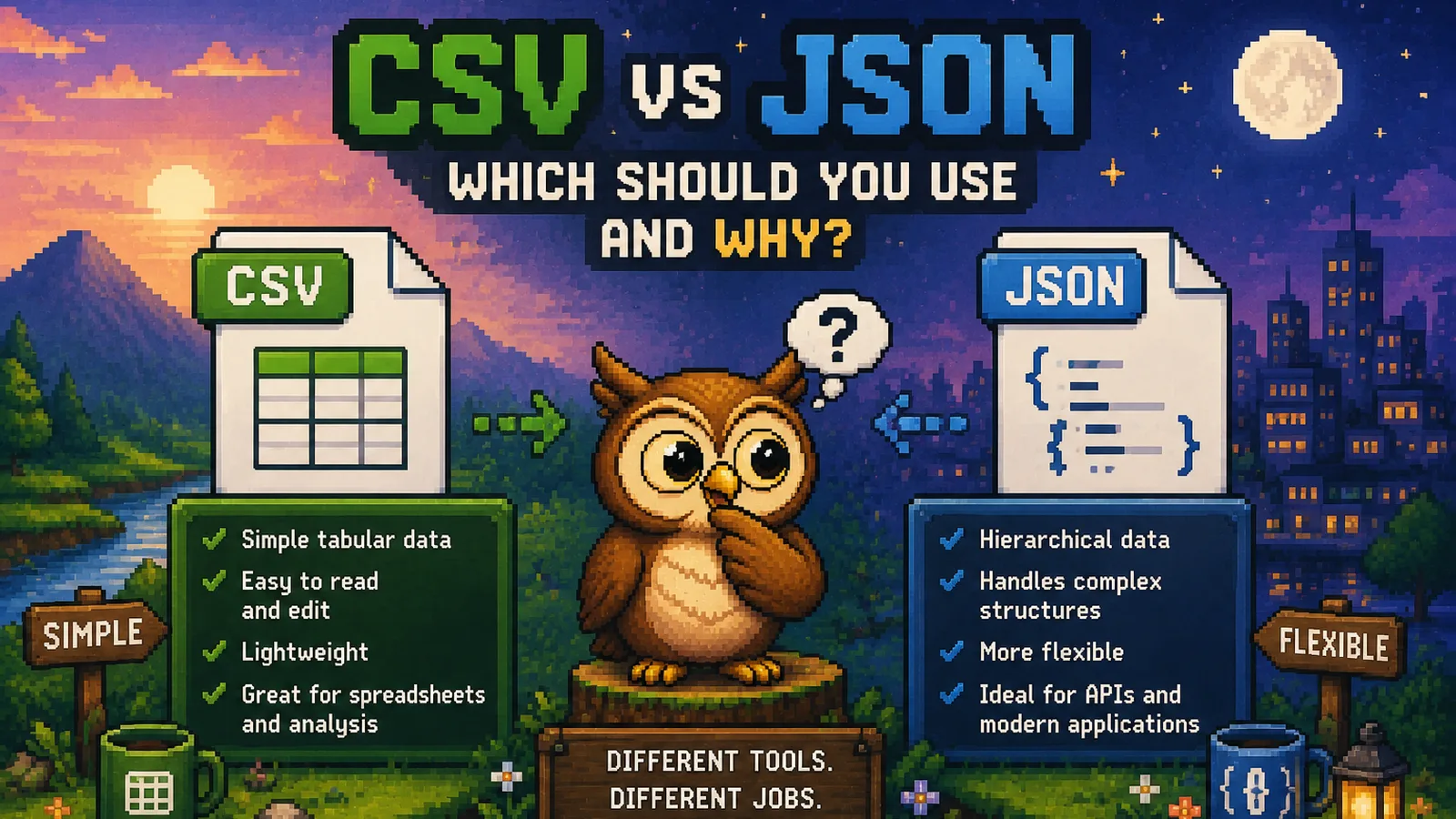
You export a report and it lands as a .csv. You call an API and the response comes back as .json. Both are just text files holding data, so why do they look so different, and why does it matter which one you're stuck with? The short answer: CSV is a flat table, JSON is a tree, and that one structural difference decides almost everything else about when to use each one.
If you already have the file and just need it in the other format, our CSV to JSON converter and JSON to CSV converter do the conversion instantly in your browser, no upload required. This guide covers the "why" behind the choice.
What CSV actually is#
CSV (comma-separated values) is rows and columns, nothing more. Every line is a record, every comma separates a field, and the first line is usually a header naming each column:
name,age,city
Alice,29,Boston
Bob,34,Denver
That's the entire format. There's no way to nest one record inside another, no way to represent "this field is actually a list of three things," and no standard way to mark a value's type: 29 and "29" look identical, so every consumer has to guess whether it's a number or text. CSV's power is that this simplicity makes it universally readable: Excel, Google Sheets, Numbers, and every database's import tool all understand it natively, with zero setup.
What JSON actually is#
JSON (JavaScript Object Notation) represents data as nested objects and arrays, with explicit types:
{
  "name": "Alice",
  "age": 29,
  "city": "Boston",
  "hobbies": ["reading", "hiking"]
}
Notice what CSV can't do here: hobbies is a list inside a single record, age is unambiguously a number, and if you needed an address field that was itself an object with street and zip, JSON nests that naturally. This is why JSON became the default format for APIs: real-world data (a user with multiple phone numbers, an order with multiple line items) is rarely flat, and JSON can describe that shape directly.
The core trade-off#
| CSV | JSON | |
|---|---|---|
| Structure | Flat rows and columns only | Nested objects and arrays |
| Data types | None, everything is text | Strings, numbers, booleans, null, arrays, objects |
| Human readability | Excellent in a spreadsheet | Good for small files, noisy for large ones |
| Best opened in | Excel, Google Sheets | A code editor or JSON formatter |
| Typical source | Database exports, spreadsheets, analytics reports | APIs, config files, app data |
| File size for the same data | Smaller, no repeated key names | Larger, every record repeats its field names |
That last row surprises people: because JSON repeats "name":, "age":, and "city": on every single record, a JSON file holding the same table as a CSV is routinely 30 to 50% larger. That overhead buys you structure and types; if all you have is a flat table, you're paying it for nothing.
When to use CSV#
- You're handing the file to a non-technical person. Anyone can open a CSV in Excel and understand it immediately; a JSON file just looks like code to most people.
- The data is genuinely flat. A list of customers, a sales report, an inventory count: one record, one row, no nesting needed.
- You're importing into a spreadsheet or a traditional database table. Both are row-and-column tools by design, and CSV maps onto them directly.
- File size matters and the data is simple. No repeated field names means a smaller file for the same information.
When to use JSON#
- The data has structure that doesn't flatten cleanly. An order with multiple line items, a user with several addresses, a settings file with nested sections.
- You're working with an API. Nearly every modern web API sends and receives JSON; it's the de facto standard for the format, and fighting that by forcing everything into CSV usually costs you more work than it saves.
- Types matter to your program. If your code needs to know
29is a number and not the string"29"without extra parsing, JSON already carries that information. - You need
nullor optional fields. CSV has no clean way to represent "this field doesn't apply here"; JSON hasnullbuilt in.
Converting between the two#
Neither format is universally better, so converting back and forth is normal, not a workaround. A few common cases:
- Received an API response as JSON but need to open it in Excel? Run it through JSON to CSV. Deeply nested fields (an array inside an object) get flattened as best they can, so check the output on anything more than one level deep.
- Exported a spreadsheet as CSV but need to feed it into an app that expects JSON? CSV to JSON turns each row into an object, using your header row as the field names.
- Just need to read or clean up a messy JSON file? The JSON formatter indents and validates it so nested structure is actually legible instead of one unbroken line.
All three tools run entirely in your browser: your data never gets uploaded anywhere before you get the converted file back, which matters when the file is a customer list or anything else you'd rather keep off a server.
Frequently asked questions#
Is JSON always better than CSV? No, JSON is better for nested or typed data, but for a simple flat table CSV is smaller, easier to open in a spreadsheet, and readable by anyone without technical tools.
Can every CSV file convert cleanly to JSON? Yes, because a flat table always maps onto a list of flat objects, one per row, with the header row supplying the field names.
Can every JSON file convert cleanly to CSV? Not always: JSON that nests objects or arrays inside a field has to be flattened or simplified to fit into rows and columns, so some structure can be lost or squeezed into a single cell in the process.
Why is my JSON file so much bigger than the equivalent CSV?
JSON repeats every field name (like "name":) on every single record, while CSV states each column name once in the header row, so the same table is typically 30 to 50% larger as JSON.
Which format do APIs actually use? The large majority of modern web APIs send and receive JSON by default, because it natively represents the nested, typed data that real applications work with.
Do I need special software to open either file? No: CSV opens directly in Excel, Google Sheets, or Numbers, and JSON opens in any text editor, though a dedicated JSON formatter makes a large file far easier to read.
The short version#
- CSV is a flat table: rows and columns, no nesting, no types, universally readable in a spreadsheet.
- JSON is a nested, typed structure: built for data that doesn't flatten cleanly, and the default for APIs.
- Neither format is "better," they're built for different shapes of data, so pick based on what you're actually doing with the file next.
- Converting between them is routine: try CSV to JSON, JSON to CSV, or the JSON formatter, all free and running locally in your browser. More format comparisons like this live in the file formats section of the blog.
Try the tools
Free, private, and instant. Everything runs in your browser.