What Is an SVG File and How Do You Convert It?
SVG is a scalable vector image built from code, not pixels, which is why logos and icons use it. Here's how it works and how to convert one to PNG.
You download a logo or an icon and it lands on your computer as logo.svg. Open it in a normal photo viewer and it might not even preview. Try to upload it somewhere that expects a "regular" image and the site rejects it. An SVG file isn't broken, it's just a fundamentally different kind of image file than a JPG or PNG, and knowing the difference is the key to using it correctly.
What SVG actually is#
SVG stands for Scalable Vector Graphics, and the name describes exactly what it is: a picture built from mathematical shapes (lines, curves, points, fills), not a grid of colored pixels. A JPG or PNG stores an image as a fixed array of pixel values, so zoom in far enough and you'll see blocky squares. An SVG stores instructions for drawing the shapes, so a viewer can redraw it at any size, from a 16-pixel favicon to a wall-sized banner, with perfectly crisp edges every time.
Under the hood, an SVG file is plain text, specifically XML, which is why you can open one in a text editor and actually read the shape definitions. That also means SVGs compress extremely well and can be tiny: a simple icon is often just a few kilobytes, smaller than the equivalent PNG.
Why SVG is everywhere in logos and icons#
Three properties make SVG the default choice for anything that isn't a photograph:
- Infinite scaling with no quality loss. A logo needs to look sharp on a business card and on a billboard. A single SVG handles both; a raster format would need a separate high-resolution file for each size.
- Tiny file sizes for simple shapes. Flat-color icons, logos, and line art encode far more efficiently as vector paths than as pixel grids.
- Editable and stylable with code. Because it's text-based, an SVG's colors, strokes, and even animations can be controlled directly with CSS and JavaScript, something no raster image supports.
That's why nearly every website's logo, navigation icons, and illustrations ship as SVG, while photos always ship as JPG or WebP. Vector and raster formats aren't competing for the same job; they're built for different content entirely.
What SVG is bad at#
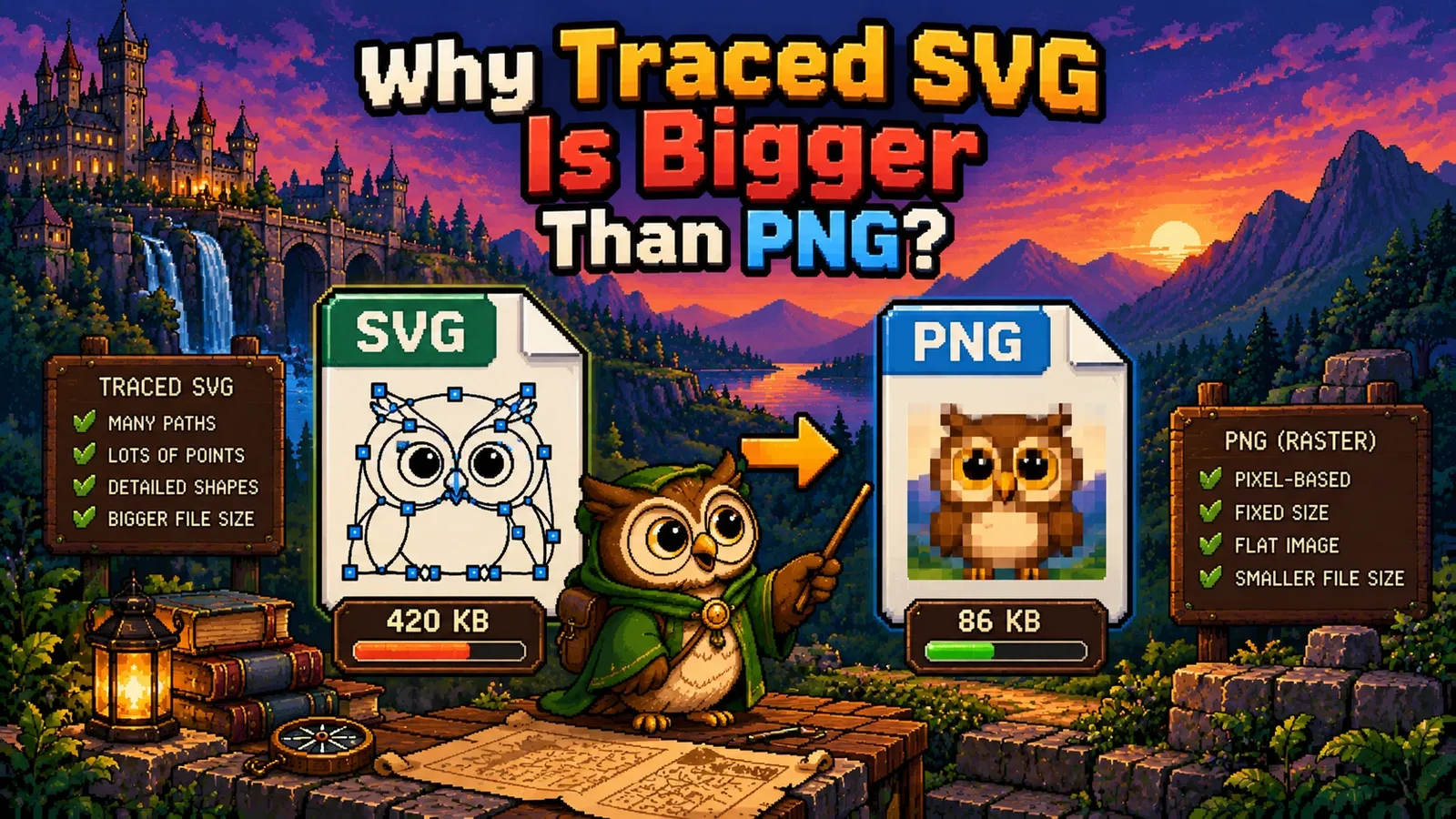
SVG's strength is also its limit: it only works for images made of describable shapes. A photograph of a sunset has no clean paths to describe, just millions of unique pixel values, so photos are stuck with raster formats like JPG. Trying to "convert" a photo into SVG doesn't shrink it or sharpen it; it either produces a bloated file full of tiny embedded shapes or a blurry, traced approximation that loses detail. Use SVG for graphics you drew, and raster formats for anything you photographed.
How to convert an SVG to PNG or JPG#
Converting a vector file into a raster one is called rasterizing: rendering the shapes at a specific pixel size and baking the result into a pixel grid. You'll need to rasterize an SVG whenever you're sending it somewhere that only understands "normal" images, like a social media upload, an email signature, or an old form that rejects .svg uploads.
The most reliable free method needs no software install:
- Open the SVG file in a browser (Chrome, Firefox, or Edge all render SVGs natively, just drag the file into a new tab).
- Right-click the rendered image and choose "Save image as," picking PNG.
- Some browsers save it at the SVG's default size only. For a specific pixel size, open the SVG in a free tool like Figma or Inkscape, which let you export at any resolution you choose.
Once you have a PNG, two things usually happen next. If the file is larger than you need for the web, run it through Compress Image to shrink it without visibly changing quality, since even a rasterized icon can carry more bytes than necessary at high export resolutions. If you're building a favicon from a logo, PNG to ICO turns that exported PNG into the .ico format browsers and bookmark bars expect; export the SVG at 256x256 or larger first so the icon stays sharp at every size Windows and browsers request.
SVG vs PNG vs JPG, at a glance#
| Built from | Scales without blur | Best for | |
|---|---|---|---|
| SVG | Vector shapes (code) | Yes, infinitely | Logos, icons, illustrations |
| PNG | Pixels | No | Screenshots, graphics needing transparency |
| JPG | Pixels | No | Photographs |
If you're weighing PNG against another raster format for your own images, our WebP file explainer covers that comparison in more depth; the vector-versus-raster question here is a separate decision that happens before you ever get to PNG or JPG.
Is it safe to open an SVG file?#
Mostly, with one caveat worth knowing: because SVG is XML-based and browsers support embedding a <script> tag inside it, a malicious SVG can technically carry executable code. This is rarely a concern for a logo you downloaded from a reputable source, but it's why some email clients and CMS platforms block SVG uploads by default, and why you shouldn't open an SVG from an untrusted source directly in a browser tab if you can avoid it. Converting an untrusted SVG to PNG first, using a tool that only rasterizes pixels rather than executing embedded scripts, sidesteps the risk entirely.
FAQs#
What program opens an SVG file? Any modern web browser (Chrome, Firefox, Safari, Edge) opens and displays an SVG file directly by dragging it into a new tab, and design tools like Figma, Inkscape, and Adobe Illustrator open them for editing.
Can I convert an SVG to PNG for free? Yes, opening the SVG in a browser and saving the rendered image, or exporting it from a free tool like Inkscape or Figma at your chosen pixel size, converts it to PNG with no paid software required.
Why won't a website let me upload an SVG file? Many upload forms and CMS platforms block SVG specifically because it can embed executable script code, a security risk raster formats don't carry, so they require you to convert the SVG to PNG or JPG first.
Is SVG better than PNG? SVG is better for logos, icons, and illustrations because it scales to any size without blurring and stays small, while PNG is better for photographs, screenshots, and any image made of continuous pixel detail that can't be described as shapes.
Does converting SVG to PNG lose quality? No detail is lost if you export the PNG at a large enough pixel size for its intended use, but the resulting PNG is now fixed at that resolution and will blur if scaled up further, unlike the original SVG.
Can I edit the colors of an SVG file? Yes, because SVG is plain text, its colors and shapes can be edited directly in a text editor, in a design tool like Figma or Inkscape, or dynamically with CSS if it's embedded in a webpage.
Whether you need a crisp icon at every size or just a PNG a form will actually accept, converting an SVG takes one export step. Once you've got the raster file, Compress Image and PNG to ICO handle the rest, free, private, and running entirely in your browser, or browse every file-format guide on the blog.
Try the tools
Free, private, and instant. Everything runs in your browser.