Vector vs Raster Images: When Do You Actually Need SVG?
Vector vs raster images explained: how each one stores a picture, why logos belong in SVG and photos never do, and when converting between them helps.
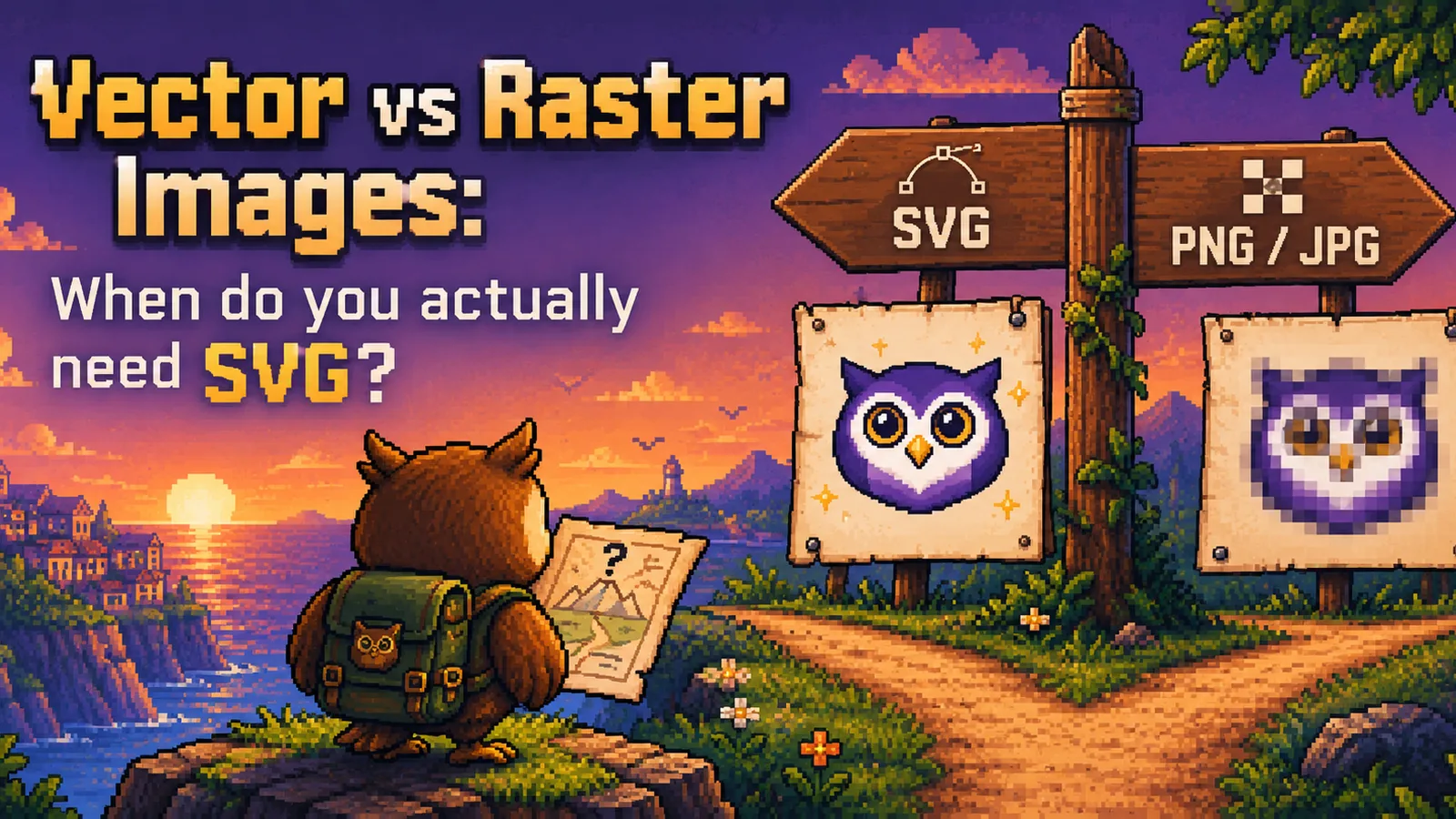
Vector vs raster images is really a question about how a picture is stored. A raster image (PNG, JPG, WebP) is a fixed grid of colored pixels, while a vector image (SVG) is a set of drawing instructions: shapes, lines, curves, and fills described with coordinates. That single difference decides what each one is good at. Vectors stay sharp at any size and suit logos, icons, and diagrams. Rasters capture the endless subtle detail of a photograph. This guide explains when to use SVG, when it's the wrong choice, and what really happens when you convert between the two.
What a raster image actually is#
A raster image is a rectangle of pixels, each with its own color. A 1200 × 800 photo is exactly 960,000 colored squares, no more and no less. PNG, JPG, WebP, GIF, and HEIC are all raster formats; they differ in how they compress those pixels, not in the basic idea. (If you're choosing between the two most common ones, our PNG vs JPG guide covers that.)
Because the pixel count is fixed, a raster image has a natural size. Shrink it and the extra pixels are thrown away. Enlarge it and the software has to invent new pixels in between, which is why a small logo stretched across a banner looks soft or blocky. The upside is that a pixel grid can record anything a camera sees: skin, foliage, fog, shadows, and every gradient in between.
What a vector image actually is#
A vector image doesn't store pixels at all. It stores a description, along the lines of "draw a circle here with this radius, fill it purple, then draw this curve through these points." SVG (Scalable Vector Graphics) is the vector format of the web, defined by the W3C SVG specification and supported by every modern browser, as MDN's SVG documentation describes. Under the hood, an SVG file is plain text (XML) you could open in a text editor.
The pixels only appear at the moment the image is displayed, when the browser or app draws those instructions at whatever size it needs. That's why vectors scale without losing sharpness: a logo drawn as a circle and a few curves is redrawn perfectly crisp on a phone, a 4K monitor, or a printed poster. It's also why simple vector graphics are often tiny files, since a few shapes take only a few lines of text to describe. For a fuller introduction to the format itself, see our explainer on what an SVG file is.
Vector vs raster: the direct comparison#
| Vector (SVG) | Raster (PNG, JPG, WebP) | |
|---|---|---|
| How it's stored | Shapes, paths, and fills described as coordinates | A fixed grid of colored pixels |
| Scaling up | Stays sharp at any size | Gets soft or blocky past its native size |
| Best at | Flat colors, clean edges, simple shapes | Photos, gradients, texture, fine natural detail |
| File size | Small for simple graphics, huge for complex ones | Grows with pixel count and detail |
| Editing | Change colors, shapes, and text without quality loss | Edits are made to pixels; quality can degrade |
| Typical uses | Logos, icons, illustrations, charts, cutting files | Photographs, screenshots, scanned documents |
When you actually need SVG#
Reach for a vector format when the image is made of shapes rather than captured from the real world, and when it needs to look right at more than one size:
- Logos. The same logo appears as a tiny favicon, a website header, and a printed banner. One SVG covers all of them.
- Icons and interface graphics. They render crisply on high-density screens, and simple icons are often smaller as SVG than as PNG.
- Charts, diagrams, and illustrations with flat colors and clean lines.
- Anything that drives a machine. Cutting machines, vinyl cutters, and laser engravers follow paths, so they need vector outlines rather than pixels.
- Graphics you'll keep editing. Recoloring or resizing a vector doesn't degrade it, however many times you do it.
When raster is the right choice#
Use a raster format whenever the image is a photograph or contains photographic detail:
- Photos of anything. Real-world scenes are millions of slightly different colors, which is exactly what a pixel grid records well and what shapes can't describe efficiently.
- Screenshots. They're already pixels, so PNG keeps them exact.
- Scans and textures, such as paper, fabric, or painted artwork, where the grain is the point.
- Anywhere SVG isn't accepted. Many upload forms, social platforms, and office apps want a PNG or JPG, even for a logo.
The rule of thumb: if it was drawn, consider vector. If it was photographed, stay raster.
Converting between vector and raster#
The two directions are not mirror images, and this is where most confusion comes from.
Vector to raster is easy and lossless in practice. Because an SVG is a set of instructions, a converter can draw it at any pixel size you ask for, so you get a sharp result at exactly the dimensions you need. Our SVG to PNG converter lets you pick a scale or exact width and height, keeps transparency, and runs entirely in your browser. Our guide on what happens when you convert an SVG to PNG explains the details, such as how the output size is chosen.
Raster to vector is tracing, not un-rasterizing. Nothing can recover the original vector file from a PNG or JPG; that information is gone once an image becomes pixels. What a tracer does is group pixels into flat regions of similar color and draw an outline around each region. On a logo that is already a handful of flat shapes, the result can be close to perfect. Our PNG to SVG converter is built for exactly that: logos, line art, and simple illustrations.
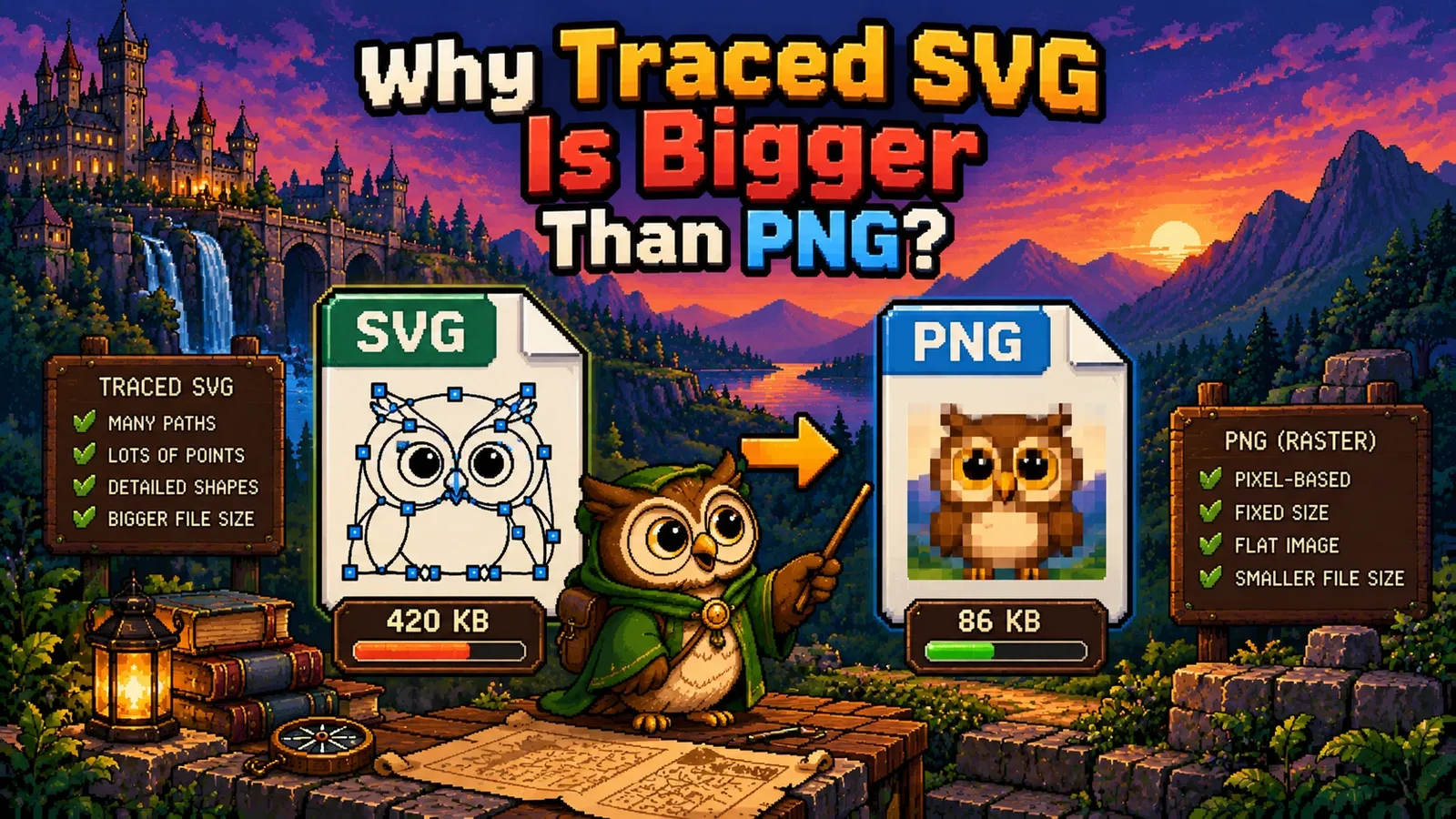
On a photograph, tracing goes badly. When we ran a 14.1 KB photo through our JPG to SVG converter, the result was a 151.5 KB SVG built from 607 paths: more than ten times larger, and visibly blotchy next to the original. The tool now counts the colors in your image first and warns you when a photo is about to do this. If you're curious why the size explodes, our post on why a traced SVG is bigger than the PNG walks through it.
Frequently asked questions#
What is the main difference between vector and raster images? A raster image stores a fixed grid of colored pixels, while a vector image stores shapes and lines as mathematical instructions that are drawn at display time. That's why vectors stay sharp at any size and rasters get blurry when enlarged past their native resolution.
Is SVG better than PNG? SVG is better than PNG for logos, icons, and simple flat graphics, and PNG is better for screenshots, photos, and anything with complex detail. Neither is better overall; they're built for different kinds of images.
Can I convert a photo to SVG? You can trace a photo into an SVG, but the result is usually much larger than the original and looks blotchy, because a photo's smooth color variation turns into hundreds of flat shapes. Keep photos as JPG, PNG, or WebP.
Does converting a PNG to SVG make it infinitely scalable? Converting a PNG to SVG only makes it scalable if the image is simple enough to trace cleanly, such as a logo or line art. The tracer redraws the pixels as shapes, so a clean trace scales well, while a messy one just enlarges the messy shapes.
Will converting SVG to PNG lose quality? Converting SVG to PNG doesn't lose quality at the size you export, because the vector is redrawn fresh at that exact pixel size. The PNG simply won't scale up afterward the way the SVG did, so export it at the largest size you'll need.
Should my logo be SVG or PNG? Your logo should exist as an SVG master file, because it scales cleanly to every size from favicon to billboard. Export PNG copies from that SVG for platforms and forms that don't accept SVG.
The short version#
- Raster (PNG, JPG, WebP) is a fixed grid of pixels: right for photos, screenshots, and scans.
- Vector (SVG) is a set of drawing instructions: right for logos, icons, diagrams, and cutting files.
- Turn SVG into pixels at any size with SVG to PNG. Trace simple graphics into vectors with PNG to SVG or JPG to SVG, and leave photos as photos.
- More comparisons live in our file formats guides, and every image tool is in the image tools hub.
Try the tools
Free, private, and instant. Everything runs in your browser.