What Is EXIF Data, and Can a Photo Reveal Your Location?
EXIF data is hidden information inside your photos, sometimes including GPS coordinates. Here's what it stores, who can see it, and how to remove it.
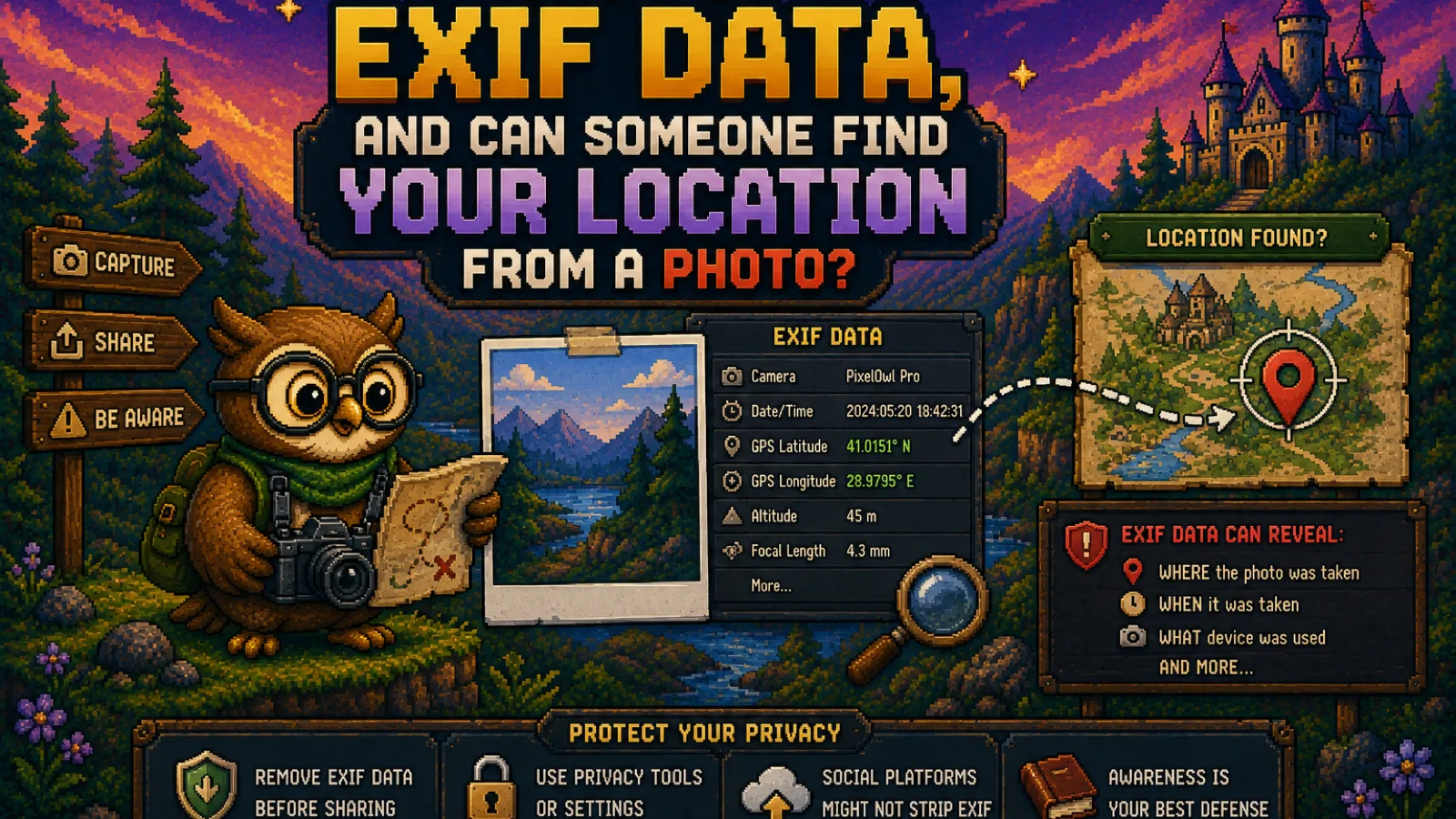
EXIF data is information your camera or phone writes into a photo file alongside the picture itself: when it was taken, what device took it, the camera settings, and often the exact GPS coordinates of where you were standing. So yes, someone can find your location from a photo, if the file still carries that GPS data when they get it. Whether it does depends on your phone's settings and on how the photo was shared. This guide explains what EXIF stores, how to check it, and how to remove it before you share.
What EXIF data is#
EXIF stands for Exchangeable Image File Format. It's a standard way of storing details about a photo inside the image file, so the information travels with the picture wherever it goes. In a JPEG, it sits in a small block of data near the start of the file, before the image itself. The Library of Congress format description for Exif covers the technical structure if you want the details.
You never see EXIF when you look at a photo. It's not part of the pixels. But any app or website that reads the file can read it, and most photo apps can show it to you in a couple of taps.
What EXIF can reveal about you#
A typical phone photo can include:
| EXIF field | What it tells someone |
|---|---|
| GPS latitude and longitude | Where the photo was taken, often down to a specific building |
| GPS altitude | How high up you were |
| Date and time | When the photo was taken, sometimes with the time zone |
| Camera make and model | Which phone or camera you own |
| Lens and camera settings | Focal length, shutter speed, aperture, ISO, flash |
| Orientation | Which way up the phone was held |
| Thumbnail | A small preview copy of the image |
Most of that is harmless or even useful. Photographers rely on it to learn from their shots, and your photo library uses the date and location to sort pictures into moments and places. The field that matters for privacy is GPS. Coordinates with four decimal places, like the 41.0151° N in many EXIF readers, pin a spot to within about 11 meters, because one degree of latitude is roughly 111 kilometers. A photo of your new sofa, taken at home and shared with its GPS data intact, can tell a stranger where you live.
When your location actually ends up in a photo#
Location only gets into EXIF if the camera app is allowed to record it. On an iPhone, the Camera app adds location when Location Services is on for it, as Apple's guide to viewing and sharing photos notes. Android camera apps have a similar "save location" setting. If that permission is off, new photos simply have no GPS fields.
Whether the location then leaves your phone depends on how you share the photo:
- Sending the original file keeps everything. Email attachments, cloud storage links, and "send as file" or "original quality" options in chat apps generally deliver the photo exactly as it is, metadata included.
- Some platforms remove metadata from what they publish. Many social networks strip GPS data from the public copy of an uploaded photo, but behavior varies between services and changes over time, and you can't see what a service keeps on its own servers.
- Your phone may offer a switch. On an iPhone, the share sheet has an Options menu at the top where you can turn off Location for that share.
The safe assumption: if you're sending the actual file to someone, they can read its EXIF.
How to check a photo's EXIF data#
You don't need special software to see what a photo is carrying:
- iPhone: open the photo in Photos and swipe up, or tap the info button. If it has a location, you'll see a map.
- Android (Google Photos): open the photo and swipe up to see the details, including location if present.
- Windows: right-click the file, choose Properties, then the Details tab. GPS fields appear under their own heading.
- Mac: open the photo in Preview, choose Tools > Show Inspector, and look at the info tabs. A GPS tab appears when the photo has coordinates.
If you see a map or GPS coordinates, the location is in the file.
How to remove EXIF data before sharing#
For JPEG photos, the quickest fix is the Remove EXIF tool. Drop in one or more JPEGs and it cuts out the EXIF block (where the GPS coordinates, date, and camera details live) without re-encoding the image, so the pixels stay exactly the same. It runs in your browser, which means the photos you're trying to keep private are never uploaded anywhere.
One thing to know: removing EXIF also removes the orientation tag. Phones often save a photo sideways and use that tag to tell apps to rotate it, so a cleaned photo can occasionally display on its side. If that happens, run the original through the image compressor instead. It rotates the picture upright, then writes a brand-new file from the pixels alone, so the original EXIF block doesn't carry over, and the file usually gets smaller too.
iPhone photos are often HEIC rather than JPEG. Converting them with the HEIC to JPG converter works the same way as the compressor: it produces a fresh JPEG from the pixels, without the original metadata. Our guide to why iPhone photos are HEIC explains where that format comes from. You'll find the rest of the image tools in the image tools hub.
To stop location being recorded in the first place, turn off location access for your camera app. On an iPhone that's Settings > Privacy & Security > Location Services > Camera. You lose the map view in your photo library, so many people prefer to leave it on and clean photos before sharing them instead.
Frequently asked questions#
What is EXIF data? EXIF data is information stored inside a photo file that describes how and when the photo was taken, such as the date and time, the camera or phone model, the camera settings, and often the GPS location. It's invisible in the picture itself but readable by any app that opens the file.
Can someone find my location from a photo? Yes, someone can find your location from a photo if the file still contains GPS coordinates in its EXIF data when they receive it. Removing the EXIF data, or turning off location for your camera app, prevents this.
Do social media sites remove EXIF data? Many social networks remove GPS and other EXIF data from the public copy of photos you upload, but behavior varies between services and can change. Email attachments and file transfers usually keep the original metadata, so clean a photo yourself if you're unsure.
Does removing EXIF data reduce image quality? No, removing EXIF data does not reduce image quality when the tool cuts out the metadata without re-encoding the image, as ConvertOwl's Remove EXIF tool does. The pixels stay identical and the file gets slightly smaller.
How do I see the EXIF data on a photo? You can see a photo's EXIF data in the file's details view: swipe up on the photo in iPhone Photos or Google Photos, use Properties > Details on Windows, or open Tools > Show Inspector in Preview on a Mac.
Do screenshots have EXIF data? Screenshots usually do not contain GPS location, because no camera was involved, but they can still carry some metadata such as the date and the device. If you want a screenshot with no metadata at all, export it through an image converter that writes a fresh file.
The short version#
- EXIF is hidden information inside a photo: date, device, camera settings, and often GPS location.
- If GPS is in the file, anyone who gets the original file can see where it was taken.
- Check a photo's details view on your phone or computer to see what it carries.
- Strip it with the Remove EXIF tool, or re-save the photo with the image compressor, before sharing the original file.
- Read more in our technology articles.
Try the tools
Free, private, and instant. Everything runs in your browser.