Why Are iPhone Photos HEIC Instead of JPG?
iPhones save photos as HEIC by default to save storage space. Here's why Apple made that switch, what it breaks, and how to fix it.
You AirDrop a photo from your iPhone to a Windows laptop, or attach one to an email, and it either shows up as a gray box or arrives as a mysterious .heic file nothing recognizes. Your iPhone didn't do anything wrong. Since iOS 11 in 2017, HEIC has been the default photo format on every iPhone, and the reason comes down to one thing: storage space.
The switch happened in 2017, not by accident#
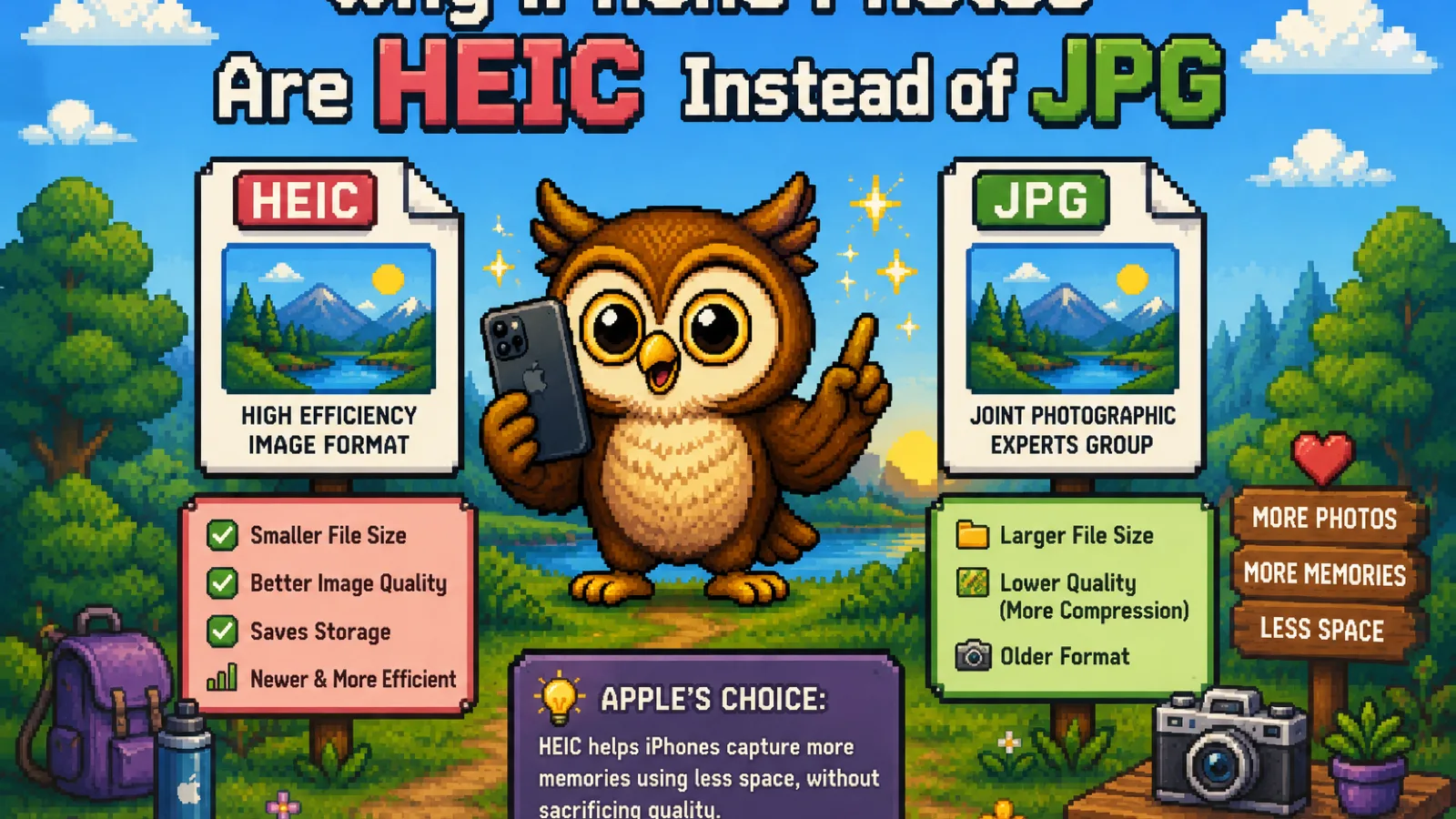
Before iOS 11, iPhones saved photos as JPG, the same format cameras and phones had used for decades. Apple switched the default to HEIC (High Efficiency Image Container) specifically because JPG was starting to show its age: it's a compression format from 1992, built for hardware and storage that no longer resembles a modern phone. HEIC uses a newer compression method that Apple judged good enough to become the default for every photo an iPhone camera takes, not an opt-in setting buried in a menu.
What HEIC actually does differently#
HEIC stores images using HEVC compression, the same video codec behind 4K streaming (also called H.265). That's a meaningfully more efficient way to compress a picture than JPG's older algorithm, and the practical result is a HEIC photo that looks essentially identical to a JPEG at roughly half the file size. On a 128 GB or 256 GB iPhone with no cloud backup, that difference is the reason you can shoot twice as many photos before running out of space, which matters more now that a single photo from a modern iPhone camera can run several megabytes.
HEIC also holds more than JPG can: Live Photos motion data, depth information for Portrait mode, and multiple images bundled into one file (like a burst). None of that is a JPG limitation Apple worked around, it's simply a feature the older format was never designed to hold.
Why HEIC breaks things outside Apple's ecosystem#
The catch is licensing. HEVC is patent-encumbered, so support outside Apple's own devices is inconsistent:
- Windows doesn't preview HEIC natively; it needs a paid codec extension from the Microsoft Store, or the photo just shows a broken thumbnail.
- Many Android phones handle HEIC unevenly, with some older models unable to open it at all.
- Upload forms, CMSs, and older desktop software frequently validate against a fixed list of formats and reject HEIC outright, even though the file itself isn't corrupted.
- JPG, by contrast, has been the universal web image format since the early 1990s, and every browser, printer, and "upload an image" button understands it without a plugin.
None of this is a bug in the photo. It's a container that isn't universally recognized yet, decades after JPG became the assumed default everywhere.
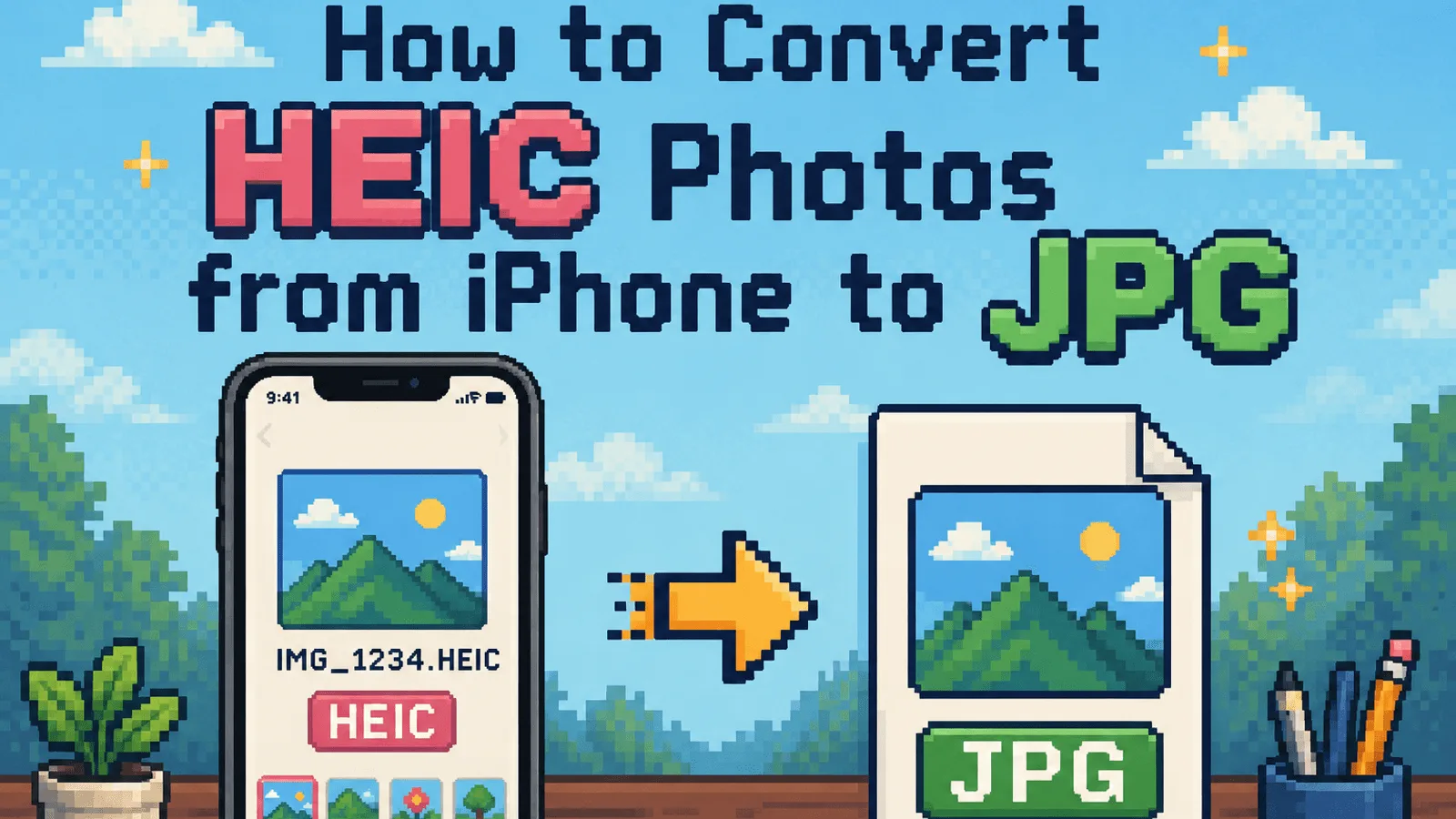
How to convert HEIC to JPG when you need to#
You can turn Apple's camera setting off entirely: under Settings > Camera > Formats, choosing "Most Compatible" makes the iPhone shoot JPG going forward. That only affects future photos, though, and it also means giving up the storage savings on your whole camera roll going forward.
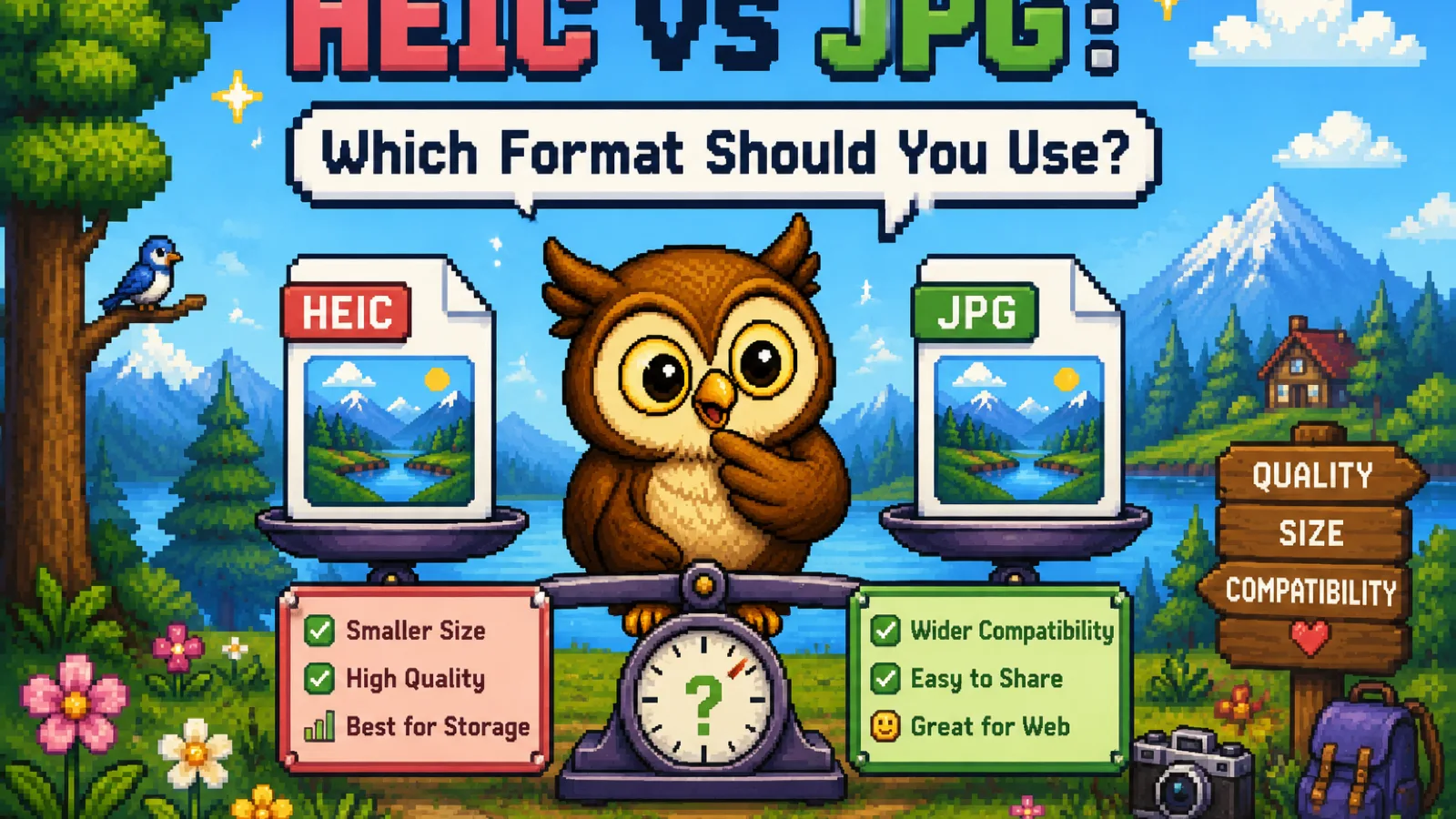
For photos you've already taken, converting on demand is the more practical fix. Run them through the free HEIC to JPG converter: drop your photos in and the conversion happens entirely inside your browser using WebAssembly, so nothing uploads to a server before you get a JPG back. It handles batches of up to 20 files at once, which covers a typical camera roll dump after a trip or event. If you need a transparent background instead, for example pulling a HEIC screenshot into a slide deck, HEIC to PNG is the better fit since JPG can't hold transparency. For the fuller side-by-side on when to keep each format, see the HEIC vs JPG comparison.
Does converting from HEIC to JPG lose quality?#
Yes, technically, but rarely in a way you'll notice at normal viewing sizes. Converting re-encodes the image through JPG's own lossy compression, adding a small additional generation of compression on top of what HEIC already applied. At a reasonable quality setting, the difference is invisible in everyday viewing, sharing, and printing. Where it can matter is repeated round-trip conversions or very high-fidelity print work; for that, keep the HEIC original and only convert a copy.
Frequently asked questions#
Why did Apple choose HEIC over JPG for the iPhone? Apple switched because HEIC compresses photos roughly twice as efficiently as JPG at the same visual quality, letting an iPhone store far more photos in the same amount of space without a visible quality trade-off.
Can I make my iPhone save photos as JPG automatically? Yes, go to Settings > Camera > Formats and choose "Most Compatible" instead of "High Efficiency." This changes what your camera saves going forward, but it won't convert HEIC photos you already have.
Why won't my HEIC photo open on Windows? Windows doesn't include native HEIC support out of the box, so you either need Microsoft's HEIF/HEVC codec extensions installed or you need to convert the photo to JPG, which every version of Windows opens without extra software.
Does converting HEIC to JPG remove Live Photo motion? Yes. JPG is a static image format with no concept of motion, so converting a Live Photo to JPG keeps only a single still frame and discards the video portion. Keep the original HEIC if the motion matters to you.
Is HEIC a worse format than JPG? No, HEIC is technically more efficient; it just isn't as universally supported yet. HEIC is the better choice for photos that stay on Apple devices, while JPG is the safer choice the moment a photo needs to travel somewhere you don't control.
Is it safe to convert HEIC photos online? It depends on the tool. Server-based converters upload your photos to someone else's machine to process them, while a browser-based converter like ConvertOwl's HEIC to JPG tool does the conversion locally using WebAssembly, so your photos never leave your device.
The short version#
- iPhones default to HEIC because it holds the same visual quality as JPG at roughly half the file size, saving storage across an entire camera roll.
- HEIC breaks compatibility outside Apple's ecosystem because HEVC licensing keeps support inconsistent on Windows, older Android devices, and many upload forms.
- Convert on demand with the free HEIC to JPG tool whenever a photo needs to leave Apple's world, or HEIC to PNG if you need transparency.
- You don't have to choose one setting forever: keep shooting HEIC for the storage savings, and convert individual photos the moment they need to travel.
Try the tools
Free, private, and instant. Everything runs in your browser.