HEIC vs JPG: Which Format Should You Use?
HEIC and JPG compared on quality, file size, and compatibility, so you know when to keep HEIC and when to convert to JPG.
Your iPhone saves photos as HEIC. Half the internet still expects JPG. That mismatch is why a photo that looks perfect in your camera roll sometimes shows up as a gray box, a "can't open this file" error, or an unwanted download prompt the moment it leaves your phone. Neither format is "wrong": they're built for different jobs. This guide breaks down what actually differs between HEIC and JPG, and gives you a clear rule for when to keep one over the other.
What HEIC actually is#
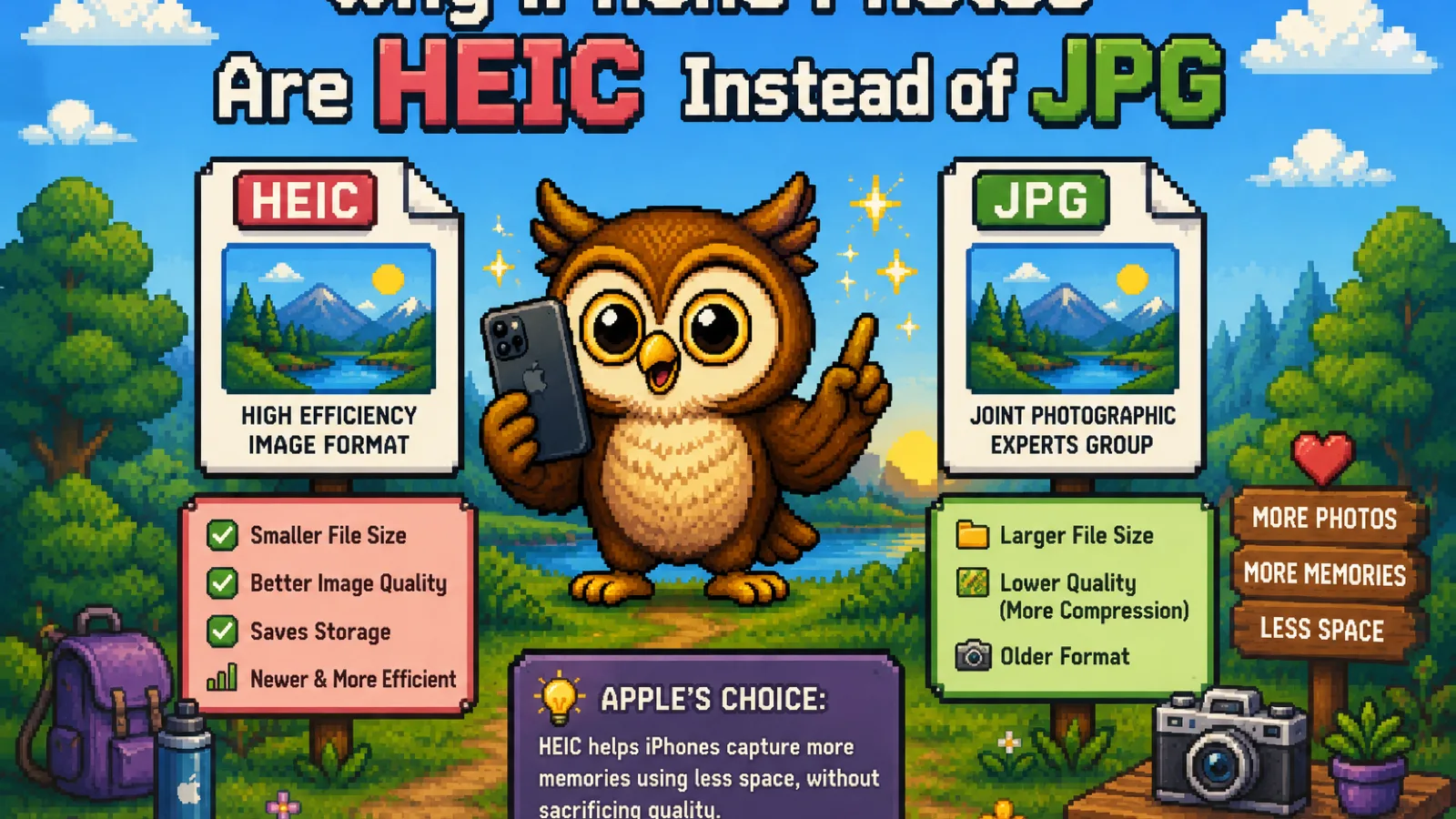
HEIC (High Efficiency Image Container) is Apple's default photo format since iOS 11. It stores images using HEVC compression, the same video codec behind 4K streaming, which is why a HEIC photo looks essentially identical to a JPEG at roughly half the file size. On a 256 GB iPhone, that difference is the reason you can fit twice as many photos before running out of storage.
The catch is licensing. HEVC is patent-encumbered, so support outside Apple's ecosystem is inconsistent: Windows needs a paid codec extension from the Microsoft Store just to preview a HEIC file, many Android phones handle it unevenly, and a large share of upload forms, content management systems, and older desktop software reject it outright.
What JPG actually is#
JPG (or JPEG) has been the default photo format on the internet since the early 1990s. It uses lossy compression that trades a small amount of image detail for a much smaller file, and every browser, operating system, photo printer, and "upload an image" button built in the last three decades understands it without a plugin or a converter. That universal support is JPG's entire value proposition: it isn't the most efficient format available anymore, it's the one nothing rejects.
HEIC vs JPG: the direct comparison#
| HEIC | JPG | |
|---|---|---|
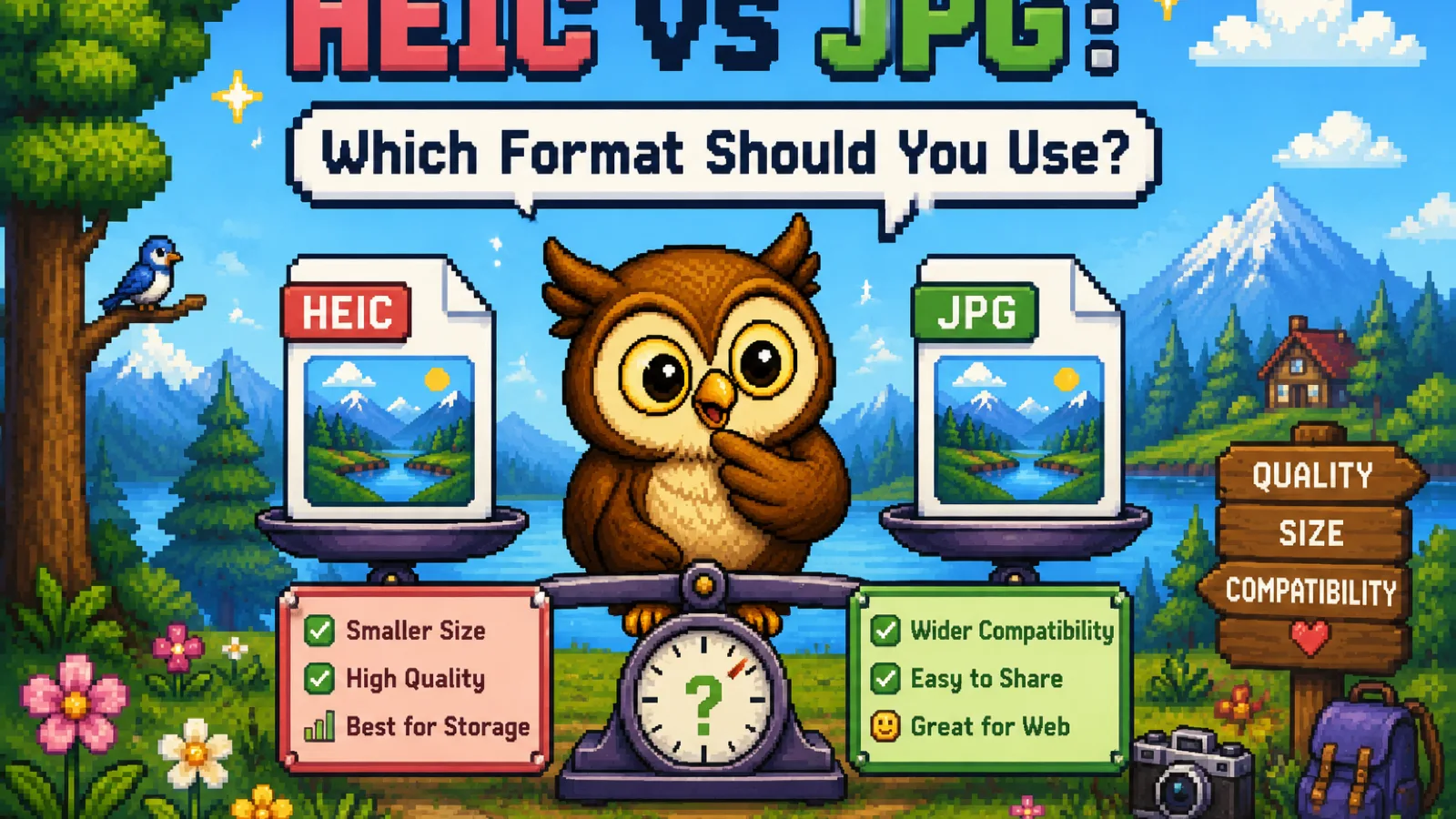
| Typical file size | ~50% smaller than JPG at equal quality | Larger, but predictable and well understood |
| Compatibility | Apple devices, recent Windows/Android with support | Universal: every device, browser, and app |
| Editing support | Limited outside Apple apps | Supported everywhere, including old software |
| Metadata & Live Photo | Preserves Apple-specific data (Live Photos, depth data) | Standard EXIF only, no Apple extras |
| Best for | On-device storage on Apple hardware | Sharing, uploading, printing, archiving |
When to keep HEIC#
If a photo never leaves your iPhone or iCloud Photos, there's no reason to convert it. You get smaller files, faster backups, and (for Live Photos) motion data that a converted JPG would simply discard. Editing within Apple's own Photos app also works natively on HEIC, so there's no quality lost in the format itself.
When to convert to JPG#
Convert the moment a photo needs to work somewhere HEIC might not be recognized:
- Emailing or messaging someone on Windows or Android who reports a file they can't open.
- Uploading to a website, contact form, job application, or CMS, most of which validate against a fixed list of formats and reject HEIC outright.
- Printing through a lab or service that only accepts JPG or PNG.
- Archiving photos somewhere you want long-term, guaranteed compatibility, since JPG isn't going anywhere.
You can convert with our free HEIC to JPG converter: drop your photos in and the conversion runs entirely inside your browser using WebAssembly, so nothing uploads to a server. It handles batches of up to 20 files at once, which covers a typical camera roll dump. If you need a transparent background instead, for example turning a HEIC screenshot into something you can drop onto a slide, HEIC to PNG is the better fit since JPG can't hold transparency.
Does converting HEIC to JPG lose quality?#
Yes, technically, but rarely in a way you'll notice. Converting re-encodes the image through JPG's own lossy compression, which introduces a small additional generation of compression on top of what HEIC already applied. At a normal quality setting (85% or higher), the difference is invisible in everyday viewing and printing. Where it does matter is repeated round-trip conversions or professional print work at very high fidelity; if that's your use case, keep the HEIC original and only convert a copy.
Is HEIC or JPG better for storage?#
HEIC is better for storage specifically because it holds the same visible quality in roughly half the space, so it's the right default for photos that live only on your device or in iCloud. JPG is better once a file needs to be opened, shared, or edited outside Apple's own apps, where universal support outweighs the storage savings. Most people end up keeping both: HEIC as the on-device original, JPG as the version they actually send.
Frequently asked questions#
Is HEIC better quality than JPG? At the same file size, HEIC generally holds more visual detail than JPG because HEVC compression is more efficient than JPG's older algorithm, but at normal viewing sizes the difference is hard to spot with the naked eye.
Why won't my HEIC photo open on Windows? Windows doesn't include native HEIC support out of the box; you either need to install Microsoft's HEIF/HEVC codec extensions or convert the photo to JPG, which every version of Windows can open without any extra software.
Can I convert JPG back to HEIC? Technically yes with the right software, but there's rarely a reason to: converting JPG to HEIC won't recover detail already lost in the original JPG compression, so you'd gain smaller file size without gaining quality back.
Does converting HEIC to JPG remove Live Photo motion? Yes, JPG is a static image format with no concept of motion, so converting a Live Photo to JPG keeps only the single still frame and discards the video portion. Keep the original HEIC if you want to preserve the Live Photo.
Is it safe to convert HEIC photos online? It depends on the tool: server-based converters upload your photos to someone else's machine to process them, while a browser-based converter like ours does the conversion locally using WebAssembly, so your photos never leave your device.
Do I need to convert every HEIC photo I take? No. Only convert the ones you're about to share, upload, or print somewhere that might not support HEIC; photos that stay in your camera roll or iCloud Photos are fine to leave as HEIC.
The short version#
- HEIC is smaller and preserves Apple-specific data like Live Photos; it's the right choice for photos that stay on Apple devices.
- JPG is universally compatible; it's the right choice the moment a photo needs to leave your device.
- Convert with the free HEIC to JPG tool when you're sharing, uploading, or printing, and reach for HEIC to PNG instead if you need transparency.
- You don't have to pick one forever: keep HEIC originals for storage, convert copies on demand.
Try the tools
Free, private, and instant. Everything runs in your browser.