Why Can't Some Devices Play MKV Files?
MKV files fail to play on phones, TVs, and some apps because of the container, not the video. Here's why, and how to fix it in seconds.
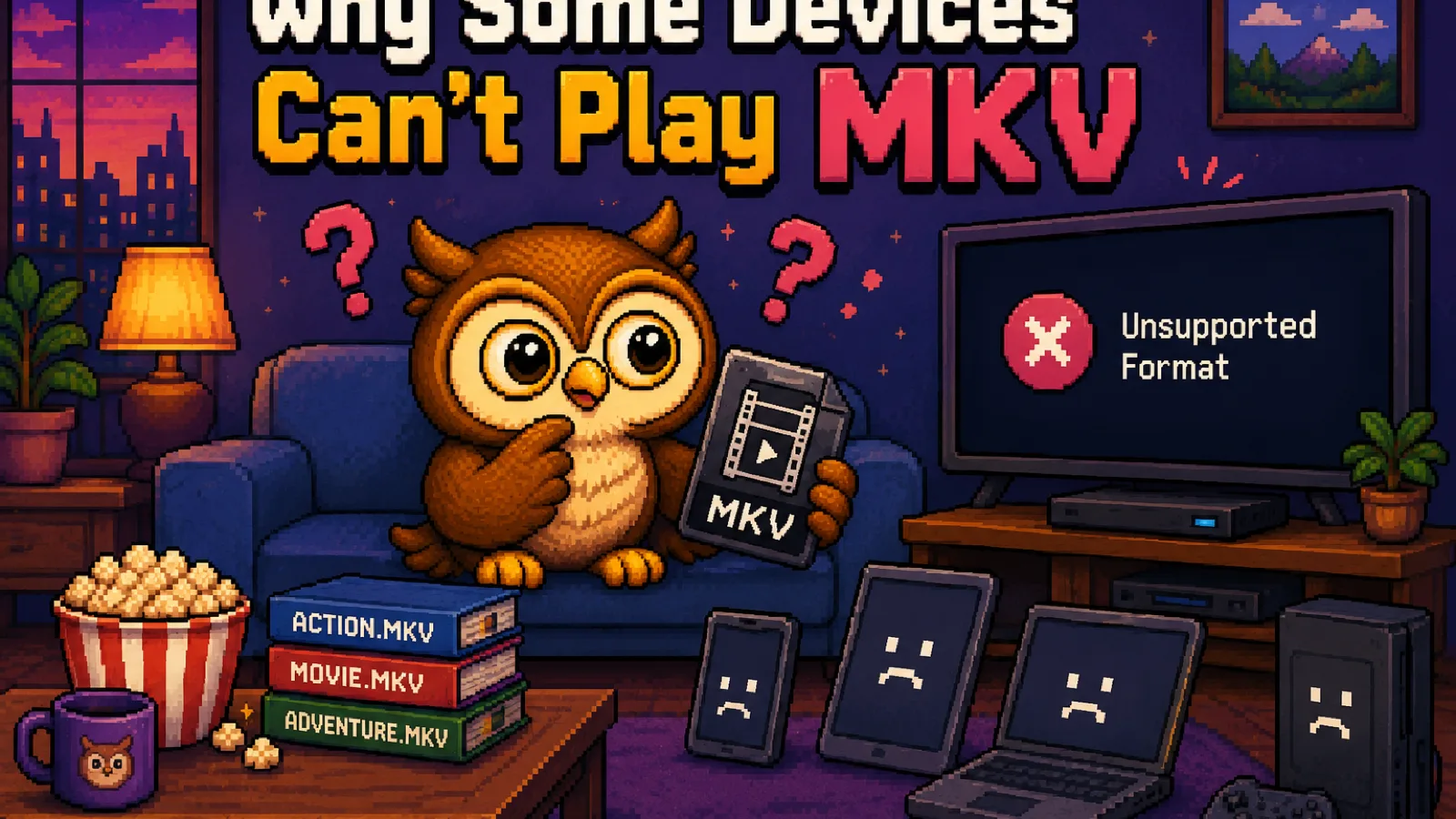
You downloaded a video, or someone sent you a ripped movie, and it just won't open. Your phone says "unsupported format." Your smart TV shows a blank screen. Your video editor throws an error before you've even clicked play. Check the extension and it's almost always the same one: .mkv. The video itself is usually fine, it's the container it's wrapped in that most devices were never built to read.
MKV isn't a codec problem, it's a container problem#
A video file is really two things stacked together: a container (the wrapper format, like MP4, MOV, or MKV) and one or more codecs inside it (H.264, H.265, VP9, and so on) that actually compress the video and audio data. The container just decides how those streams are packaged, indexed, and labeled.
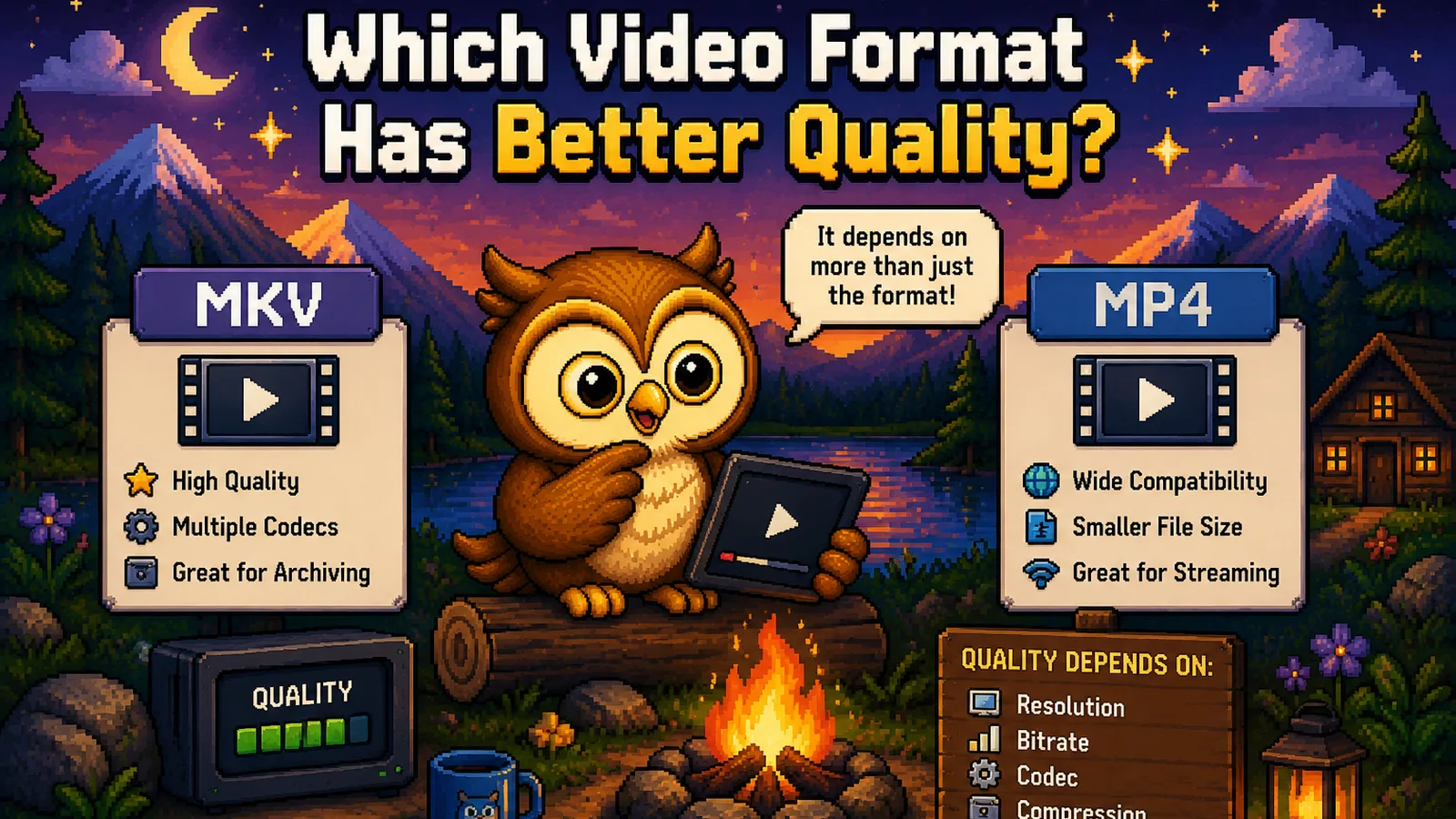
MKV (Matroska) is an open-source container built to be maximally flexible: it can hold multiple audio tracks in different languages, several subtitle tracks, chapter markers, and pretty much any video codec you throw at it, all in one file. That's exactly why it's the go-to format for ripped movies and TV shows with multiple language options. It's also exactly why it's the least portable container in common use: flexibility isn't the same as support.
Why so many devices reject it#
Support for a container has to be built into the device or app, and building in full Matroska support costs a manufacturer engineering time for a format that (outside of media enthusiasts) most users never touch. So it gets skipped:
- iPhones and iPads don't support MKV natively at all. Apple's own QuickTime and AVFoundation frameworks are built around MP4 and MOV.
- Many smart TVs and streaming boxes only implement the container formats their app store partners require, and MKV frequently isn't one of them.
- Upload forms and social platforms (email, messaging apps, most social media) validate against a small allow-list of container formats, and MKV rarely makes the cut.
- Some video editors can preview an MKV's video track but choke on unusual codec combinations packed inside it, since the container spec allows combinations the editor's importer was never tested against.
Notice the pattern: it's never really "the video is broken." It's that the box the video is shipped in isn't one the reader on the other end knows how to open.
The fix: repackage into MP4#
Since the problem is the container and not the video quality inside it, the fix doesn't require re-encoding anything meaningful. Converting MKV to MP4 keeps the same video and swaps the wrapper for one that plays practically everywhere.
Step 1: Open the MKV to MP4 tool#
Go to convertowl.com/mkv-to-mp4. The conversion runs locally in your browser using WebAssembly, so a large ripped file never has to upload anywhere before you can watch it. That matters for privacy, and it also means you're not stuck waiting on an upload bar for a multi-gigabyte file.
Step 2: Add your MKV file#
Drag the file in or click to browse. Because there's no upload step, the tool starts reading the file immediately.
Step 3: Convert and download#
The tool repackages the file into an MP4 container. If the video inside used a codec MP4 already supports well (which is true most of the time for modern rips), this is a fast, clean container swap with no visible quality loss. Download the result and it should now open on your phone, in your browser, or on whatever device rejected the original.
What if it still won't play?#
Occasionally an MKV holds a genuinely unusual codec combination (uncommon subtitle formats, certain older video codecs) that needs actual re-encoding rather than a simple repackage, which can take a little longer and, in rare cases, involve a very small quality trade-off. That's still worth doing over not being able to watch the file at all.
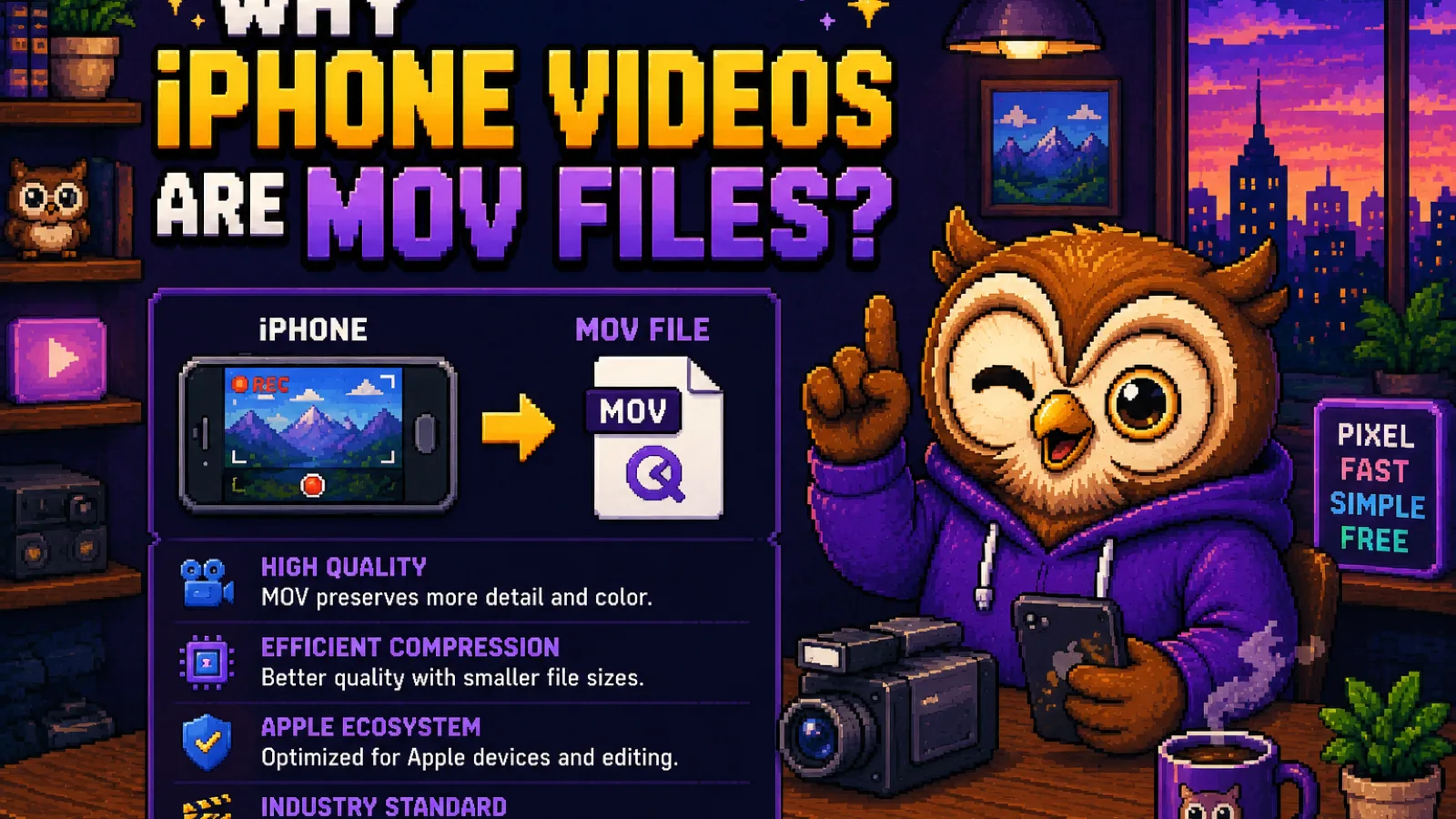
If the file came from an iPhone or a Mac in the first place and it's a MOV rather than an MKV giving you trouble, the same logic applies: MOV to MP4 fixes it the same way. And if your goal is the opposite problem, a video that plays fine but is too heavy to email or upload to a web page, MP4 to WebM shrinks it down for that specific use case, at the cost of the broader compatibility MP4 gives you.
FAQs#
Why won't my iPhone play an MKV file? iPhones don't include native support for the Matroska container in their built-in video frameworks, so even though the video codec inside might otherwise be supported, the file simply won't open until it's repackaged into MP4 or MOV.
Does converting MKV to MP4 lose quality? In most cases no, since the conversion typically just repackages the same underlying video codec into a new container without re-encoding it, though a small subset of MKV files with unusual codecs do require re-encoding and a minor quality trade-off.
Can I just rename an MKV file to .mp4 to fix it? No, renaming the file extension does not change the container format inside it, so the file will still fail to open on any device that couldn't read MKV in the first place; it needs an actual conversion.
Is MKV a bad format? No, MKV is a genuinely capable, open-source container that's popular for good reasons, like holding multiple audio and subtitle tracks in one file; it's simply not as universally supported as MP4, so it's the wrong choice when broad playback matters most.
Why do ripped movies and TV shows so often use MKV? MKV's ability to bundle multiple audio languages, several subtitle tracks, and chapter markers into a single file makes it a natural fit for archiving movies and shows with more than one language option, which is exactly the use case that drives its popularity.
Will MP4 always play instead of MKV? MP4 has by far the widest device and app support of any common video container, so converting to it solves the vast majority of playback failures, though a handful of very old or unusual devices can still have limits worth checking first.
The short version#
- MKV files fail to open because of the container, not because the video itself is corrupted or low quality.
- Devices and apps have to explicitly support Matroska, and many, especially phones, skip it to save engineering effort on a less common format.
- Converting to MP4 usually just repackages the existing video, with no meaningful quality loss, and fixes playback almost everywhere.
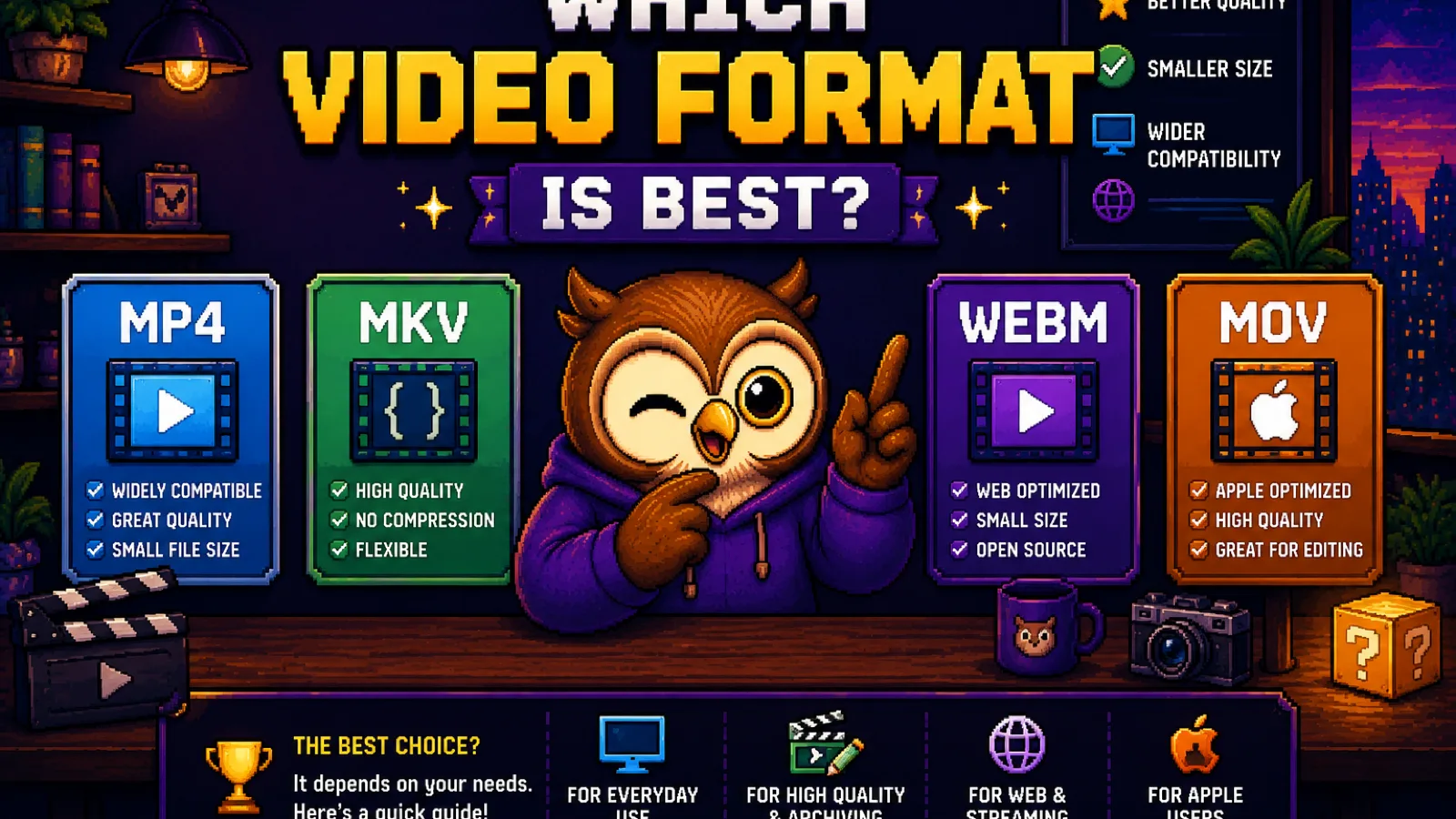
- For a deeper look at how MP4, MOV, WebM, and MKV compare, see Which Video Format Is Best?
Stuck with a file that won't open? Run it through the free MKV to MP4 tool: no upload, no account, no wait. You can also browse more explainers like this on the file formats hub.
Try the tools
Free, private, and instant. Everything runs in your browser.