Add a Watermark to a PDF Without Adobe
Stamp DRAFT or CONFIDENTIAL across a PDF free in your browser, no Adobe and no upload. Step by step, plus what a watermark can and can't do.
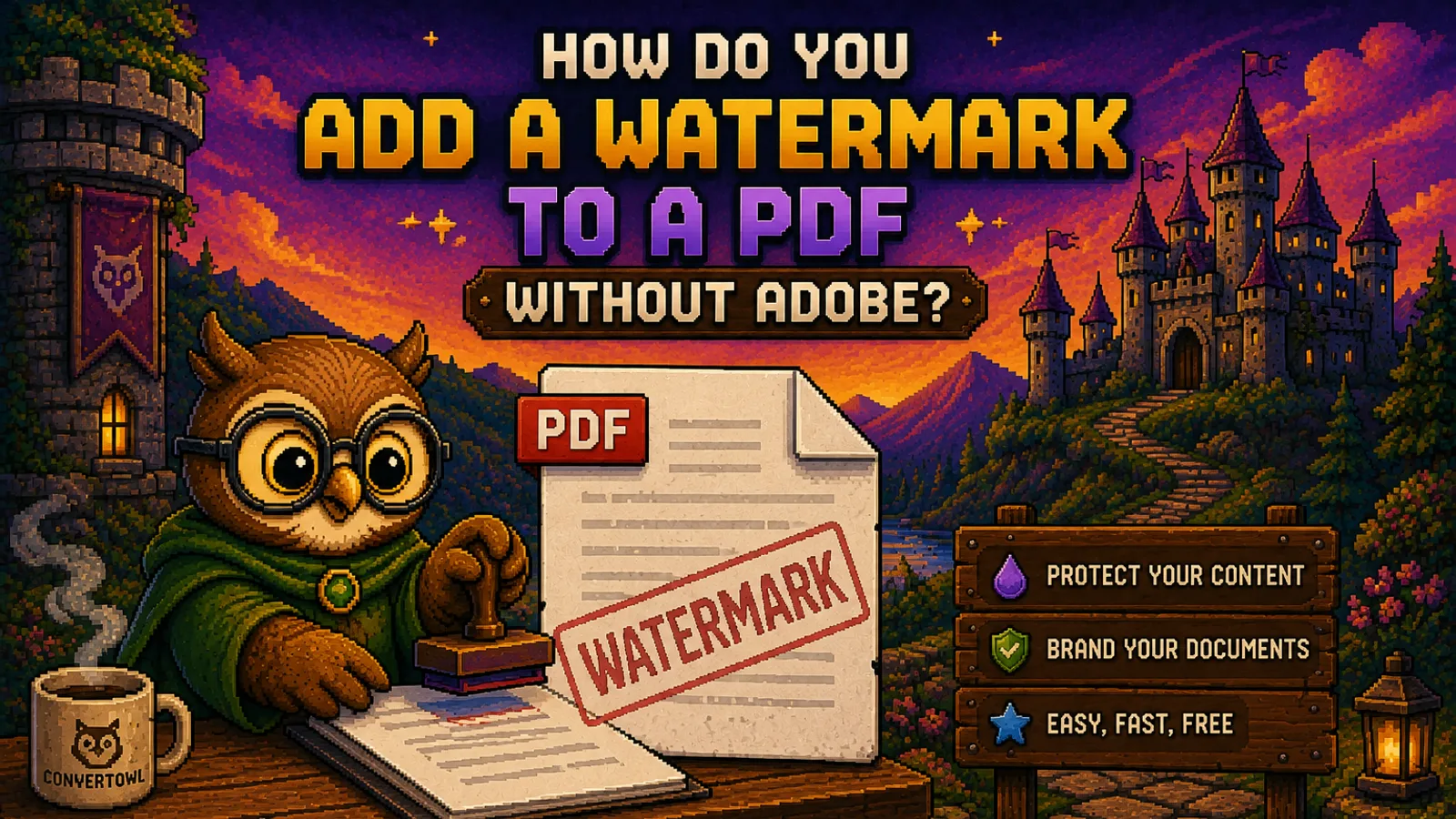
You need to send a proposal out for review, and you want every page to say DRAFT so nobody mistakes it for the final. Or a contract is going to three people and you want your client's name across it. The obvious answer is Adobe Acrobat, and the obvious problem is that Adobe puts watermarking in the paid Acrobat product, which is a lot of subscription for one stamp.
You don't need it. Our Watermark PDF tool stamps text across every page of a PDF for free, in your browser, with nothing uploaded anywhere. This guide walks through it, then covers the part most tutorials skip: what a watermark actually protects, and what it doesn't.
What a PDF watermark actually is#
A watermark is just text drawn onto the page, usually large, usually semi-transparent, often at an angle. There are two ways a tool can add one:
- Into the page content. The text becomes part of the page itself, exactly like the words that were already there. It prints, it survives being emailed around, and it can't be toggled off in a viewer.
- As a separate annotation layer. Some tools add the mark as an overlay object that sits on top of the page. Convenient, but a layer can be hidden or stripped by anyone who knows where to look.
ConvertOwl draws the watermark into the page content, so the mark is part of the document rather than a sticker on it. That's the behavior you want for a DRAFT or CONFIDENTIAL stamp. It also means the original is gone once you download, so keep a clean copy if you'll need one later.
Step 1: Open the Watermark PDF tool#
Go to convertowl.com/pdf/watermark-pdf. No account, no install, no trial. The stamping runs entirely inside your browser, so the PDF is never uploaded to a server. For a confidential draft that's not a detail, it's the whole reason to use a local tool instead of a server-based one.
Step 2: Add your PDF#
Drag the file onto the page or click to browse. Files up to 100 MB are handled locally. Because there's no upload step, the file is ready to work the moment your browser has read it.
Step 3: Type your watermark text#
Enter the words you want on every page. The ones that actually get used:
| Text | When to use it |
|---|---|
DRAFT | Circulating something not yet final |
CONFIDENTIAL | Internal documents, NDAs, anything you don't want forwarded casually |
COPY | Distinguishing a duplicate from the signed original |
| A person or company name | Sending an individually marked copy to each recipient |
SAMPLE | Portfolios, templates, and previews |
Keep it short. A watermark is read at a glance, and a long sentence stretched across a page just makes the text underneath harder to read.
Step 4: Set position, opacity, and size#
Three controls decide how the stamp looks:
- Diagonal. Turn it on for the classic 45 degree stamp across the middle of the page. Turn it off to place the text in a corner or centered horizontally, which is the quieter option for documents people still have to read closely.
- Opacity. Faint enough to read through, bold enough to notice. If the reader has to squint past the watermark to read a clause, it's too strong.
- Font size. Large for a full-page diagonal stamp, small for a corner mark.
The watermark is drawn as real vector text, not a pasted image, so it stays sharp at any zoom level and prints cleanly.
Step 5: Apply and download#
Click Add watermark to all pages. Your browser draws the text onto every page and hands you the finished PDF immediately. It's applied to all pages by default, which is what you want for a consistent mark across a whole document.
A watermark is a label, not a lock#
This is the part worth being honest about. A watermark says what a document is. It does not stop anyone from doing anything with it. Someone who receives a PDF stamped CONFIDENTIAL can still forward it, print it, or screenshot it.
If you need the document to actually be restricted, you need encryption, not ink:
- Password protect the PDF so it can't be opened without the password. That's real encryption, applied in your browser, and the password never leaves your device.
- Do both when it matters. A stamped, encrypted PDF tells an authorized reader what they're holding and keeps everyone else out.
The trade-offs of PDF passwords are worth understanding before you rely on one, and we've written them up in Does password protecting a PDF make it secure?. Short version: it keeps out the casual, not the determined. If you're on the receiving end and already know the password, Unlock PDF removes it again.
Watermarking several documents#
The tool stamps one PDF at a time, across all of its pages. If you have a stack of files that all need the same mark, merge them into one PDF first, watermark the combined file, and you've done it in a single pass. If the result ends up too heavy to email, run it through Compress PDF afterward.
Watermarking barely changes file size on its own, since you're adding a few characters of vector text per page, not an image.
FAQs#
How do I add a watermark to a PDF without Adobe?#
Use a browser-based tool like ConvertOwl's Watermark PDF: add your file, type the text you want stamped, choose the position and opacity, and download the marked PDF, with no Adobe subscription, no account, and no upload.
Is it safe to watermark a confidential PDF online?#
Yes, provided the tool works locally in your browser rather than uploading your file to a server; ConvertOwl draws the watermark on your own device, so a confidential draft never leaves your computer at any point.
Can a PDF watermark be removed?#
A watermark drawn into the page content becomes part of the document and is not a layer you can simply switch off, though no watermark is truly unremovable by someone determined enough. Keep an unmarked copy of your original if you'll need a clean version later.
Does a watermark protect my PDF from being copied?#
No. A watermark labels a document, it doesn't restrict it, so anyone who can open the file can still forward, print, or screenshot it. Use password protection when you need the file itself to be restricted.
Will the watermark appear on every page?#
Yes, the text is stamped on all pages of the document by default, which keeps the mark consistent through a whole draft or contract rather than only on the first page.
Does adding a watermark reduce PDF quality?#
No. The watermark is added as vector text on top of your existing content, so nothing is rasterized or re-encoded: your text stays selectable and your images keep their original resolution.
The short version#
- Watermarking a PDF does not require Adobe. A browser-based watermark tool does it free, locally, with no upload.
- Keep the text short, and tune opacity so the mark is visible without making the page hard to read.
- The watermark is drawn into the page, so save a clean copy of the original before you stamp it.
- A watermark is a label. For actual restriction, add a password as well.
More walkthroughs like this one live in our how-to guides. Ready to stamp yours? Open the free Watermark PDF tool, drop the file, type your text, and download: no upload, no account, and no watermark from us on top of yours.
Try the tools
Free, private, and instant. Everything runs in your browser.