Lossy vs Lossless Compression: The Actual Difference
Lossy compression throws data away for smaller files; lossless keeps every bit. Here's how each works, which formats use which, and when to pick each.
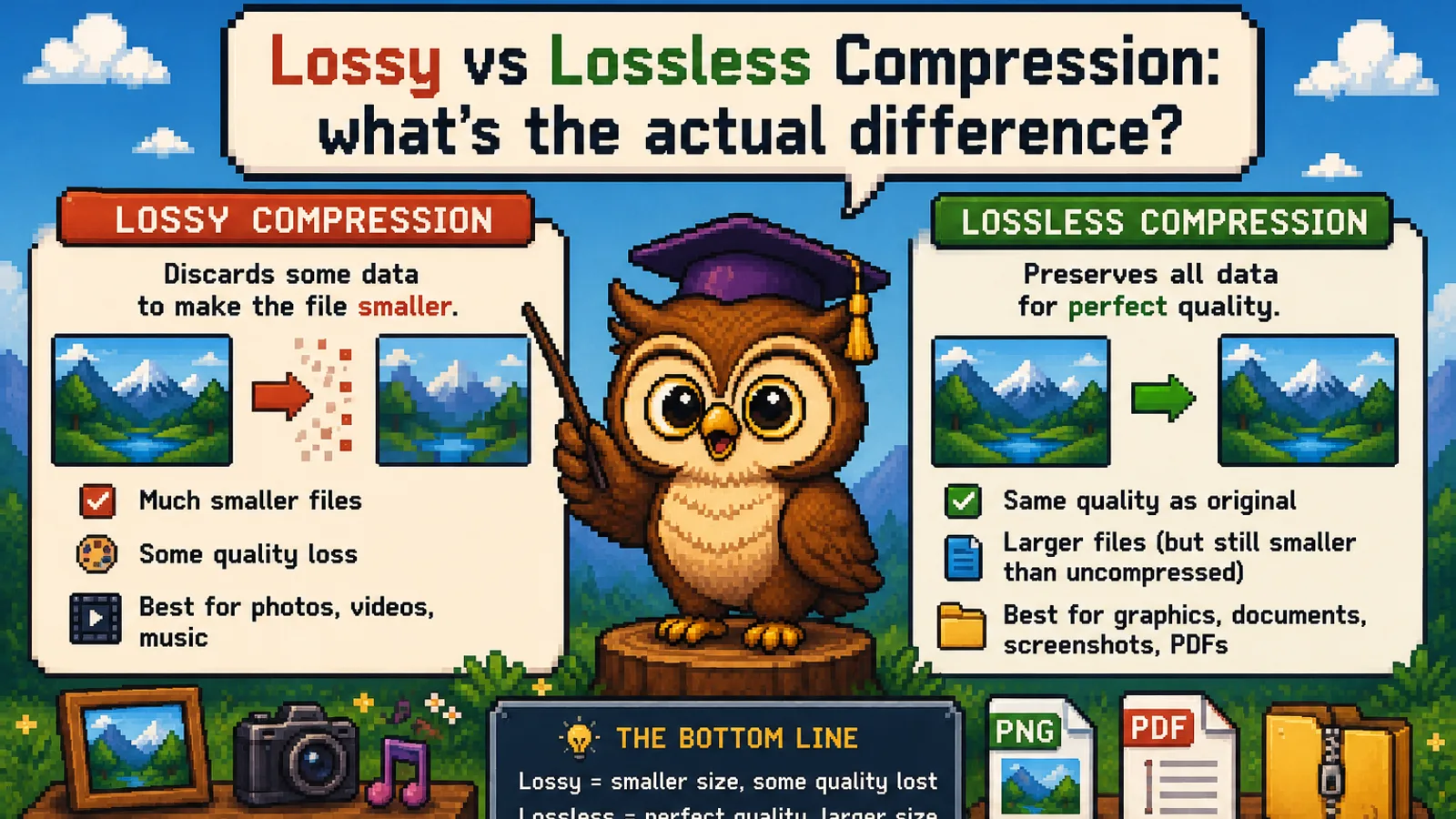
Every time a file gets smaller, one of two things happened to it. Either the data was rewritten more efficiently and can be rebuilt exactly (lossless compression), or some of it was thrown away on purpose because you probably won't miss it (lossy compression). That is the whole difference between lossy and lossless compression, and knowing which one a tool uses tells you whether you can ever get the original back.
This guide explains how each approach works, which everyday formats use which, and how to choose the right one before you hit save.
The one-sentence answer#
Lossless compression shrinks a file so it can be restored bit-for-bit; lossy compression shrinks it further by permanently discarding detail that is hard to notice. A ZIP of your tax documents has to be lossless, because a single changed byte would corrupt a number. A photo for a web page can be lossy, because nobody can see the few thousand pixels that were approximated.
How lossless compression works#
Lossless compression looks for redundancy: patterns that can be written down more briefly without losing any information. If a row of pixels is "blue, blue, blue, blue, blue," it can be stored as "5 × blue." If a phrase repeats throughout a document, later copies can be replaced with a short pointer back to the first one. The DEFLATE algorithm behind ZIP and PNG, defined in RFC 1951, combines exactly these two tricks.
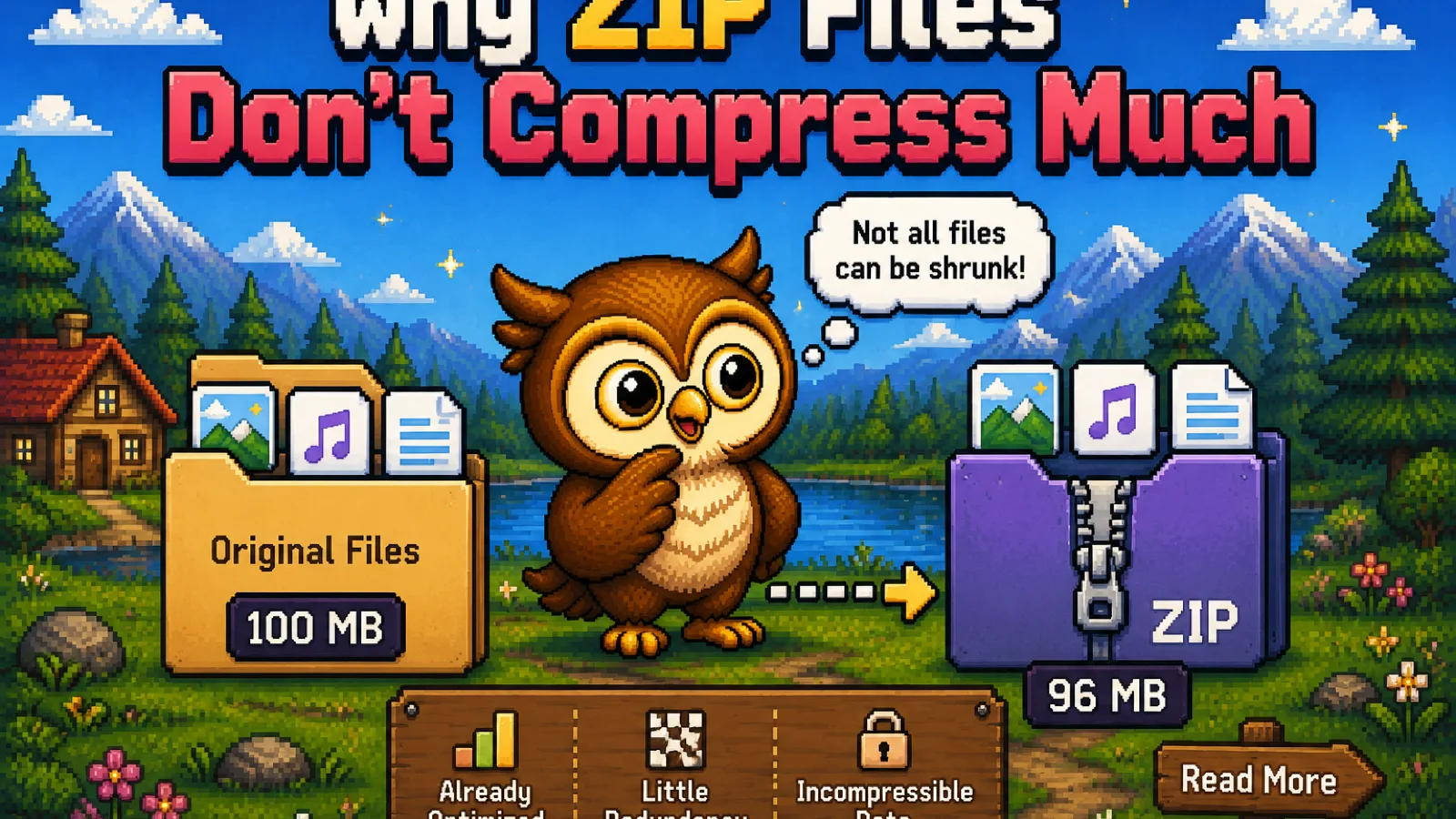
The key property: decompression reverses the process perfectly. What comes out is identical to what went in, down to the last bit. The catch is that savings depend entirely on how much redundancy the data has. Plain text and simple graphics shrink a lot; data that is already compressed or naturally noisy barely shrinks at all, which is why zipping a folder of photos hardly changes its size.
How lossy compression works#
Lossy compression goes one step further. Before it looks for redundancy, it decides which information is least important to a human viewer or listener and simplifies or removes it. JPEG, for example, stores fine color detail less precisely than brightness, because our eyes are more sensitive to brightness changes. MP3 drops sounds that are masked by louder sounds at nearby frequencies.
Because it is allowed to change the data, lossy compression can reach file sizes lossless methods never could. Most lossy formats also let you choose how much to throw away: a JPEG quality slider, an MP3 bitrate, a video bitrate or CRF value. Higher settings keep more detail and produce bigger files; lower settings produce smaller files with more visible (or audible) artifacts. MDN's guide to image formats describes how JPEG's lossy encoding behaves at different quality levels.
The trade-off is permanent. Once detail has been discarded, no tool can rebuild it.
Which formats use which#
| Type | Lossless | Lossy |
|---|---|---|
| Images | PNG, GIF, TIFF (usually), WebP lossless, AVIF lossless | JPEG, WebP lossy, AVIF lossy, HEIC |
| Audio | FLAC, ALAC, WAV (uncompressed) | MP3, AAC, Ogg Vorbis, Opus |
| Video | Rare outside professional editing | MP4 (H.264/H.265), WebM (VP9/AV1), MOV |
| Documents and archives | ZIP, 7z, PDF text and vector content | Images embedded in a PDF are often JPEG |
Two details are easy to miss. Some formats support both modes, so a WebP or AVIF file can be either. And a PDF is a container: its text stays lossless, but the photos inside it are frequently JPEG-compressed. That is exactly why our Compress PDF tool re-encodes the embedded images at a quality you choose while leaving the text and vector lines untouched.
Why re-saving a lossy file keeps making it worse#
Every time you open a JPEG and save it again as a JPEG, the encoder runs its lossy step one more time on pixels that were already approximated. The damage accumulates: slightly more blur, slightly more blockiness, a bit more color banding. This is called generation loss, and it is the most common way people accidentally ruin photos.
The fix is simple: keep an original (or a lossless working copy) and export lossy versions from it, rather than editing and re-saving the same lossy file over and over. If you need to edit a JPEG several times, converting it to PNG with JPG to PNG gives you a lossless working copy that won't degrade further as you save.
Converting lossy to lossless doesn't bring quality back#
Turning an MP3 into a FLAC, or a JPEG into a PNG, produces a lossless copy of a lossy file. The result is bigger, but it contains exactly the same detail as the lossy source, artifacts included. What was discarded during the first lossy encode is gone.
This matters when you're deciding what to keep. The best-quality master is always the earliest one: the camera's original photo, the CD rip, the studio WAV. For audio, our guide to the best audio format for music walks through when FLAC is worth keeping and when MP3 is plenty.
When to choose lossy#
Choose lossy compression when the file is meant to be viewed or heard, not edited, and size matters:
- Photos for websites, email, and social media. Running them through the image compressor with a sensible quality setting can cut the size dramatically with little visible change. Our guide on compressing images without losing quality covers how to pick that setting.
- Music for phones, cars, and everyday listening. Converting a lossless album with FLAC to MP3, which encodes at up to 320 kbps, gives you files that are far smaller and still sound excellent on typical headphones.
- Video of any kind. Consumer video is almost always lossy; uncompressed video is simply too large to store or stream.
When to choose lossless#
Choose lossless compression when every bit matters or the file will be edited again:
- Documents, spreadsheets, code, and archives. Changing a single byte can break them, so ZIP and similar formats are always lossless.
- Screenshots, logos, diagrams, and text in images. Lossy compression tends to blur sharp edges and add halos around text. PNG keeps them crisp. If you do need a smaller file from a photo-like PNG, PNG to JPG is the lossy route.
- Masters and archives. Keep the original photo, the FLAC rip, or the full-quality export so you can make lossy copies from it later without stacking generation loss.
Frequently asked questions#
What is the main difference between lossy and lossless compression? Lossless compression reduces file size in a way that can be fully reversed, so the decompressed file is identical to the original, while lossy compression permanently removes some detail to achieve much smaller files.
Is PNG lossy or lossless? PNG is a lossless format: it compresses images with the DEFLATE algorithm, so every pixel is preserved exactly and nothing is discarded when you save.
Is JPEG always lossy? Yes, in practice: the JPEG files produced by cameras, phones, and image editors are always lossy, because the encoder approximates color and fine detail to save space, even at the highest quality setting.
Can you convert a lossy file back to lossless quality? No, converting a lossy file such as an MP3 or JPEG to a lossless format like FLAC or PNG preserves its current quality but cannot restore the detail that was removed during the original lossy encoding.
Does compressing a PDF lose quality? Compressing a PDF usually applies lossy compression only to the images inside it, while text and vector graphics stay lossless and perfectly sharp.
Which is better, lossy or lossless compression? Neither is better in general: lossless is the right choice when the file must stay exact or will be edited again, and lossy is the right choice when a much smaller file matters more than invisible detail.
The short version#
- Lossless = smaller file, identical data when decompressed. Used by ZIP, PNG, FLAC, and PDF text.
- Lossy = much smaller file, some detail permanently removed. Used by JPEG, MP3, AAC, and nearly all video.
- Re-saving a lossy file repeatedly causes generation loss; work from an original instead.
- Converting lossy to lossless makes the file bigger but never restores what was lost.
- For more on how compression formats work under the hood, browse the technology section of the blog, or try the free image compressor and Compress PDF tool, which run entirely in your browser so your files never leave your device.
Try the tools
Free, private, and instant. Everything runs in your browser.