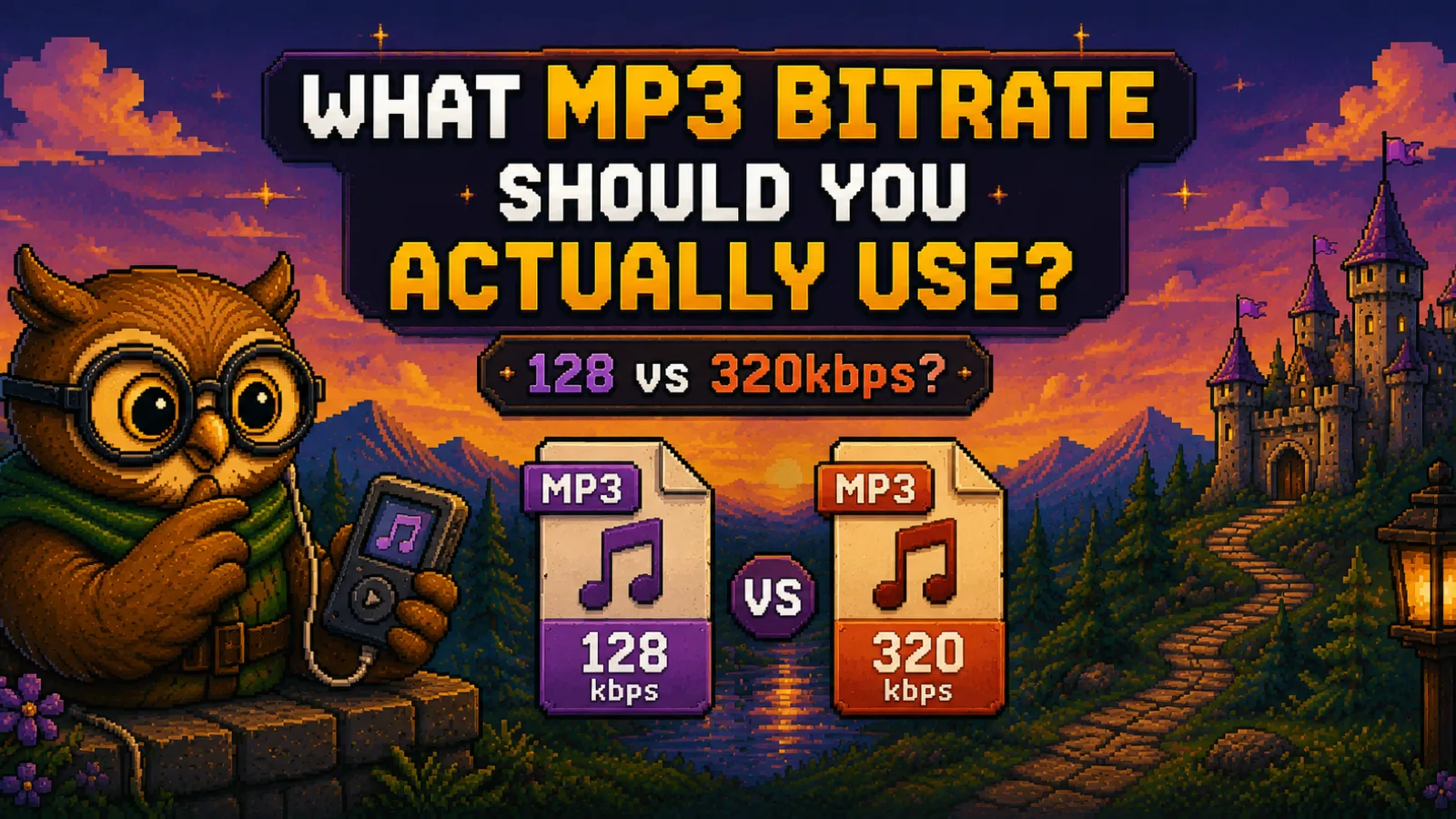
What MP3 Bitrate Should You Use? 128 vs 320 kbps
MP3 bitrate explained: what 128, 192, 256, and 320 kbps mean for sound and file size, which one to pick for music or podcasts, and how to test your ears.
The MP3 bitrate you should use depends on what you're encoding and how you'll listen. For music, 192 kbps is a sensible minimum, 256 kbps is a comfortable middle, and 320 kbps (the highest bitrate the MP3 standard allows) is the safe choice when storage doesn't matter. For speech, such as podcasts, audiobooks, and voice memos, 128 kbps is plenty. The gap between 128 and 320 kbps is real on paper, a 320 kbps file is two and a half times bigger, but whether you can hear it depends on the music, your headphones, and your ears. This guide explains what bitrate actually controls, what each common setting costs in file size, and how to find the lowest one that sounds right to you.
What bitrate actually means#
Bitrate is how much data the file uses to describe each second of sound, measured in kilobits per second (kbps). A 128 kbps MP3 spends 128,000 bits, or 16,000 bytes, on every second of audio. A 320 kbps MP3 spends 40,000 bytes.
For context, uncompressed CD audio runs at 1,411.2 kbps, as Wikipedia's MP3 article notes. MP3 gets down to a fraction of that by throwing away sound it predicts you won't notice: very quiet details masked by louder ones, and parts of the spectrum the ear is least sensitive to. The lower the bitrate, the more it has to throw away, and the more likely you are to hear what's missing. That loss is permanent, which is why our guide to lossy vs lossless compression matters here: once an MP3 has discarded something, nothing brings it back.
128 vs 192 vs 256 vs 320 kbps: the numbers#
File size follows directly from bitrate: kilobits per second, times seconds, divided by eight. That makes these figures exact arithmetic rather than estimates (they ignore a few kilobytes of tags and album art):
| Bitrate | Per minute | 4-minute song | 1,000 songs (4 min each) | Compared with CD audio |
|---|---|---|---|---|
| 128 kbps | 0.96 MB | 3.8 MB | 3.8 GB | about 11× smaller |
| 192 kbps | 1.44 MB | 5.8 MB | 5.8 GB | about 7× smaller |
| 256 kbps | 1.92 MB | 7.7 MB | 7.7 GB | about 5.5× smaller |
| 320 kbps | 2.40 MB | 9.6 MB | 9.6 GB | about 4.4× smaller |
| CD audio (WAV) | 10.6 MB | 42.3 MB | 42.3 GB | reference |
So moving a 1,000-song library from 128 to 320 kbps costs about 5.8 GB of extra space. On a modern phone that's often fine. On an old MP3 player, a car stereo's USB stick, or a shared drive with a quota, it can matter.
Can you actually hear the difference?#
Sometimes, and it depends far more on the material and the listener than on the number. Quality also depends on the encoder and its settings, not just the bitrate, so two 192 kbps files made by different encoders won't necessarily sound the same. Our converters use LAME, the long-established open-source MP3 encoder.
When the difference is audible, it usually shows up in the same places:
- Cymbals, hi-hats, and other bright, noisy sounds, which can turn swishy or smeared at low bitrates.
- Dense, wide mixes like orchestral music or heavily layered rock, where there's simply more going on to describe.
- Reverb tails and quiet fade-outs, where subtle detail is the first thing to go.
- Good headphones in a quiet room. Laptop speakers, earbuds on a bus, and car stereos hide most of these artifacts.
Speech is the opposite case. A voice covers a narrow range of frequencies and has none of the dense high-end detail that strains an encoder, so it holds up well at 128 kbps.
How to test your own ears#
The honest way to settle 128 vs 320 kbps for yourself is a blind test, because knowing which file is which changes what you think you hear.
- Pick a song you know well that has plenty of cymbals or acoustic detail, ideally from a lossless source (a CD rip, WAV, or FLAC).
- Encode it twice, once at 128 kbps and once at 320 kbps.
- Have someone else play them to you in random order, or use an ABX tool (for example, the ABX comparator plugin for the foobar2000 player), and guess which is which over 10 or more rounds.
- If you can't beat chance, the higher bitrate isn't buying you anything you can hear. Try the same test at 192 vs 320 to find your own threshold.
Which bitrate should you use?#
Music for everyday listening: 192 or 256 kbps. This is the sensible default for phones, cars, and earbuds. It keeps files reasonably small and avoids the artifacts that tend to appear at 128 kbps on busy music.
Music you care about, or space you don't care about: 320 kbps. It's the ceiling of the MP3 format, so it gives you the most headroom for good headphones and difficult tracks. If you want something better than 320 kbps MP3, the answer isn't a higher MP3 bitrate, it's a lossless format like FLAC. Our comparison of the best audio format for music covers when that's worth it.
Podcasts, audiobooks, lectures, and voice memos: 128 kbps. Speech doesn't need more, and the smaller files download faster for your listeners.
Anything you'll edit further: don't use MP3 at all yet. Every time you decode an MP3, edit it, and save it as MP3 again, the encoder throws away another layer of detail. Keep the working copy in WAV and export to MP3 once, at the end.
Variable vs constant bitrate (VBR vs CBR)#
A constant bitrate (CBR) file uses the same amount of data for every second, whether it's a quiet intro or a crashing chorus. A variable bitrate (VBR) file spends more data on complex passages and less on simple ones, aiming for a consistent level of quality rather than a fixed size. The trade-off is that you can't predict a VBR file's exact size in advance.
For music, VBR is usually the more efficient choice: it puts bits where the sound needs them. CBR is still useful when a device, a streaming setup, or a platform's upload rules expect a fixed bitrate.
The one mistake to avoid: re-encoding to a higher bitrate#
Converting a 128 kbps MP3 to 320 kbps does not improve it. The detail removed by the first encode is already gone, so the new file simply describes the same degraded audio with more data, making it two and a half times bigger for no audible gain (and a second lossy pass can only add artifacts, never remove them). The same applies to converting an MP3 to WAV: the MP3 to WAV converter is genuinely useful when editing software or a device insists on WAV, but it can't restore quality.
The right way to get a high-bitrate MP3 is to encode it from a lossless original. Our WAV to MP3 converter turns recordings and exports into shareable MP3s, and the FLAC to MP3 converter makes portable copies of a lossless music library. Both run the LAME encoder entirely in your browser, so your audio is never uploaded. You'll find the rest of the audio converters in the audio tools hub.
Frequently asked questions#
Is 320 kbps better than 128 kbps? Yes, 320 kbps MP3 keeps more of the original audio than 128 kbps, and the difference can be audible on busy music with good headphones. Whether you personally hear it depends on the track, your equipment, and your ears, so a blind test is the only reliable way to know.
What is the best MP3 bitrate for music? The best MP3 bitrate for most music listening is 192 to 256 kbps, which balances sound quality and file size well for phones, cars, and earbuds. Choose 320 kbps if storage isn't a concern or you listen on good headphones in a quiet room.
What bitrate should I use for a podcast? 128 kbps is a good bitrate for a podcast, because speech doesn't contain the dense high-frequency detail that needs more data. It also keeps episodes small enough to download quickly.
Does converting a 128 kbps MP3 to 320 kbps improve quality? No, converting a 128 kbps MP3 to 320 kbps cannot improve quality, because the detail removed during the original encode is permanently gone. You get a file about two and a half times larger that sounds the same or slightly worse.
How big is a 320 kbps MP3? A 320 kbps MP3 takes 2.4 MB per minute of audio, so a 4-minute song is about 9.6 MB. The same song at 128 kbps is about 3.8 MB.
Is VBR better than CBR for MP3? VBR is usually better than CBR for music, because it spends more data on complex passages and less on simple ones, giving consistent quality at a smaller average size. CBR is the safer choice only when a device or platform requires a fixed bitrate.
The short version#
- Bitrate is data per second: 320 kbps files are 2.5× the size of 128 kbps files.
- Music: 192 to 256 kbps for everyday listening, 320 kbps when space is no object.
- Speech: 128 kbps is plenty.
- Always encode from a lossless source with WAV to MP3 or FLAC to MP3, never by re-encoding an existing MP3 at a higher bitrate.
- More format comparisons live in our file formats guides.
Try the tools
Free, private, and instant. Everything runs in your browser.